Free Online Image Tools
Convert, compress, resize and edit your images in seconds. Every tool is free, works in your browser and never uploads your files.
Convert Tools
Image ConverterConvert any image to JPG, PNG, WebP, GIF, BMP or ICO.HEIC to JPGTurn iPhone HEIC photos into JPG files that open anywhere.HEIC to PNGConvert iPhone photos to lossless PNG images.WebP to PNGTurn WebP images into PNG and keep transparency.WebP to JPGChange WebP pictures into JPG photos that work anywhere.AVIF to JPGConvert AVIF images to JPG for easy sharing.AVIF to PNGTurn AVIF files into lossless PNG with transparency.JFIF to JPGChange .jfif files to .jpg with zero quality loss.JFIF to PNGTurn .jfif images into lossless PNG files.JPEG to JPGChange .jpeg to .jpg, or convert any image to JPG.PNG to JPGTurn heavy PNG images into small JPG files.JPG to PNGConvert JPG or JPEG photos into lossless PNG.PNG to WebPMake PNG and JPG images up to 80% smaller with WebP.SVG to PNGExport SVG vectors as sharp, transparent PNG images.SVG to JPGTurn SVG vectors into JPG images at any size.PNG to SVGVectorize PNG and JPG logos into scalable SVG.PNG to ICOMake favicon.ico and Windows icons from any image.ICO to PNGTurn .ico icons and favicons into PNG images.TIFF to JPGShrink big TIF and TIFF scans into JPG or PNG.BMP to JPGConvert BMP bitmaps to JPG or PNG, and back.PSD to JPGOpen Photoshop PSD files and save them as JPG or PNG.RAW to JPGTurn CR2, NEF, ARW and DNG camera files into JPG.
Compress Tools
Compress ImageShrink JPG, PNG and WebP files without visible quality loss.Compress JPEGReduce JPG and JPEG photo sizes by up to 80%.Compress PNGShrink PNG files up to 80% and keep transparency.Compress to KBShrink photos to 20 KB, 50 KB, 100 KB or any limit.Low Quality MakerMake a photo look crunchy, pixelated or deep fried.
Resize Tools
Resize ImageChange image size in pixels or percent, in bulk.Change DPISet JPG or PNG files to 300 DPI, or any DPI.Pixels to InchesTurn pixels into inches, cm and mm at any DPI.Inches to PixelsTurn inches, cm or mm into pixels at any DPI.PPI CalculatorWork out the pixel density of any screen.Emote ResizerMake Twitch emotes, sub badges and Discord emoji sizes.
Edit Tools
Photo EditorCrop, rotate, adjust colors and add filters in one place.Crop ImageCut photos to any size or ratio like 1:1 or 16:9.Circle CropMake round profile pictures with transparent corners.Flip ImageMirror photos horizontally or vertically in one click.Rotate ImageTurn photos 90° or straighten them to any angle.Invert ColorsTurn any picture into a color negative in one click.Black & WhiteTurn color photos into grayscale, high contrast or sepia.Change Image ColorReplace one color with another, or recolor the whole image.Blur ImageBlur a whole photo, or just faces and private text.Pixelate ImageCensor faces and text with a mosaic effect.Merge ImagesPut photos side by side, stacked, in a grid, or overlay them.
Background Tools
Enhance Tools
GIF Tools
GIF MakerTurn photos and images into an animated GIF.Video to GIFTurn MP4, MOV or WebM clips into GIFs.WebP to GIFTurn animated WebP files into GIFs that move everywhere.PNG to GIFTurn PNG or JPG images into still or animated GIFs.GIF to MP4Turn animated GIFs into small MP4 videos.GIF to PNGSplit a GIF into frames, or save one frame as PNG.Compress GIFShrink animated GIFs for Discord, email and the web.Resize GIFChange the size of animated GIFs and keep the motion.Crop GIFCut animated GIFs to any area or aspect ratio.GIF SpeedSpeed up, slow down or reverse an animated GIF.
PDF Tools
Image to PDFCombine photos and screenshots into one PDF file.JPG to PDFCombine JPG and JPEG photos into one PDF.PNG to PDFTurn PNG images and screenshots into a PDF.HEIC to PDFPut iPhone HEIC photos straight into a PDF.TIFF to PDFTurn TIF and TIFF scans into a shareable PDF.WebP to PDFSave WebP, AVIF, GIF or SVG images as a PDF.PDF to JPGTurn every page of a PDF into a JPG image.PDF to PNGSave PDF pages as crisp, lossless PNG images.
Image to Text Tools
Why People Use ImgLeaf
| Benefit | What it means for you |
|---|---|
| Private by design | Your images are processed on your own device. Nothing is uploaded to a server. |
| Fast | No upload or download queue. Most tools finish in a second or two. |
| Free, with no catch | No sign-up, no daily limits and no watermarks. |
| Works everywhere | Windows, Mac, Chromebook, iPhone and Android, in any modern browser. |
| Batch friendly | Convert, compress or resize dozens of images at once and download a ZIP. |
Popular Tasks
- iPhone photos won't open? Convert them with HEIC to JPG.
- File too big for a form? Use compress image to KB to hit 20 KB, 50 KB or 100 KB.
- Need a transparent logo? Try the background remover or transparent background maker.
- Saved a picture as WebP? Switch it with WebP to JPG or WebP to PNG.
- Sending documents? Combine photos with image to PDF.
- Photo too small or blurry? Enlarge it with the AI image upscaler.
- Making a meme or reaction? Turn a clip into a GIF with video to GIF.
Helpful Guides
Learn the "why" behind image formats, sizes and settings:
 What Is a HEIC File? (And How to Open One Anywhere)Why your iPhone saves HEIC photos, and how to open them on any device.
 How to Remove a Background in Canva (Step by Step)Canva's Background Remover explained, plus a free alternative.
 How to Remove a Background in Photoshop (4 Easy Ways)Four Photoshop methods, from one click to pixel-perfect.
 How to Remove a Background in GIMPThree GIMP methods for a clean cutout, plus saving as PNG.
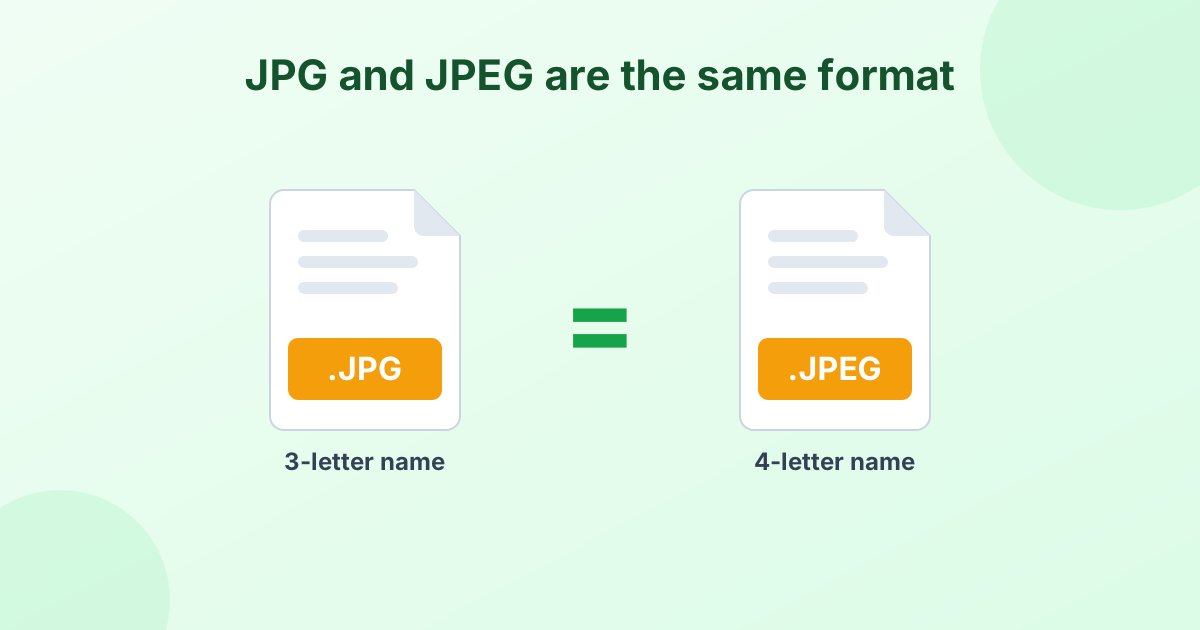 JPG vs JPEG: What's the Difference?Is JPG the same as JPEG? The short answer and the history behind it.
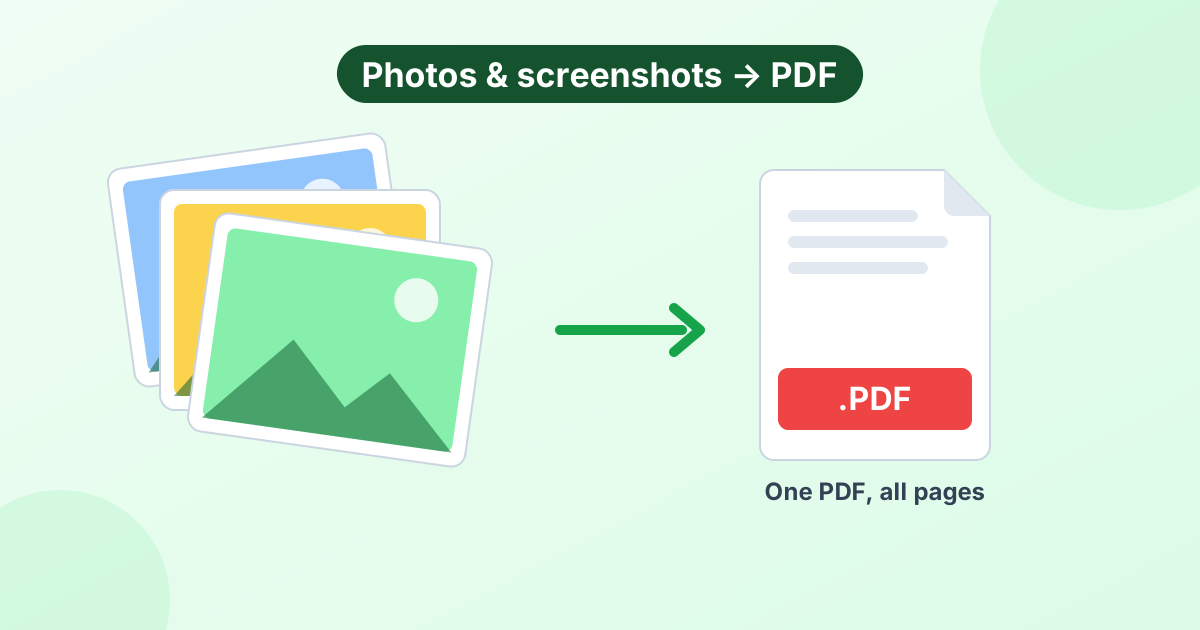 How to Convert an Image to PDF (On Any Device)Save photos, JPGs and screenshots as PDF on any phone or computer.
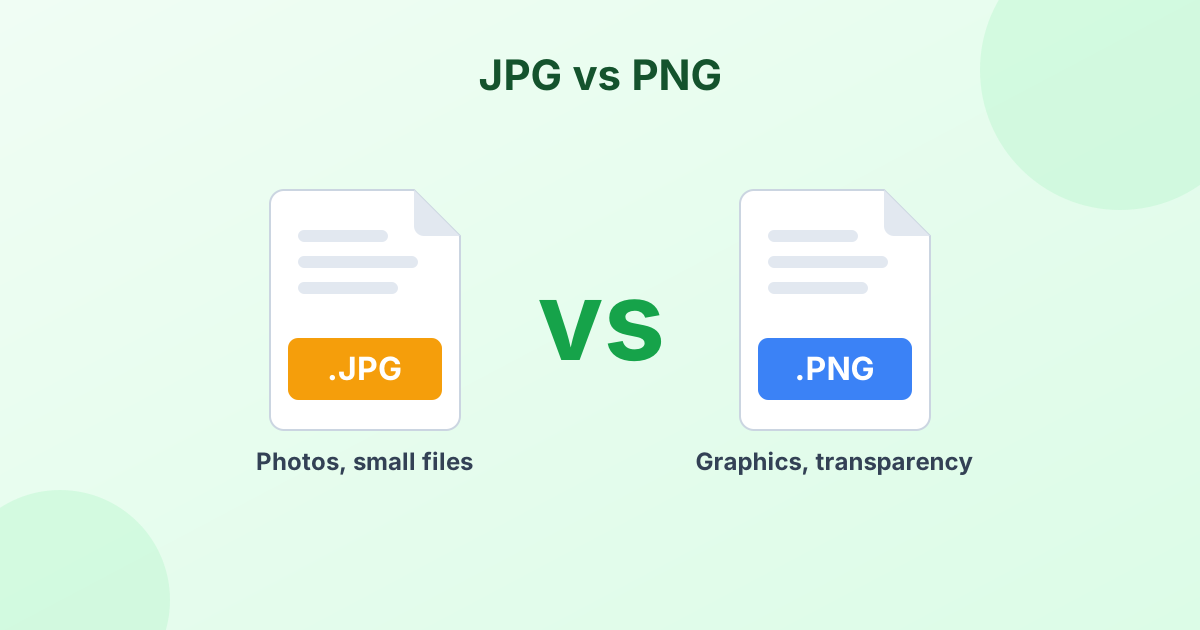 JPG vs PNG: Which Format Should You Use?The real difference between JPG and PNG, and when to pick each one.
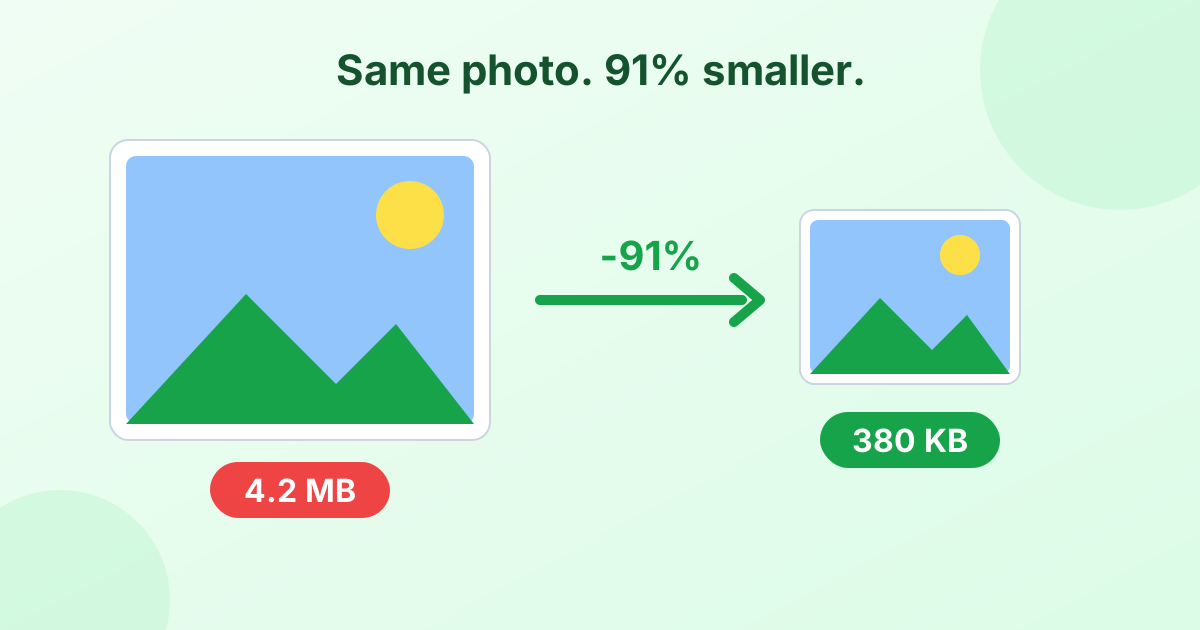 How to Reduce Image File Size Without Losing QualityFive simple ways to make photos smaller on any device.
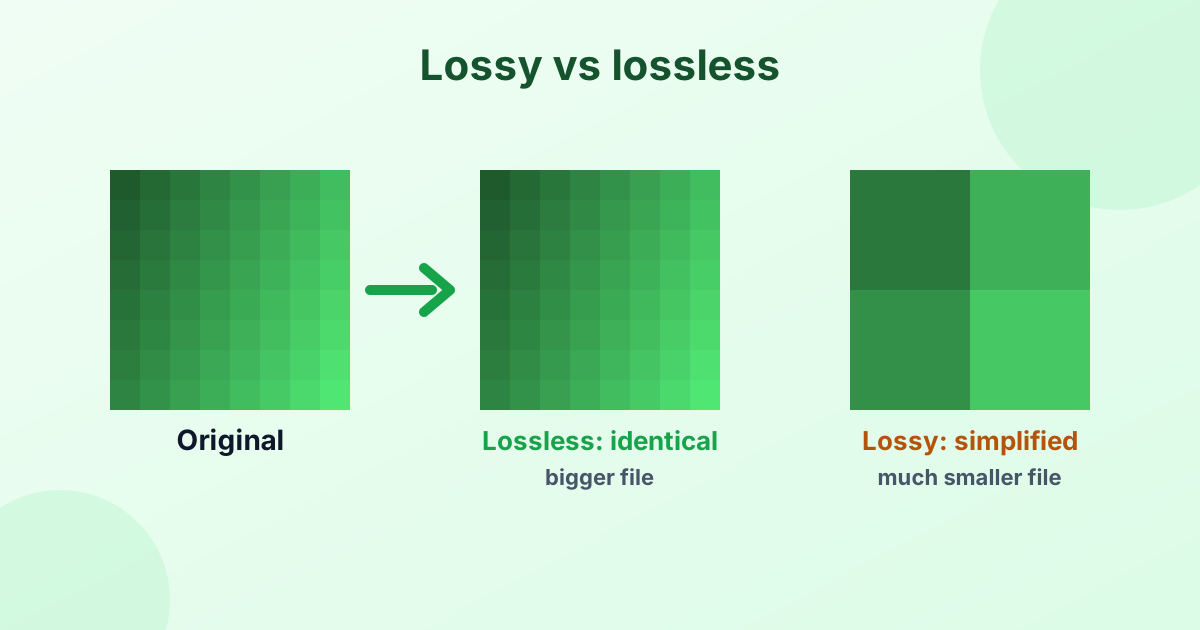 Lossy vs Lossless Compression (Explained Simply)How lossy and lossless compression work, and which to choose.
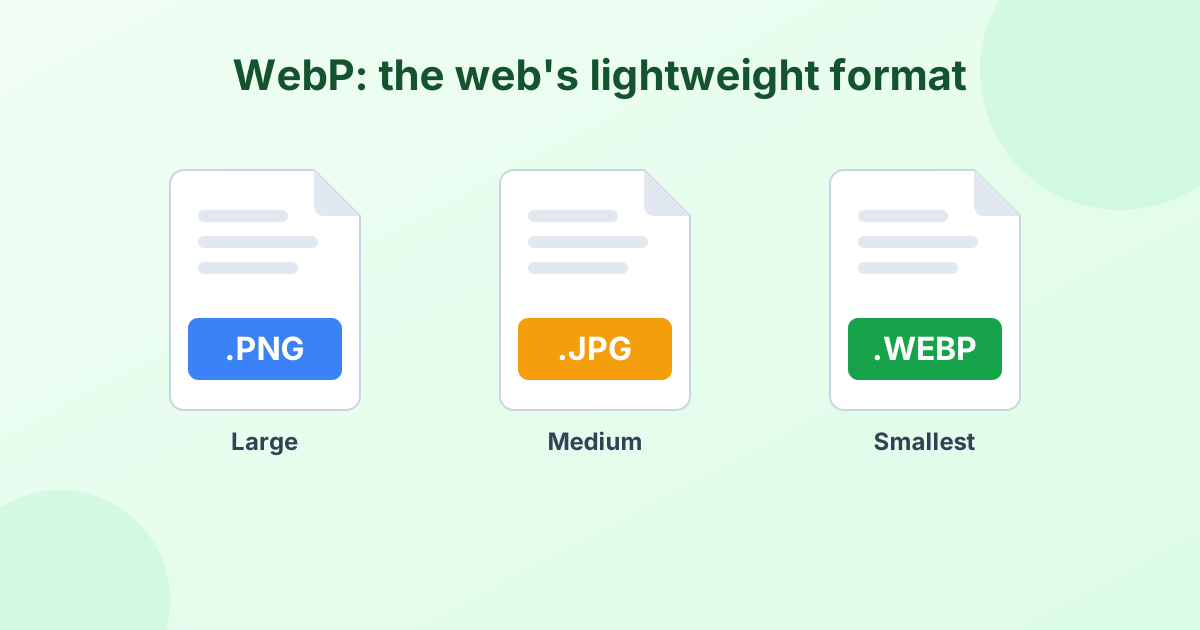 What Is a WebP File? (And How to Open or Convert It)Why so many images save as .webp, and how to open or convert them.
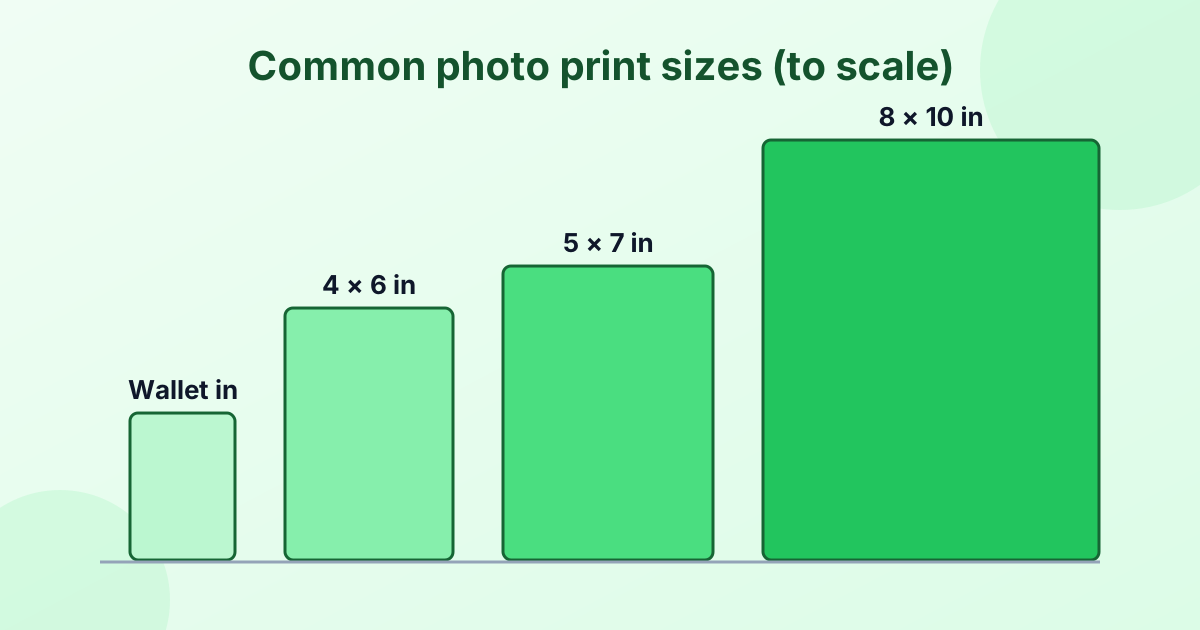 Standard Photo Sizes: The Complete ChartEvery common print size in inches, cm and pixels, in one chart.
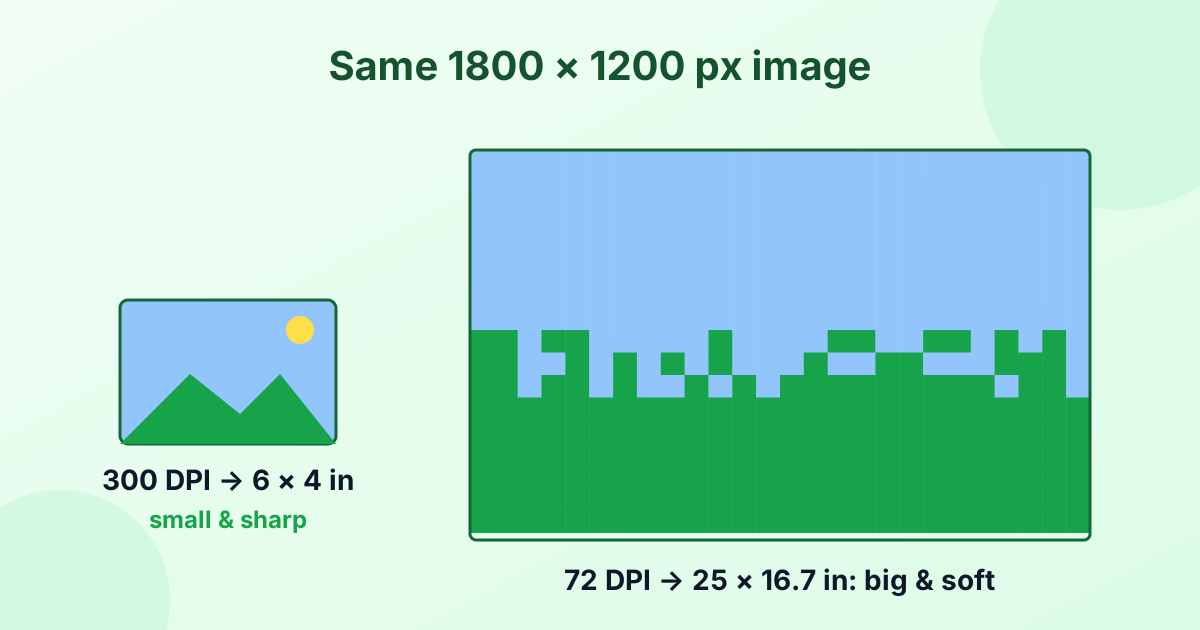 What Is DPI? (DPI Meaning Explained Simply)DPI, PPI and 300 DPI explained, plus how to check and change it.
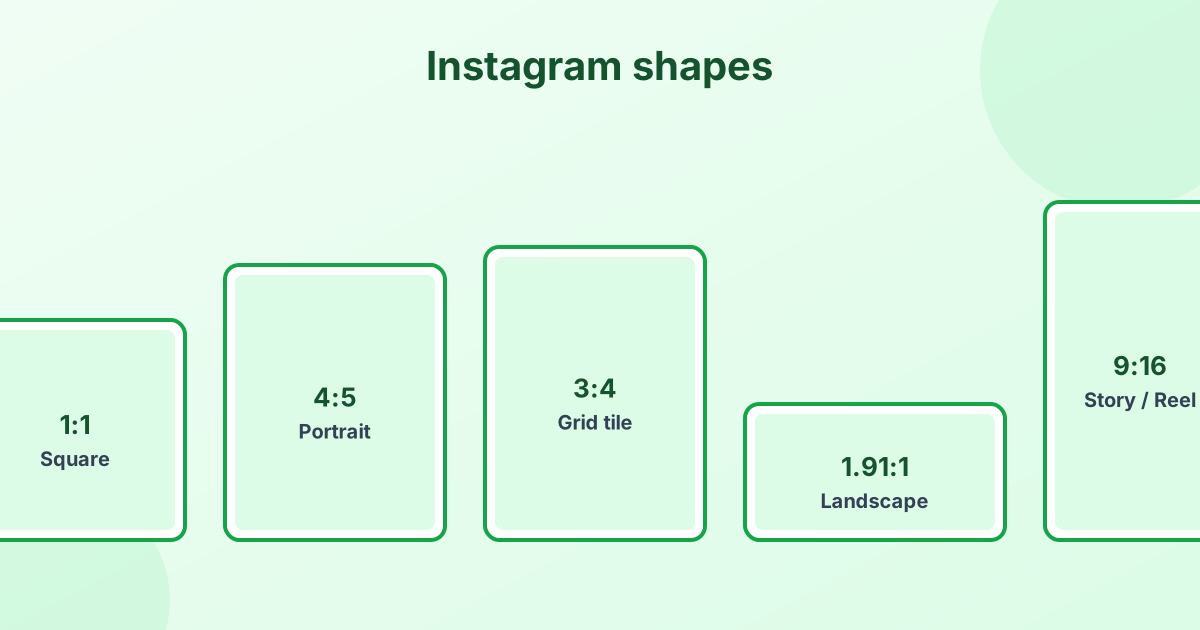 Instagram Image Sizes and Dimensions (2026 Guide)Post, story, Reel and profile picture sizes, with aspect ratios.
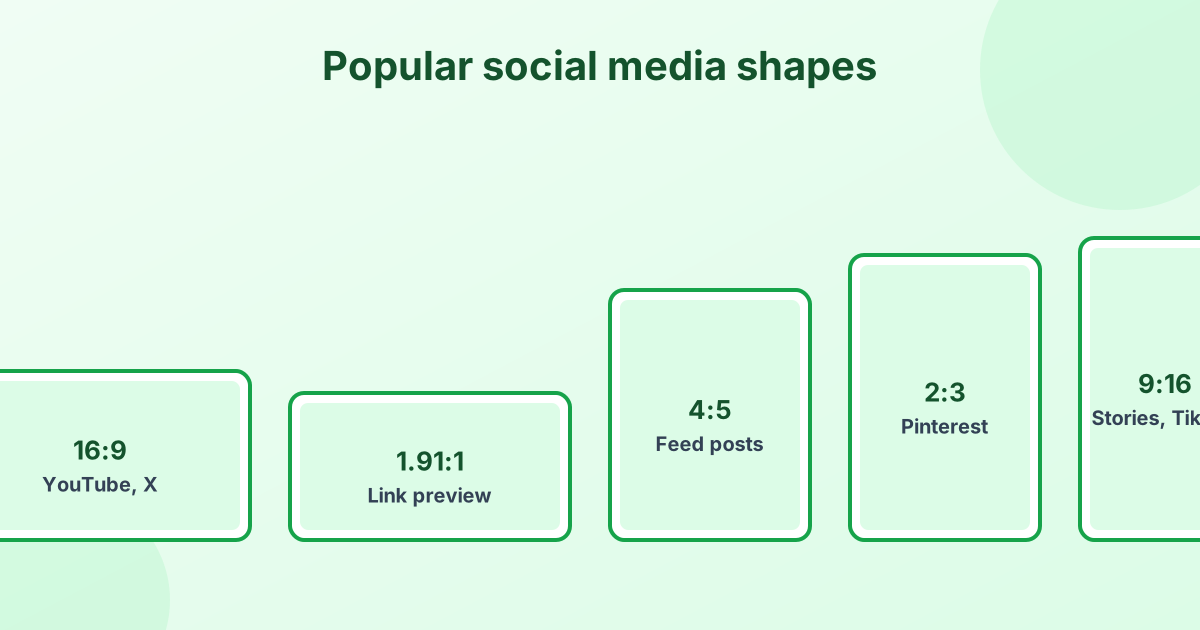 Social Media Image Sizes Cheat Sheet (2026)Every post, cover and profile size for the big platforms.
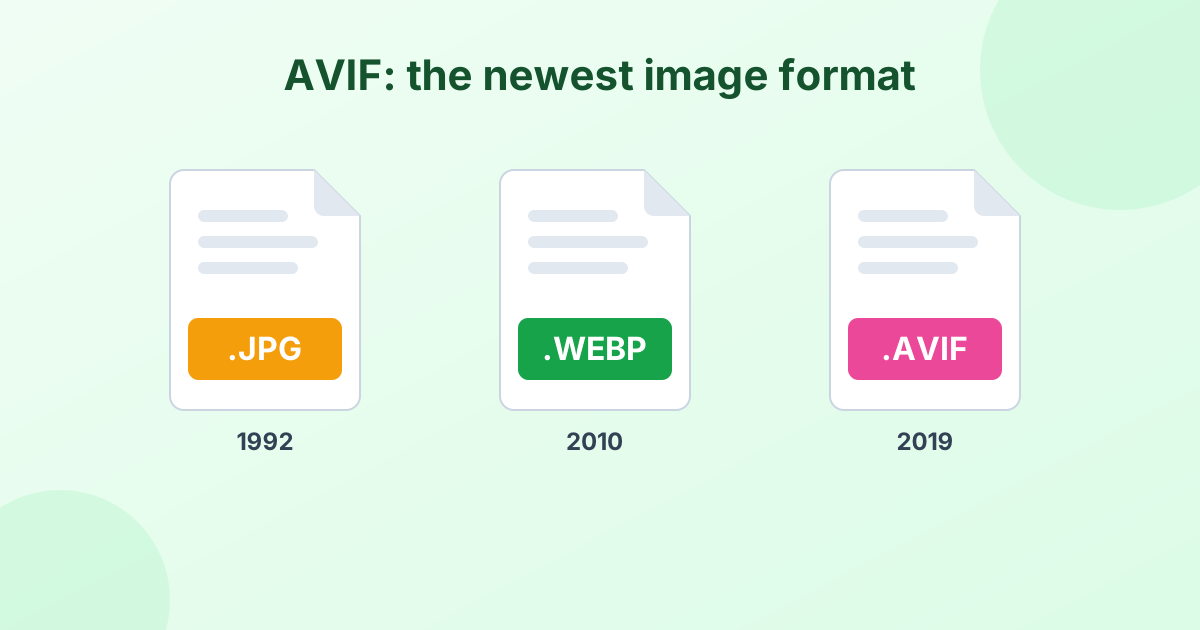 What Is an AVIF File? A Simple GuideThe newest image format explained, plus how to open and convert it.
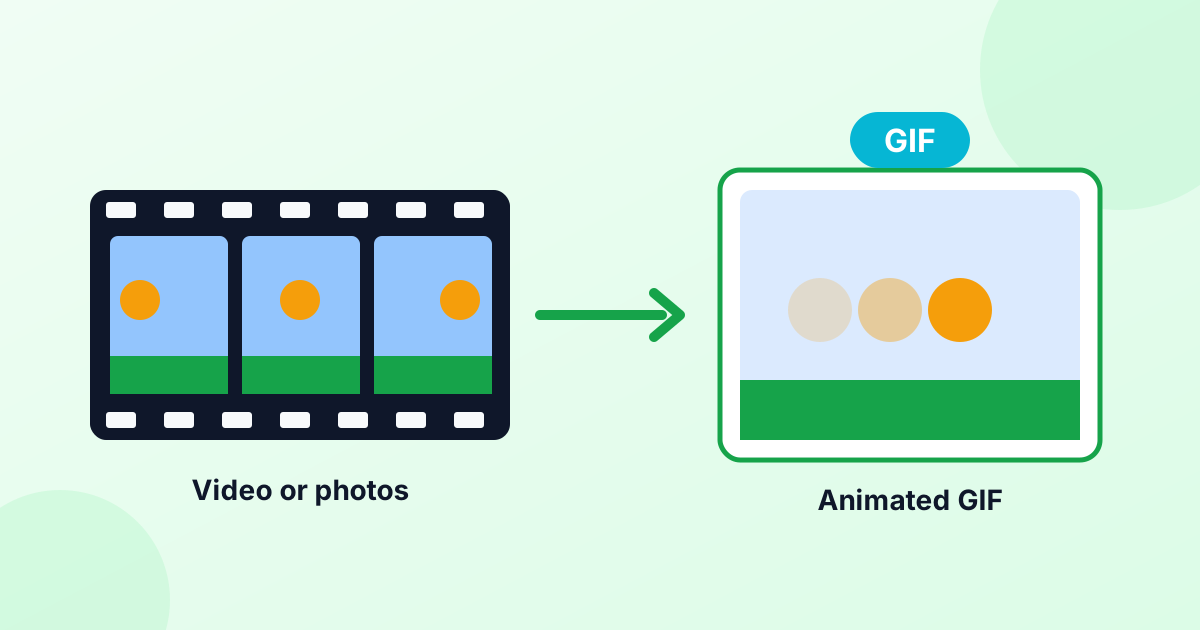 How to Make a GIF (On Any Device)Make GIFs from videos or photos, on iPhone, Android or a computer.
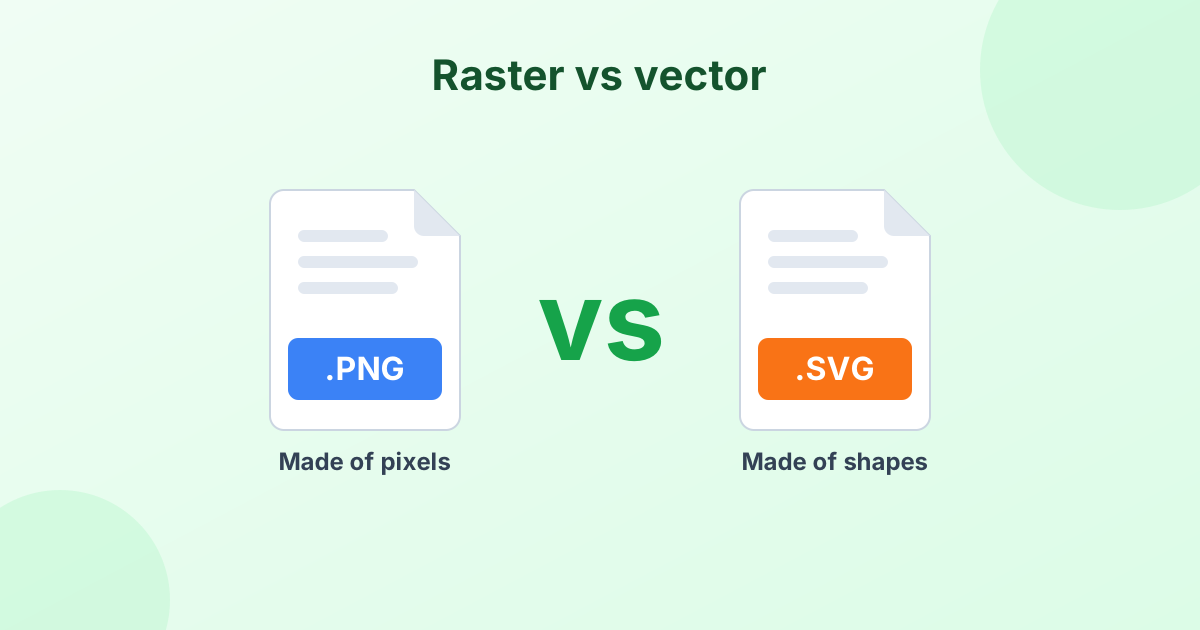 What Is an SVG File? (Vector Images Explained)Vector vs raster in plain English, plus how to open and convert SVG.
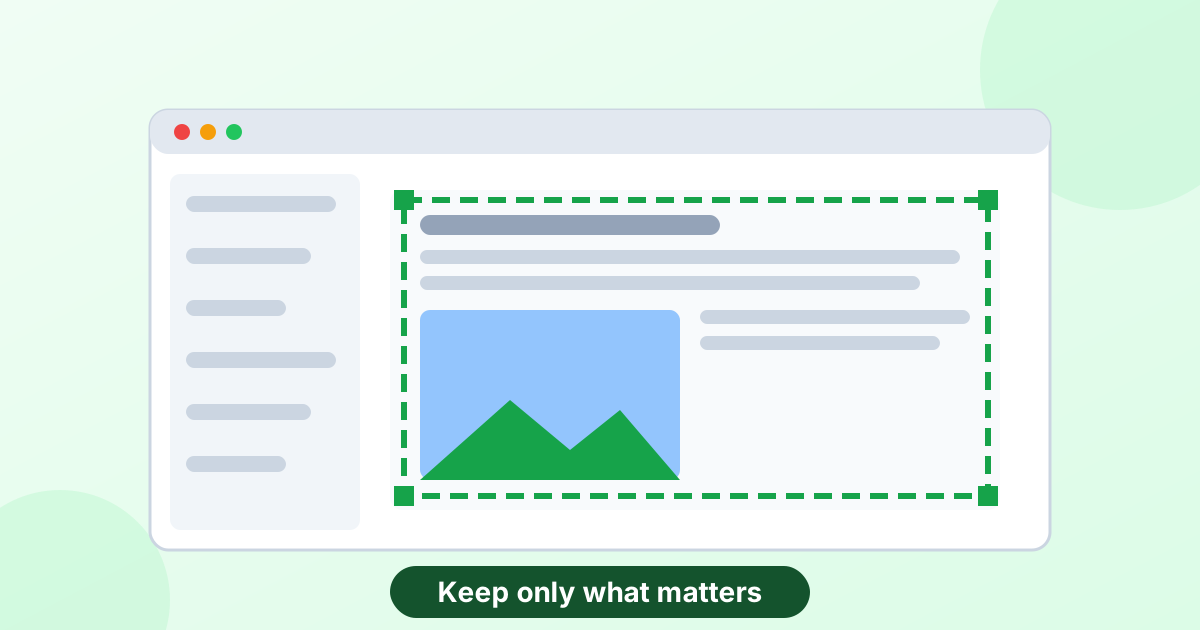 How to Crop a Screenshot (Every Device)Crop screenshots on Mac, Windows, iPhone, Android and Chromebook.
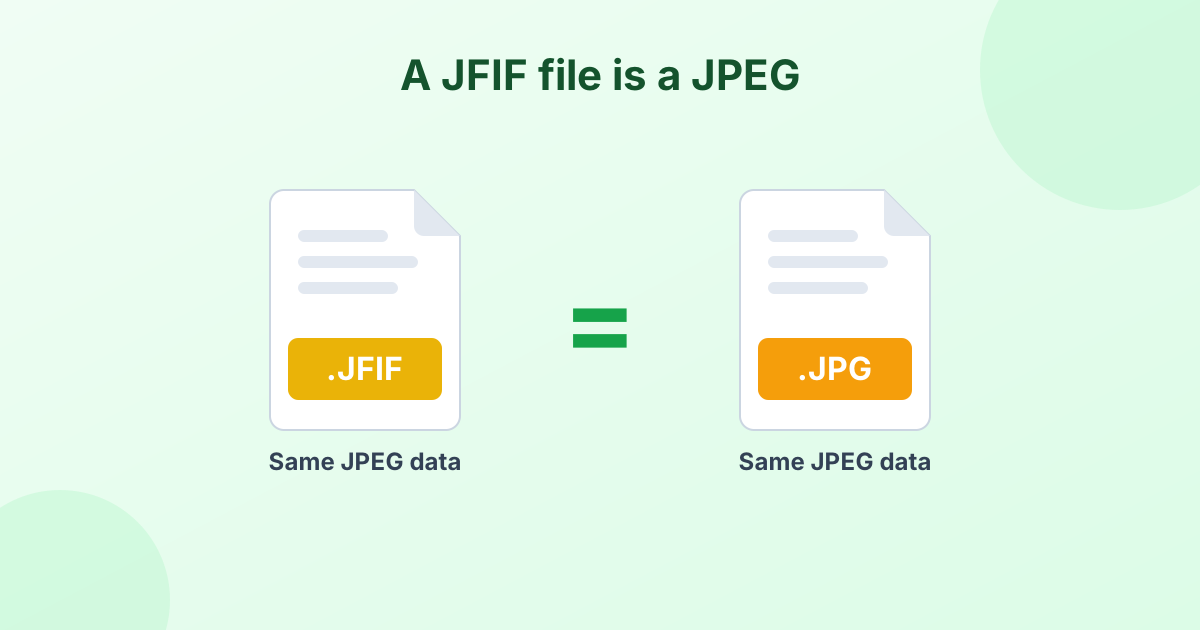 What Is a JFIF File? (And Why Your Images Save as .jfif)Why images save as .jfif on Windows, and how to turn them into JPG.
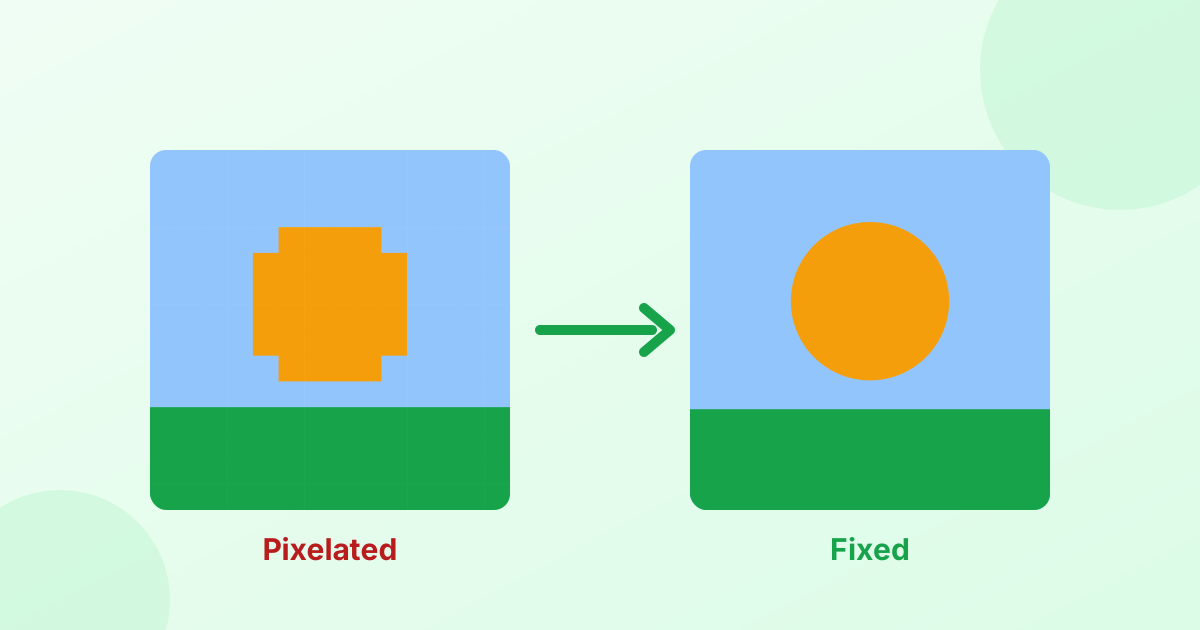 How to Fix Pixelated PhotosWhy photos look blocky, and how to make them clear again.
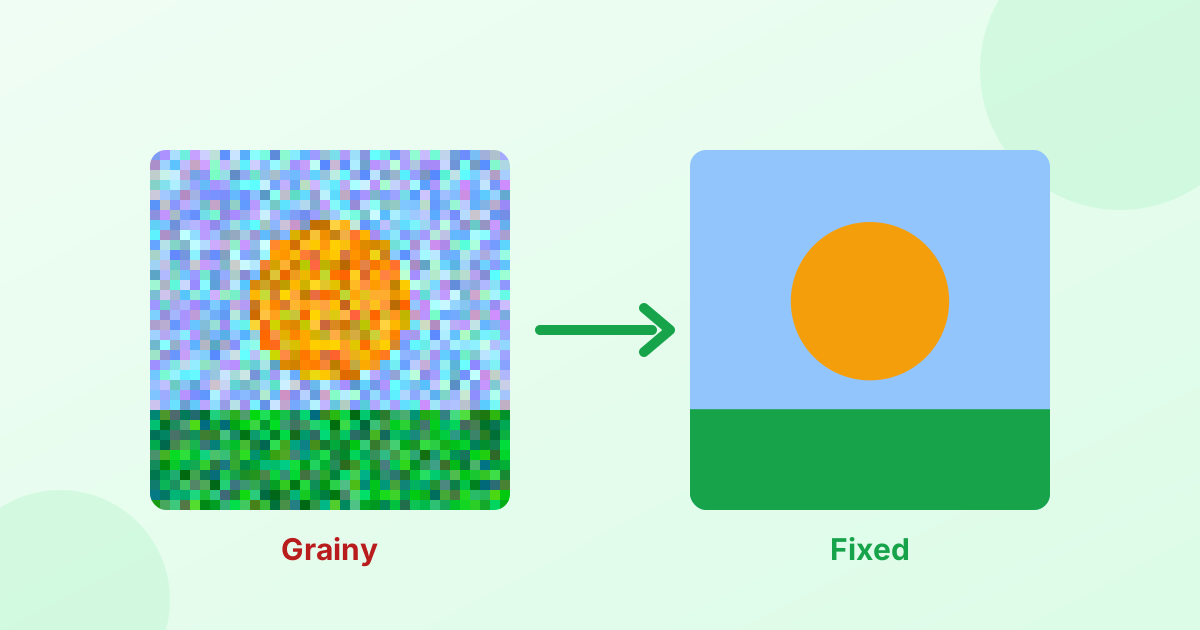 How to Fix Grainy PhotosWhy low-light photos get noisy, and how to clean them up.
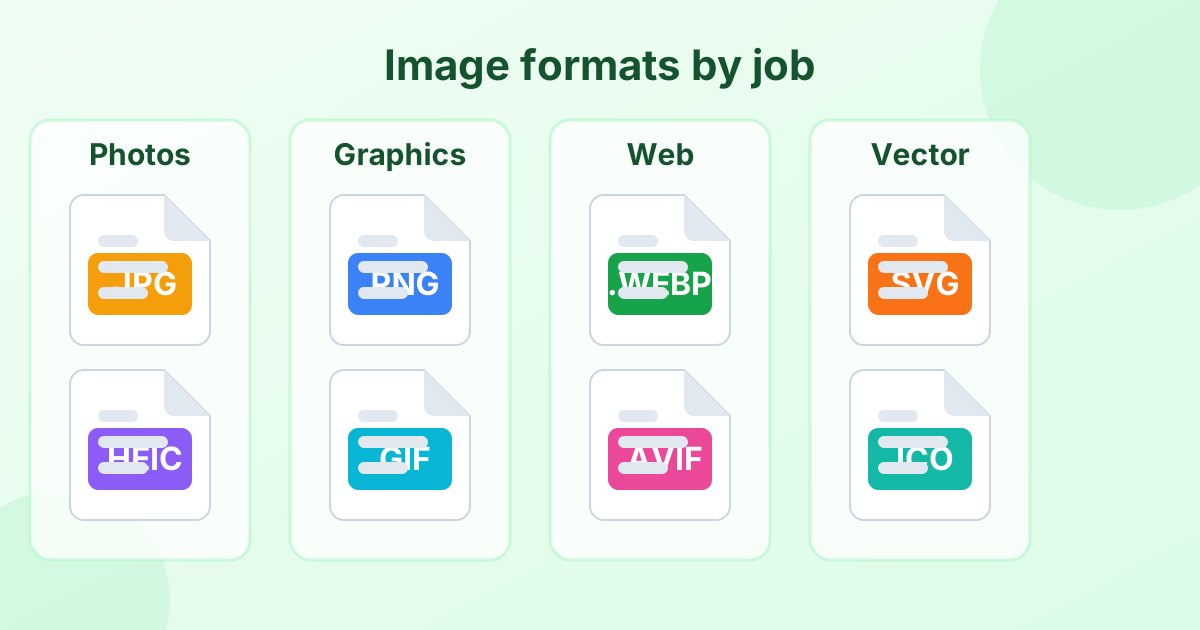 Image File Formats Explained (A Simple Guide)Every common image format in one place, and when to use each.
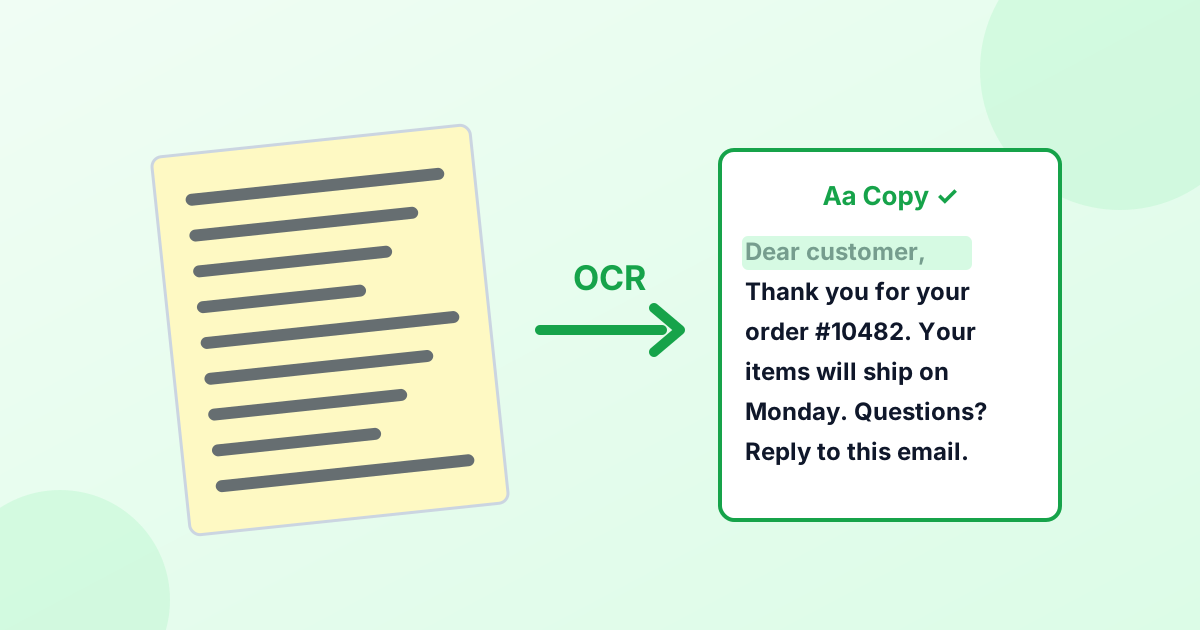 What Is OCR? (Optical Character Recognition Explained)What OCR means, how it works, and how to copy text from pictures.
Frequently Asked Questions
Are these image tools really free?
Yes. Every tool on ImgLeaf is free to use, with no account, no limits and no watermark.
Do you upload or store my images?
No. All processing happens inside your web browser, on your device. We never receive your files.
Do the tools work on my phone?
Yes. They work in mobile browsers on iPhone and Android, as well as on any computer.
Why do some tools take longer the first time?
The AI tools (background remover, upscaler and image to text) download a small model the first time you use them. After that, your browser keeps it, so they start faster.
Which formats are supported?
JPG, JPEG, PNG, WebP, HEIC, HEIF, AVIF, GIF, SVG, BMP, TIFF, ICO, JFIF, PSD and PDF, depending on the tool.