WebP to JPG Converter
Change WebP pictures into JPG files that open in every app and upload anywhere. Drop your files below and download in seconds.
Loading tool…
- 100% free
- Unlimited use
- No sign-up
- No payment
- Files stay on your device
- No watermark
How to Convert WebP to JPG
- Choose your WebP files. Click the button or drag your images into the box. You can add many at once.
- Adjust quality if you like. The default of 92% looks great. Drop it to 80% for smaller files.
- Download your JPGs. Grab each file, or download them all in one ZIP.
Why Change WebP to JPG?
You saved a picture from a website and it came out as a .webp file. Now it won't open, won't upload and won't print. Sound familiar?
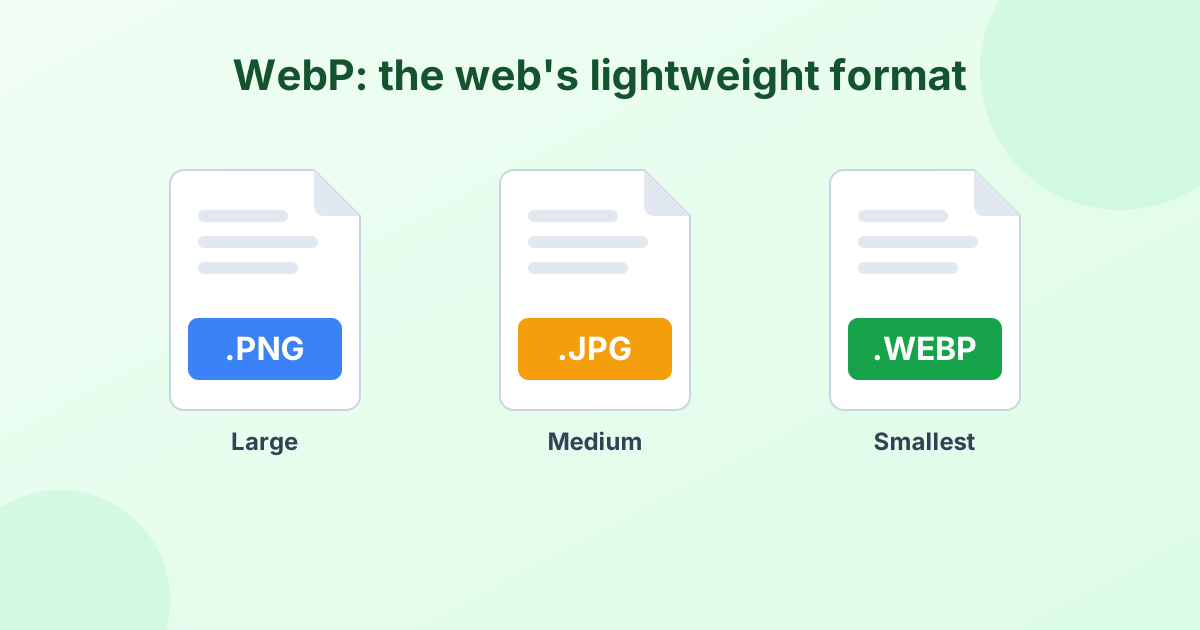
WebP is great for websites because it loads fast. Outside the browser, though, support is patchy. Lots of apps, forms and printers still expect JPG. Converting WebP to JPG is the quickest fix.
JPG is the safest choice when you need to:
- Upload a photo to a job site, school portal or social network
- Send a picture by email or text
- Open the image in older editing software
- Print photos at home or at a store
WebP to JPG or WebP to PNG?
Both are fine choices. Pick based on what's in the picture.
| Pick JPG when… | Pick PNG when… |
|---|---|
| It's a photo | It's a logo, icon or sticker |
| You want a small file | You need a transparent background |
| You plan to upload or email it | You plan to edit it many times |
Need transparency? Use our WebP to PNG converter instead. JPG doesn't support see-through areas, so this tool fills them with white. You can change that fill color with the Background picker.
Getting the Best Quality
JPG uses lossy compression. That sounds scary, but at the right setting you won't see a difference.
- 92% (default): Looks identical to the original. Best for photos you'll keep.
- 80–85%: Still sharp, with a noticeably smaller file. Great for uploads.
- 60–70%: Small files for quick sharing. Fine detail may soften a little.
The image keeps its full width and height. If you need it smaller, use our image resizer afterward.
Convert WebP to JPG in Bulk
This converter handles batches with ease. Drop 50 WebP files at once. Each one converts in turn, and then you can download them all in a single ZIP. It's handy when you've saved a whole set of product photos or a gallery of images.
No Upload, No Risk
The converter runs inside your browser. Your WebP files never get uploaded to any server. That keeps your images private and makes the process faster, too.
Frequently Asked Questions
How do I convert WebP to JPG for free?
Drop your WebP files into the box above. They convert to JPG automatically. Click Download to save them. There's no cost and no sign-up.
Why do images save as WebP in Chrome?
Many websites serve WebP images because they load faster. When you right-click and save, you get the same WebP file the site used. Convert it here to get a JPG.
What happens to transparent areas?
JPG can't store transparency. The converter fills transparent parts with white by default. You can pick any color with the Background option.
Can I convert WebP to JPG on my phone?
Yes. The tool works in mobile browsers on iPhone and Android. Pick files from your gallery or Files app.
Is there a file size limit?
There's no fixed limit. Very large images depend on your device's memory, but normal photos convert without trouble.