PPI Calculator (Pixel Density)
Find the pixel density of any screen. Enter the resolution and the diagonal size, and get the PPI, dot pitch and real screen dimensions.
Loading tool…
- 100% free
- Unlimited use
- No sign-up
- No payment
- Files stay on your device
- No watermark
How to Calculate PPI
PPI (pixels per inch) tells you how tightly pixels are packed on a screen. Here's the formula:
- Find the diagonal in pixels: √(width² + height²)
- Divide by the diagonal size in inches: PPI = diagonal pixels ÷ diagonal inches
Example: a 24-inch Full HD monitor (1920 × 1080):
- √(1920² + 1080²) = 2203 pixels on the diagonal
- 2203 ÷ 24 = 91.8 PPI
The calculator above does this instantly and also shows the dot pitch and the real width and height of the screen.
PPI of Common Screens
| Screen | Resolution | Size | PPI |
|---|---|---|---|
| Full HD monitor | 1920 × 1080 | 24" | 92 |
| QHD monitor | 2560 × 1440 | 27" | 109 |
| 4K monitor | 3840 × 2160 | 27" | 163 |
| Full HD laptop | 1920 × 1080 | 15.6" | 141 |
| 4K TV | 3840 × 2160 | 55" | 80 |
| Typical phone | 1080 × 2400 | 6.4" | 411 |
| Recent iPhone | 1179 × 2556 | 6.1" | 461 |
What Is a Good PPI?
It depends on how far away you sit:
- Desktop monitors (about 2 ft away): 90–110 PPI looks fine. 140+ looks very sharp.
- Laptops (about 1.5 ft): 140+ PPI gives crisp text.
- Phones (about 1 ft): 300+ PPI is so dense your eye can't see single pixels.
- TVs (6+ ft): Even 40–80 PPI looks sharp from the couch.
Higher PPI means sharper text and images. But it also means everything looks smaller unless your system scales it up.
PPI vs DPI
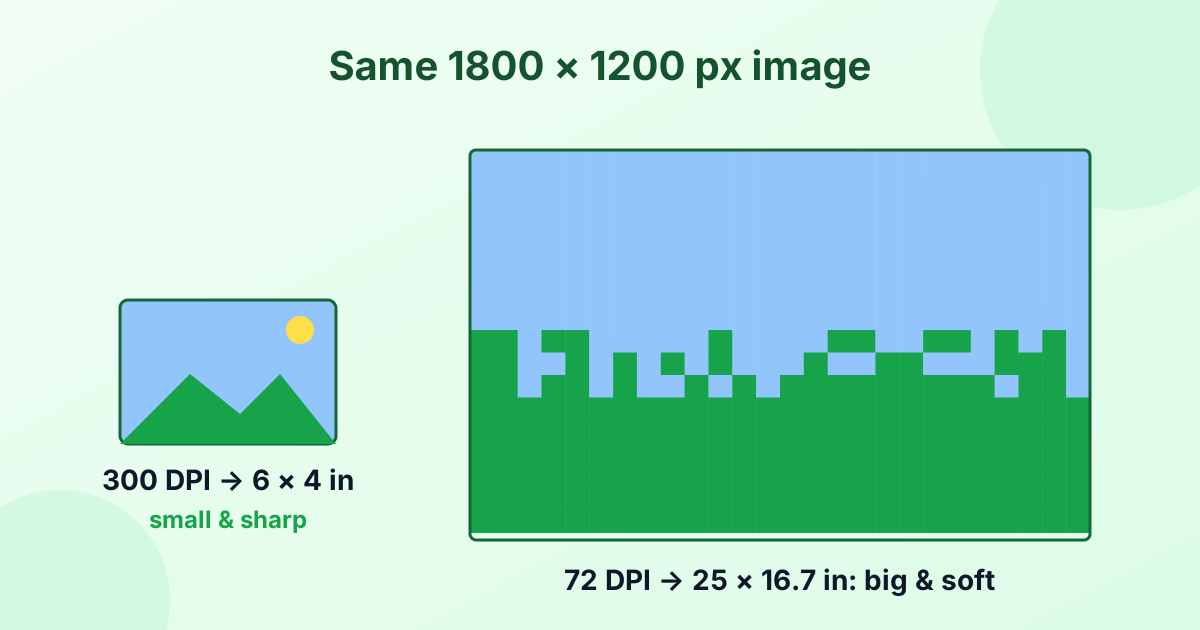
PPI measures pixels on a screen or in a digital image. DPI measures ink dots from a printer. People often use them as the same thing, especially for image files. Read the full explanation in What is DPI?
What Is Dot Pitch?
Dot pitch is the distance between the centers of two pixels, in millimeters. A smaller dot pitch means a denser, sharper screen. It's simply 25.4 ÷ PPI.
Frequently Asked Questions
How do I calculate pixels per inch?
Calculate the diagonal in pixels with the Pythagorean formula, then divide by the diagonal size in inches.
What is the PPI of a 1920 × 1080 24-inch monitor?
About 92 PPI.
What is the PPI of a 27-inch 4K monitor?
About 163 PPI.
Is higher PPI better?
For sharpness, yes. But very high PPI on a desktop monitor may need display scaling to keep text readable.
Does PPI affect the size of my images?
On screen, no. Screens show images pixel for pixel. PPI only affects how big a pixel looks.