SVG to JPG Converter
Turn SVG vector files into JPG images that work in any app. Choose the size and background color, then download.
Loading tool…
- 100% free
- Unlimited use
- No sign-up
- No payment
- Files stay on your device
- No watermark
How to Convert SVG to JPG
- Upload your SVG files. Click "Choose SVG Files" or drag them into the box.
- Choose width and background. Type an output width if you want a bigger image. Pick a background color (white by default).
- Download your JPG files. Click Convert, then save each image or the whole ZIP.
When to Choose JPG Instead of PNG
Both formats work for converted SVGs. The right choice depends on where the image is going.
| Choose JPG if… | Choose PNG if… |
|---|---|
| The site or app only accepts JPG | You need a transparent background |
| You want the smallest file size | Your design has thin lines and small text |
| The image has gradients or photos | You'll place the logo on different colors |
Need transparency? Use our SVG to PNG converter instead.
Pick a Background Color
JPG doesn't support transparency. So the empty areas of your SVG need a solid color. This tool fills them with white by default. You can change it to any color with the Background picker. That's handy for brand colors or dark-mode designs.
Get the Size Right
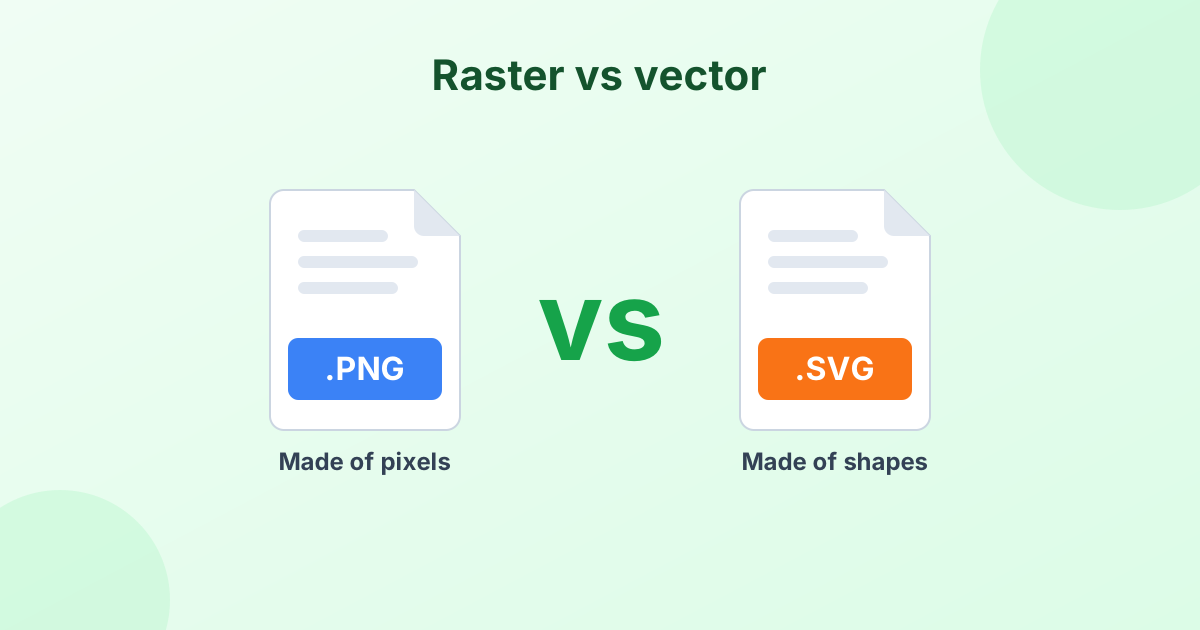
An SVG is a vector, so it can scale to any size without blur. The JPG, on the other hand, has a fixed number of pixels. Pick a width that suits how you'll use it:
- Email signature or small icon: 200–400 px
- Blog or social post: 1080–1200 px
- Slides and documents: 1920 px
- Print at 300 DPI: about 2500 px for an A4 or Letter page
Leave the width box empty to use the SVG's own size.
Quality Settings for JPG
JPG compresses images to save space. For logos and graphics with flat colors, use a high quality like 92–100%. That prevents fuzzy edges around text and lines. For SVGs with gradients, 85% usually looks perfect.
Frequently Asked Questions
How do I change an SVG file to JPG?
Drop the SVG into the tool above, choose JPG as the output, and click Convert. Then download your image.
Can I convert SVG to JPEG?
Yes. JPG and JPEG are the same format. Your file works anywhere a JPEG is accepted.
Why is the background white?
JPG can't store transparency, so empty space needs a color. White is the default. Change it with the Background option.
How do I make the JPG bigger without blur?
Set a larger value in the Output width box before converting. The SVG gets drawn fresh at that size, so it stays sharp.
Is my file uploaded?
No. The SVG to JPG conversion happens in your browser. Your design never leaves your computer.