GIF Maker
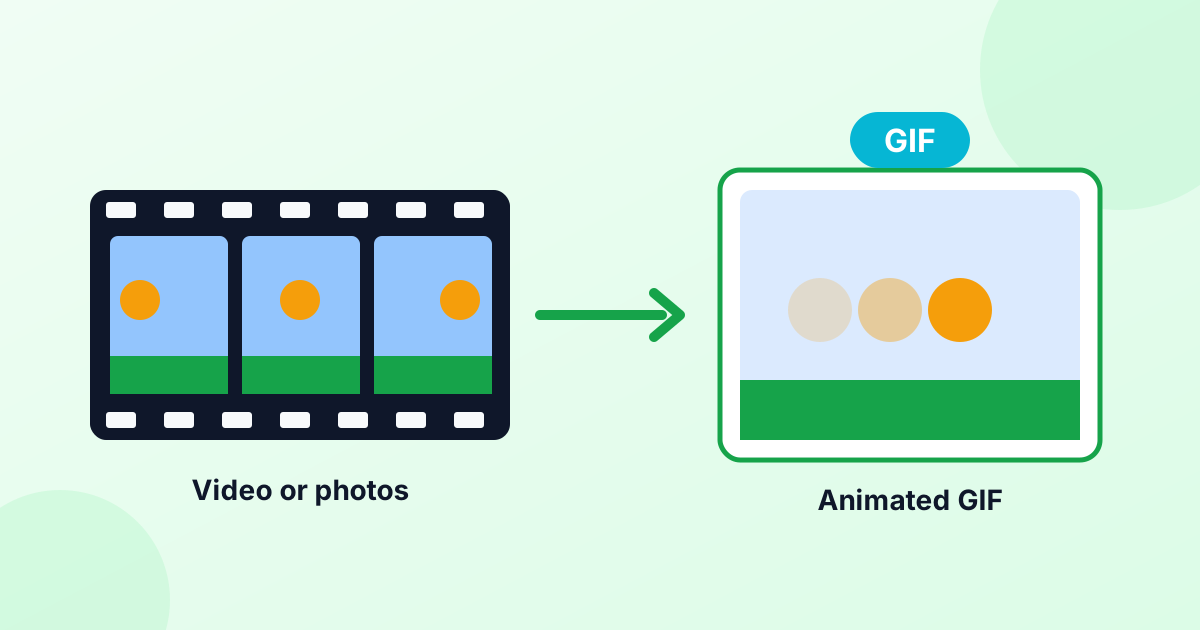
Turn your photos into an animated GIF in seconds. Add images, set the speed, and download. Need more? Every GIF tool is right below.
Loading tool…
- 100% free
- Unlimited use
- No sign-up
- No payment
- Files stay on your device
- No watermark
How to Make a GIF From Images
- Add your images. Choose two or more photos, drawings or screenshots. JPG, PNG, WebP and HEIC all work.
- Set the order. Each image is one frame. Use the arrows to move frames.
- Pick speed, size and loop. "Slow" (0.5 s per frame) is a good start for photo slideshows.
- Click "Make GIF". Preview your animation, then download it.
All GIF Tools
Ideas for Your GIF
- Photo slideshow from a trip or event
- Before-and-after comparison that flips between two photos
- Product spin from photos taken around an object
- Simple animation from hand-drawn frames
- Reaction GIF from a few screenshots
- Step-by-step tutorial from a set of screenshots
Want to make a GIF from a video clip instead? Use our video to GIF converter.
Getting the Settings Right
| Setting | What it does | Tip |
|---|---|---|
| Frame speed | How long each image shows | 0.1 s for smooth animation, 0.5–1 s for slideshows |
| Width | Size of the GIF | 480 px is great for chats and websites |
| Loop | Forever or play once | Most GIFs loop forever |
| Different sizes | What to do when images have different shapes | "Fit" keeps everything, "Crop" fills the frame |
| Transparent | Keeps see-through areas from PNGs | Great for stickers and logos |
Keep Your GIF Small
GIFs can get big fast. Every frame is a full image, and GIF can only use 256 colors. To keep the file light:
- Use fewer frames and a smaller width (320–480 px).
- Avoid photos with lots of fine detail or noise.
- Run the result through our GIF compressor.
- For long clips, consider an MP4 instead. Our GIF to MP4 converter can turn it into a video that's often 80–90% smaller.
GIF Makers That Respect Your Privacy
Many GIF websites upload your photos to a server. This GIF maker doesn't. It builds the animation right in your browser. Your photos stay on your device, and there's no watermark.
Want step-by-step help, including making GIFs on an iPhone? Read How to Make a GIF.
Frequently Asked Questions
How do I make a GIF from pictures?
Add your pictures to the GIF maker above, set the order and speed, and click "Make GIF". Then download your animation.
Is this GIF maker free?
Yes. It's free with no sign-up and no watermark.
How many images can I use?
As many as you like. More frames make a bigger file, so 5–50 frames is a good range.
Can I make a GIF with a transparent background?
Yes. Use PNG images with transparency and tick "Transparent". GIF transparency has hard edges, so it works best on simple graphics.
How do I make a GIF from a video?
Use our video to GIF converter. Pick the start and end, set the frame rate, and convert.