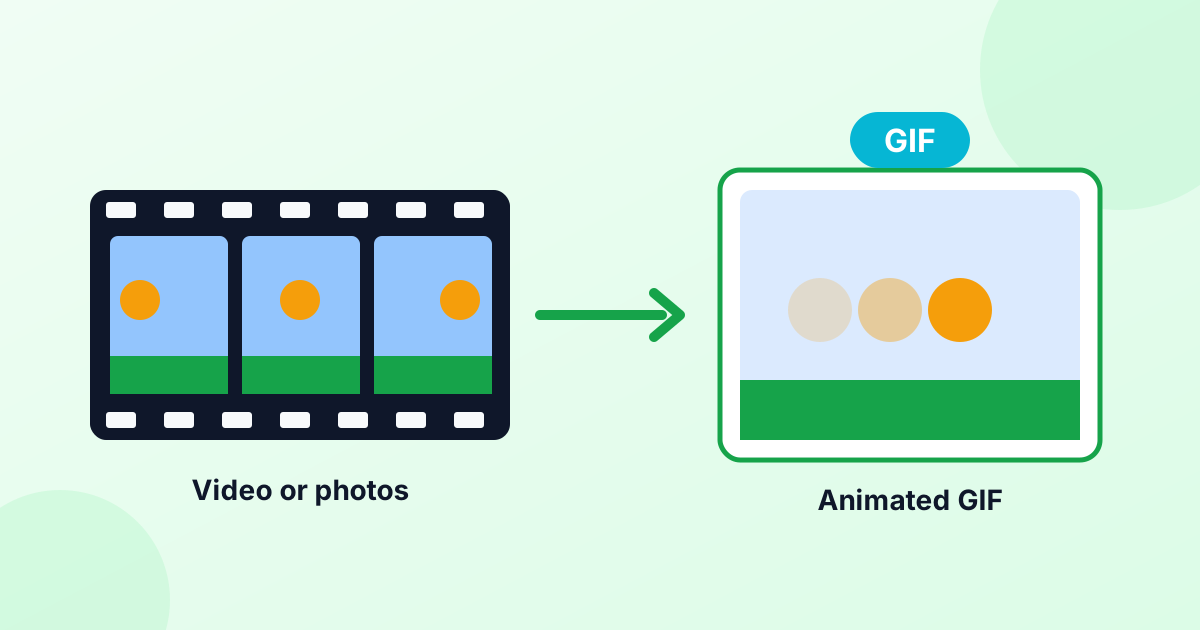
Video to GIF Converter
Turn any short video clip into an animated GIF. Works with MP4, MOV and WebM. Choose the part you want, set the size and download.
Loading tool…
- 100% free
- Unlimited use
- No sign-up
- No payment
- Files stay on your device
- No watermark
How to Convert a Video to GIF
- Choose your video. MP4, MOV and WebM work best. The video opens in a player.
- Pick the clip. Play the video and click "Set start = now" and "Set end = now". Or type the times in seconds. Keep it under 30 seconds.
- Set frame rate and width. 10 fps and 480 px give a smooth GIF with a reasonable size.
- Click "Convert to GIF". Preview the result and download it.
Supported Video Formats
| Format | Works? | Notes |
|---|---|---|
| MP4 (H.264) | Yes | The most common format |
| MOV (iPhone) | Usually | Safari and most Chrome versions play iPhone MOV files |
| WebM | Yes | Common for screen recordings and web videos |
| MKV, AVI | Sometimes | Depends on the codec inside. Convert to MP4 if it won't open |
The tool uses your browser's own video player, so if your browser can play the file, it can turn it into a GIF.
Best Settings for Video GIFs
Frame rate. Videos run at 24–60 frames per second. GIFs don't need that many.
- 5 fps: Small files, choppy motion. OK for slideshows.
- 10 fps: The sweet spot for most clips.
- 15–20 fps: Smooth motion, bigger files. Use it for short clips.
Width. Most GIFs are viewed in chats or on social media. 320–480 px wide looks good and keeps files light.
Length. Every extra second adds frames. Aim for 2–6 seconds for reactions and memes.
Colors. GIF supports up to 256 colors. Choose 64 or 128 if you need a smaller file.
MOV to GIF on iPhone
Screen recordings and videos from an iPhone are often MOV files. Open this page in Safari on your iPhone, tap "Choose Video", and pick the clip from your library. Set the start and end, then convert. The GIF saves to your Files app or Photos.
Want more ways to make GIFs on iPhone, including built-in shortcuts? Read How to Make a GIF.
Make Your GIF Smaller
If the GIF is too big for a chat app or forum:
- Lower the frame rate to 8–10 fps
- Choose a smaller width
- Shorten the clip
- Run it through our GIF compressor
Discord, for example, limits free uploads. Smaller GIFs also load faster for everyone.
No Upload Needed
Many video-to-GIF sites upload your video, which is slow for big files and risky for private clips. This converter grabs the frames directly in your browser. Your video never leaves your device.
Frequently Asked Questions
How do I turn a video into a GIF?
Open the video in the converter above, choose the start and end time, and click "Convert to GIF". Download the result.
How do I convert MP4 to GIF?
Choose your MP4 file, select the part you want, and convert. MP4 is the best-supported format.
Can I convert MOV to GIF?
Yes. Most browsers can play iPhone MOV files. If yours can't, try Safari or Chrome.
How long can my GIF be?
Up to 30 seconds. Shorter clips make smaller, better GIFs.
Does the GIF have a watermark?
No. Your GIF is clean, with no watermark or logo.