AVIF to PNG Converter
Turn AVIF images into PNG files that work in every editor. Transparency stays intact. Drop your files below to begin.
Loading tool…
- 100% free
- Unlimited use
- No sign-up
- No payment
- Files stay on your device
- No watermark
How to Convert AVIF to PNG
- Drop in your AVIF files. Or click "Choose AVIF Files" to browse. Multiple files are fine.
- Wait a few seconds. Each AVIF image turns into a PNG automatically.
- Download. Save the PNGs one by one or grab them all as a ZIP.
Why Convert AVIF to PNG?
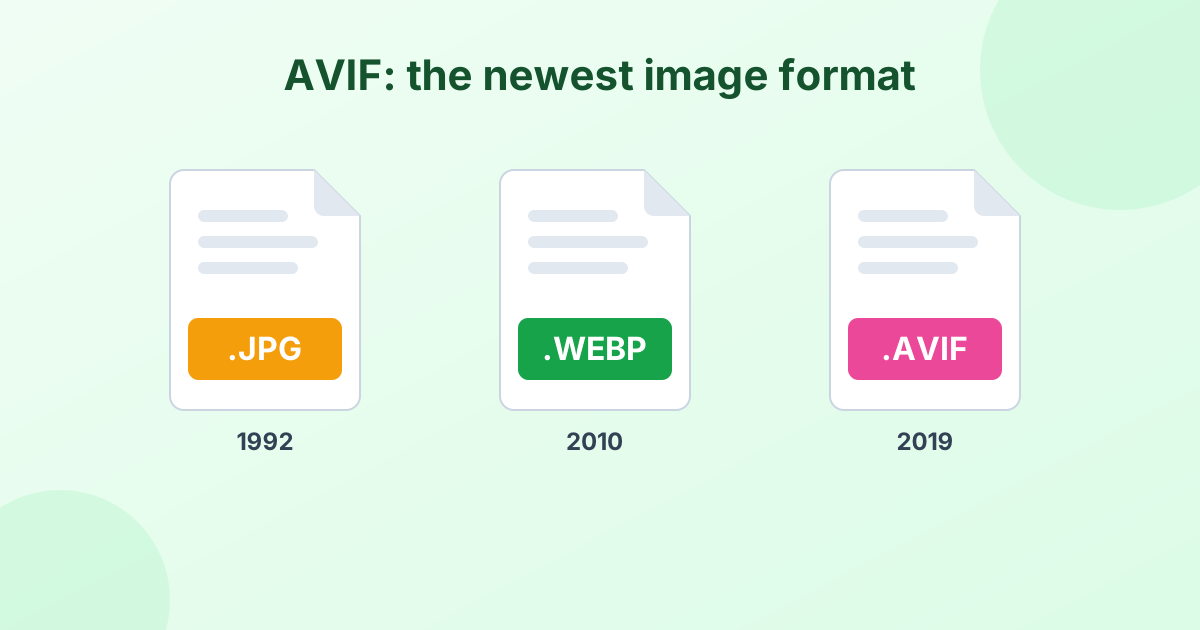
AVIF is a modern web format with excellent compression. Websites use it to make pages load fast. But most desktop apps can't open it yet. Canva, older Photoshop versions, Microsoft Office and many photo viewers all struggle with .avif files.
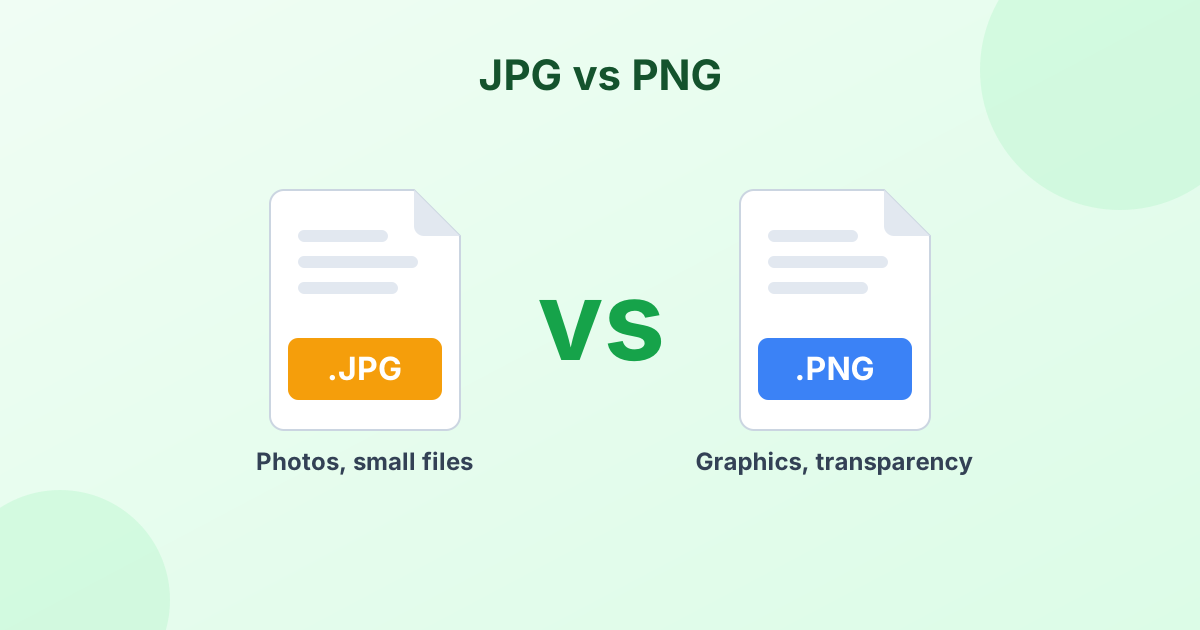
PNG is the safe, universal option. It's the right pick when you need:
- Transparency. Logos, icons and product cutouts keep their see-through background.
- Lossless editing. You can edit and save a PNG many times with no quality loss.
- Sharp text and edges. Screenshots, charts and graphics stay crisp.
- Wide support. Every editor, browser and operating system opens PNG.
If your AVIF is a regular photo with no transparency, AVIF to JPG will give you a much smaller file.
AVIF vs PNG
| AVIF | PNG | |
|---|---|---|
| Compression | Lossy or lossless | Lossless |
| Transparency | Yes | Yes |
| File size | Very small | Large |
| Animation | Yes | No |
| Support in apps | Limited | Universal |
Does the Conversion Lose Quality?
No. PNG is lossless. The PNG file shows exactly the same pixels as your AVIF image. Width, height and colors all stay the same. The only change is the file size, which usually goes up because PNG doesn't throw any data away.
To bring the size back down, try our free PNG compressor.
Private and Fast
The whole conversion runs in your browser. We never upload, see or store your images. There's no waiting in a queue either, since nothing has to travel over the internet.
Browser support
To read AVIF, use a recent version of Chrome, Edge, Firefox, Opera or Safari 16.4+. Older browsers can't decode AVIF images.
Want to know more about the format? Read What is an AVIF file?
Frequently Asked Questions
How do I change AVIF to PNG?
Drop your AVIF images into the tool above. They convert to PNG right away. Then click Download or Download All (ZIP).
Does AVIF to PNG keep the transparent background?
Yes. PNG fully supports transparency, so clear areas in your AVIF stay clear.
Is this AVIF to PNG converter free?
Yes. It's free to use as often as you like, with no sign-up and no watermark.
Why is my PNG file larger than the AVIF?
AVIF compresses images very efficiently. PNG stores every pixel without loss, so the file is bigger. The image itself looks the same.
Can I convert AVIF files on a Mac or iPhone?
Yes. Use Safari 16.4 or newer, or Chrome. The converter works on any device with a modern browser.