PNG to SVG Converter (Image Vectorizer)
Turn PNG and JPG images into scalable SVG vectors. Great for logos, icons, signatures and line art. Drop your file below to start.
Loading tool…
- 100% free
- Unlimited use
- No sign-up
- No payment
- Files stay on your device
- No watermark
How to Convert PNG to SVG
- Add your image. Drop a PNG, JPG or other image into the box.
- Pick a tracing style. "Detailed" keeps more colors. "Poster" and "Black & white" give cleaner, simpler shapes.
- Click Convert and download. Save your new SVG file.
How Image Vectorization Works
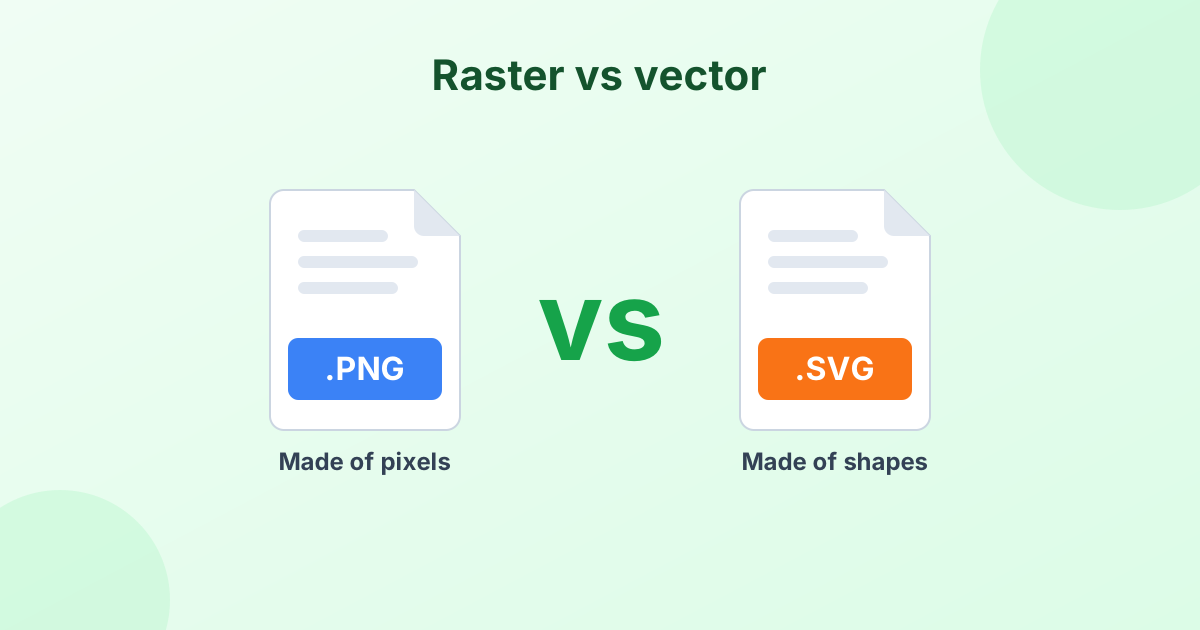
A PNG or JPG is made of tiny colored squares called pixels. An SVG is made of shapes and paths. To turn one into the other, the tool traces your image. It groups similar colors, finds their edges and draws smooth paths around them.
The result is a real vector file. You can scale it to any size, from a tiny icon to a billboard, without blur.
Which Tracing Style Should You Use?
| Style | Best for | Colors |
|---|---|---|
| Detailed | Logos with several colors, illustrations | Up to 32 |
| Smooth | Cartoons, flat artwork | Up to 16 |
| Poster | Bold logos, stencils, stickers | 6 |
| Black & white | Signatures, line art, text, sketches | 2 |
Try a couple of styles. Each image traces a little differently, so it's worth comparing.
What Images Vectorize Well?
Vector tracing shines with simple, clean art. It works best on:
- Logos with flat colors
- Icons and symbols
- Signatures scanned on white paper
- Line drawings and sketches
- Text and lettering
It's not a good fit for detailed photos. A traced photo turns into thousands of small shapes. The file gets big and the result looks like a painting. For photos, stick with JPG, PNG or WebP.
Get cleaner results
Start with the largest, sharpest version of your image. Remove any background first with our background remover. Fewer colors and cleaner edges mean a cleaner SVG.
Is a PNG a Vector File?
No. PNG is a raster format, made of pixels. That's why it gets blurry when you enlarge it. SVG, AI, EPS and PDF can hold vectors. Learn more in What is an SVG file?
Vectorize Without Illustrator
Adobe Illustrator has an "Image Trace" feature, but it costs money. This free online vectorizer does the same basic job in your browser. You don't need to install anything or create an account.
Frequently Asked Questions
How do I convert a PNG to SVG?
Upload your PNG to the converter above, choose a tracing style, and click Convert. Download the SVG when it's ready.
Can I convert JPG to SVG?
Yes. The tool accepts JPG, JPEG, PNG, WebP and other image types.
Will the SVG look exactly like my image?
It will look very close for logos and simple art. Complex photos get simplified into shapes, so they look more like a painting.
Is this image vectorizer free?
Yes. Use it as often as you like. No sign-up and no watermark.
Why is my SVG file so large?
Detailed images create many paths. Choose the "Poster" or "Black & white" style for fewer colors and a smaller file.