SVG to PNG Converter
Turn SVG vector files into high-quality PNG images. Pick any width, keep the transparent background and download.
Loading tool…
- 100% free
- Unlimited use
- No sign-up
- No payment
- Files stay on your device
- No watermark
How to Convert SVG to PNG
- Add your SVG files. Drag them into the box or click "Choose SVG Files".
- Set the output width (optional). Leave it blank for the original size, or type a width like 2000 for a sharper, larger PNG.
- Download your PNGs. Click Convert, then save the files one by one or as a ZIP.
Why Turn an SVG Into a PNG?
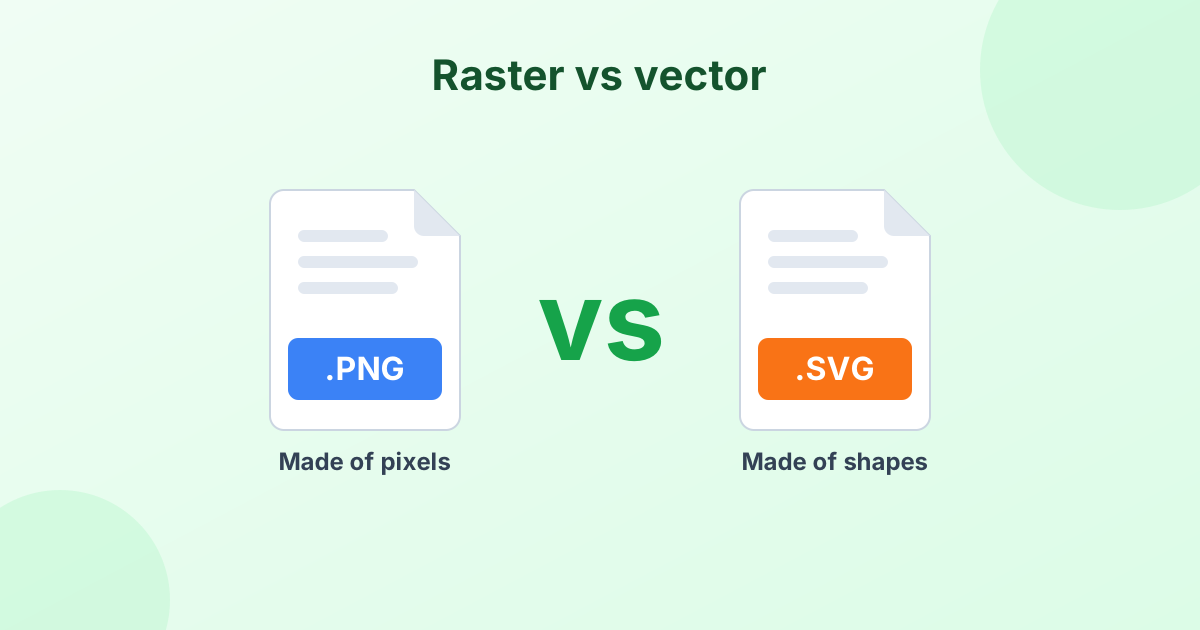
SVG files are vectors. They're made of shapes and math, not pixels. That makes them perfect for logos and icons, because they stay sharp at any size.
But many places can't use SVG files:
- Social media sites don't accept SVG uploads
- Microsoft Word, PowerPoint and Google Docs handle SVG poorly or not at all
- Email clients often block SVG images for security reasons
- Online stores and marketplaces usually want PNG or JPG
- Some printers and print shops prefer raster images
PNG is the best raster format for converted SVGs. It keeps the transparent background and the crisp edges of your design.
Export SVG as a High-Resolution PNG
Because SVG is a vector, you can render it at any size without losing quality. That's the big advantage over resizing a PNG.
Use the Output width box to choose the size you want:
| Use | Suggested width |
|---|---|
| Website icon | 64–256 px |
| Social media logo | 400–1080 px |
| Presentation slide | 1920 px |
| Print (A4 at 300 DPI) | 2480 px |
| Large poster | 4000+ px |
The height adjusts on its own to keep the original proportions. If the SVG has no size set, the tool uses its viewBox or a 1024 px default.
Transparent Background Stays Transparent
Most logos in SVG format have no background. When you convert SVG to PNG here, those clear areas stay clear. You can place the PNG over any color or photo.
Need a solid background instead? Pick JPG from the Convert to menu and choose a fill color, or use our SVG to JPG converter.
Converting the Other Way
Have a PNG logo you want as a vector? Our PNG to SVG converter traces images into SVG paths. It works best on simple logos, icons and line art.
What Is an SVG File, Anyway?
SVG stands for Scalable Vector Graphics. It's a text-based format that describes shapes using code. Browsers display it natively, which is why it's popular on websites. For a full explanation, see What is an SVG file?
Frequently Asked Questions
How do I convert SVG to PNG with a transparent background?
Drop your SVG into the converter above and keep PNG as the output. Transparent areas stay transparent automatically.
How do I convert SVG to a high-resolution PNG?
Type a larger number in the Output width box, such as 3000. Click Convert. Since SVG is a vector, the PNG comes out perfectly sharp.
Is this SVG to PNG converter free?
Yes. It's free with no limits, no sign-up and no watermark.
Why does my PNG look different from the SVG?
SVGs that rely on external fonts or linked images may render differently. Convert text to outlines in your design app before exporting for the best result.
Are my SVG files uploaded anywhere?
No. The conversion runs inside your browser. Your files never leave your device.