PNG to JPG Converter
Turn large PNG images into small JPG files. Pick the quality, choose a background color and download. It all runs in your browser.
Loading tool…
- 100% free
- Unlimited use
- No sign-up
- No payment
- Files stay on your device
- No watermark
How to Convert PNG to JPG
- Upload your PNG files. Drag them in or click "Choose PNG Files". Bulk is fine.
- Set quality and background. Keep 92% for top quality, or go lower for smaller files. Pick a fill color for transparent areas.
- Download your JPGs. One by one or all together as a ZIP.
Why Convert PNG to JPG?
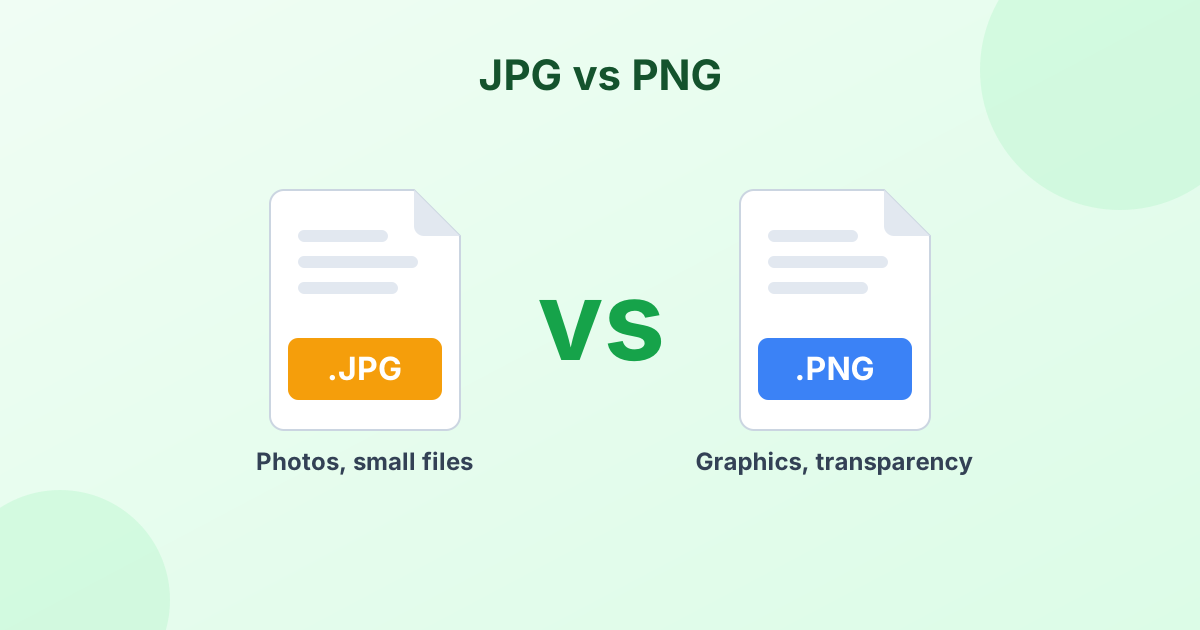
PNG is perfect for logos and screenshots. But for photos, it creates huge files. A single PNG photo can weigh 5–15 MB. As a JPG, the same picture often drops to 1–2 MB, with no change you can see.
Convert PNG to JPG when you need to:
- Shrink file size for email, chat apps or cloud storage
- Meet upload rules that say "JPG only" or "under 2 MB"
- Speed up a website that uses large photos
- Send many photos without hitting attachment limits
What Happens to Transparency?
JPG doesn't support transparent backgrounds. So any see-through parts of your PNG need a solid color. By default, the tool uses white. You can pick black or any other color with the Background option.
| If your PNG has… | Best format |
|---|---|
| A photo with no transparency | JPG |
| A logo or icon with a clear background | Keep PNG, or try WebP |
| Text, lines or a screenshot | PNG gives sharper edges |
| Any image for a website | WebP |
Want to keep transparency and still save space? Convert PNG to WebP instead.
Choosing the Right Quality
| Quality | Looks | Typical use |
|---|---|---|
| 92–100% | Identical to the PNG | Printing, archiving |
| 80–90% | Sharp, much smaller | Websites, uploads, email |
| 60–75% | Good, very small | Chat apps, quick previews |
The width and height stay the same at every setting. Only the compression changes.
Need an exact file size?
If a form wants a file "under 100 KB", use our compress image to KB tool. It finds the best quality for your size limit on its own.
How to Convert PNG to JPG on Windows and Mac
Windows: Open the PNG in Paint. Click File > Save as > JPEG picture. This works one file at a time.
Mac: Open the PNG in Preview. Choose File > Export, set the format to JPEG, and save.
For many files at once, the converter above is much quicker. It handles a whole folder in seconds.
Your Files Stay on Your Device
There's no upload step. The PNG to JPG conversion runs inside your browser, so your images stay private. Nothing is stored on any server.
Frequently Asked Questions
How do I convert PNG to JPG for free?
Drop your PNG files into the converter above. They change to JPG right away. Click Download to save them.
Does PNG to JPG lose quality?
A small amount, since JPG is lossy. At 90% quality or higher, the difference is invisible to the eye.
Why did my transparent background turn white?
JPG can't store transparency. The converter fills clear areas with your chosen background color. White is the default.
Can I convert PNG to JPEG?
Yes. JPG and JPEG are the same format. The converted file works anywhere a JPEG is accepted.
How do I convert many PNG files to JPG at once?
Select all your PNG files together. The tool converts each one. Then click "Download All (ZIP)" to save them in one go.