What Is a JFIF File? (And Why Your Images Save as .jfif)
You saved a picture and got a .jfif file instead of a .jpg. Now an upload form won't take it. Don't worry. A JFIF file is just a JPEG with a different name. Here's the fix.
What Is a JFIF File?
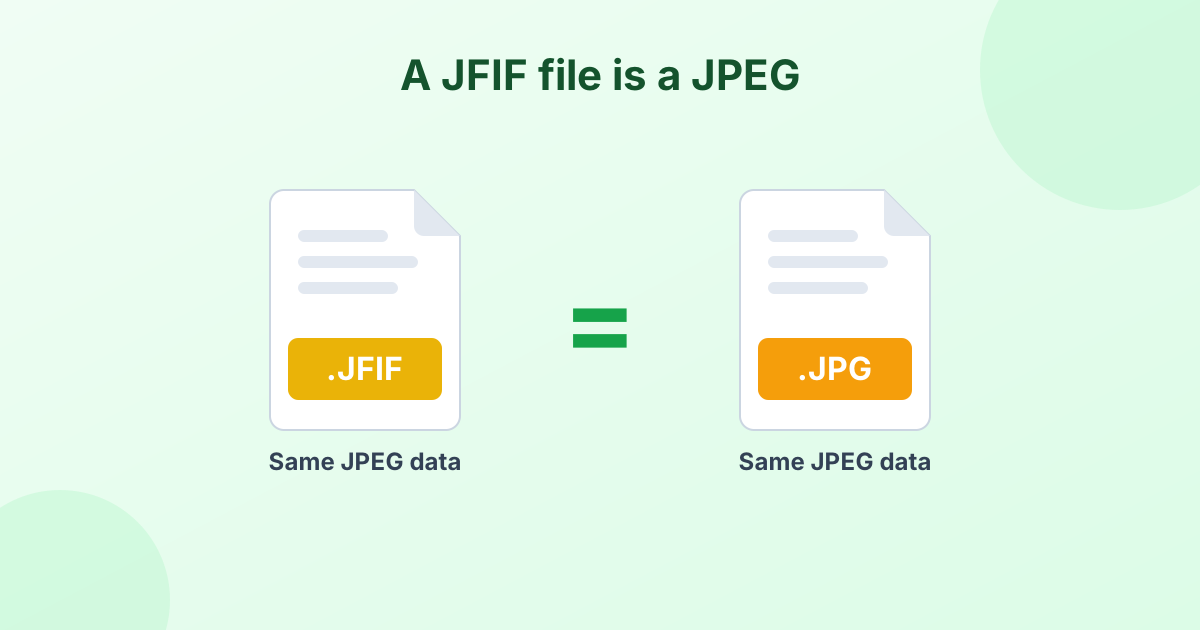
A JFIF file is a JPEG image. JFIF stands for JPEG File Interchange Format. It's a standard that defines how JPEG image data gets stored inside a file. In fact, most .jpg files on your computer already use the JFIF structure inside.
So a .jfif file and a .jpg file are the same thing with different labels. Same compression, same quality, same image data.
JFIF vs JPG vs JPEG
| Extension | What's inside | Opens in photo apps? | Accepted by upload forms? |
|---|---|---|---|
.jpg | JPEG image | Yes | Yes |
.jpeg | JPEG image | Yes | Usually |
.jfif | JPEG image | Usually | Often not |
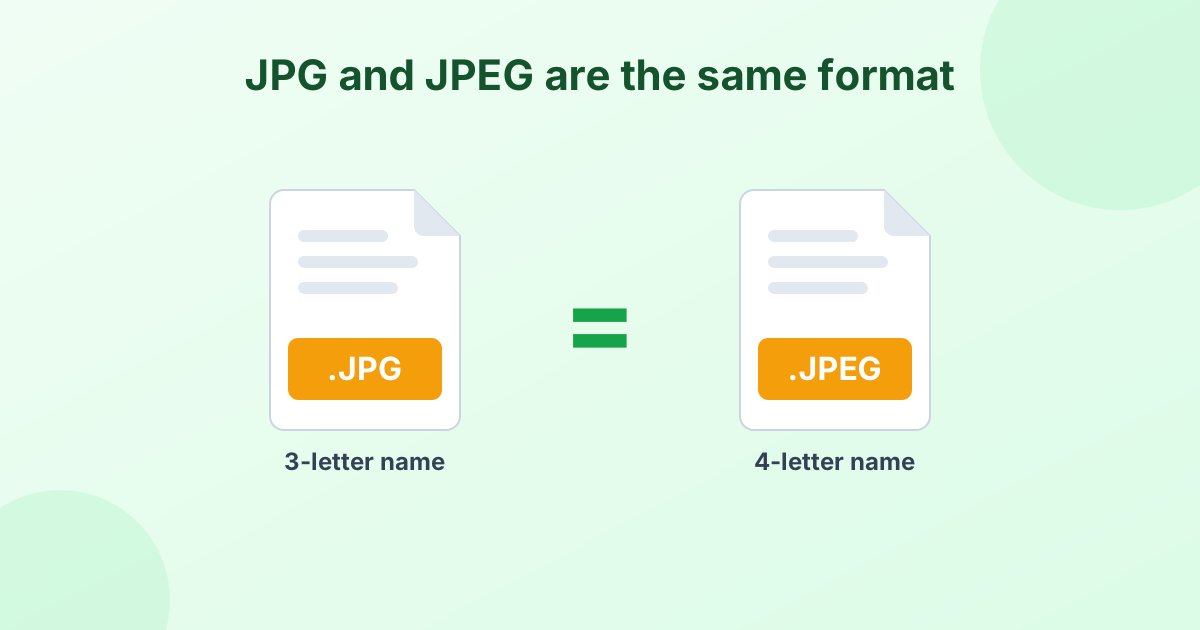
The image is identical in all three. The only problem with .jfif is that many websites and some apps don't recognize the extension. For the story behind .jpg and .jpeg, read JPG vs JPEG.
Why Do My Images Save as JFIF?
This mostly happens on Windows when you save images from Chrome or Edge. The cause is a single Windows registry setting.
Windows keeps a list of file types and their default extensions. For JPEG images, some systems have .jfif listed as the default instead of .jpg. Apps like browsers read that setting when they save a file. So your downloads end up as .jfif.
It isn't a virus or a bug in the website. It's just a Windows setting that sometimes gets changed by other software.
How to Open a JFIF File
Most photo viewers can open JFIF files without any help:
- Windows Photos and Paint open them on most systems.
- Web browsers like Chrome, Edge and Firefox display them.
- Mac Preview opens them, though you may need to choose "Open With".
- Phones usually open them in the gallery app.
If an app refuses, rename or convert the file to .jpg.
How to Change JFIF to JPG
Option 1: Use a free converter (fastest)
Drop your files into our JFIF to JPG converter. It changes the extension without re-compressing the image, so there's zero quality loss. It handles many files at once and works on phones too.
Option 2: Rename the file
- In Windows File Explorer, click View and turn on File name extensions.
- Right-click the JFIF file and choose Rename.
- Change
.jfifto.jpg. - Press Enter and confirm.
Option 3: Save as JPG in Paint
Open the file in Paint, choose File > Save as > JPEG picture. This works, but it re-compresses the image, so it's slower and slightly lossy.
How to Stop Windows Saving Images as JFIF
To fix the cause, change the default JPEG extension in the registry:
- Press Windows + R, type
regedit, and press Enter. - Go to
HKEY_CLASSES_ROOT\MIME\Database\Content Type\image/jpeg. - Double-click the Extension value on the right.
- Change
.jfifto.jpgand click OK. - Restart your browser.
Be careful in the registry
Editing the registry can break things if you change the wrong value. Back it up first, or skip this step and convert files when needed.
Should You Convert JFIF to PNG?
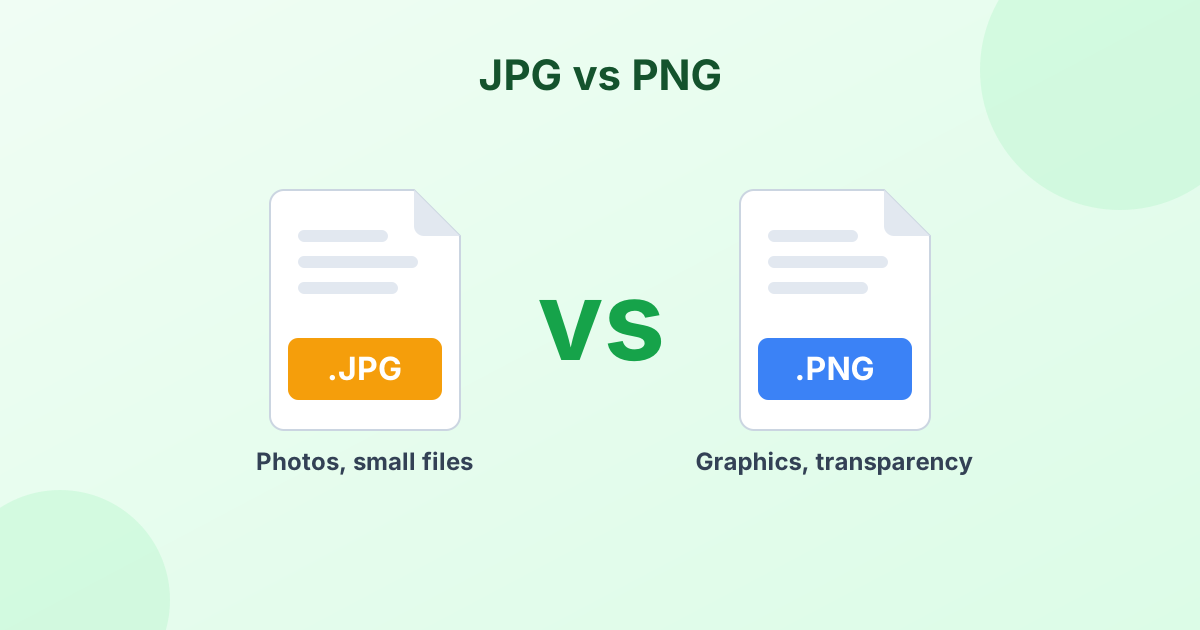
Only if you need what PNG offers: lossless editing or a transparent background later. PNG files are bigger, so for sharing and uploads, JPG is better. If you do need PNG, use our JFIF to PNG converter.
Frequently Asked Questions
What is a JFIF file?
It's a JPEG image saved with the .jfif extension. JFIF stands for JPEG File Interchange Format.
Is JFIF the same as JPG?
Yes. The image data is the same. Only the file extension differs.
Why do images download as JFIF?
A Windows registry setting tells browsers to use .jfif as the default extension for JPEG images.
Can I just rename JFIF to JPG?
Yes. Renaming is safe and doesn't change the image.
How do I convert JFIF to JPG on my phone?
Open our JFIF to JPG converter in your phone's browser, pick the file and download the JPG.