Social Media Image Sizes Cheat Sheet (2026)
Every platform wants different image sizes, and they keep changing. Bookmark this cheat sheet with the right dimensions for posts, covers, banners and profile pictures.
Quick Reference Table
| Platform | Post image | Cover / banner | Profile picture |
|---|---|---|---|
| 1080 × 1350 (4:5) or 1200 × 630 (link) | 851 × 315 | 320 × 320 | |
| 1080 × 1350 (4:5) | — | 320 × 320 | |
| X (Twitter) | 1600 × 900 (16:9) | 1500 × 500 | 400 × 400 |
| 1200 × 627 or 1080 × 1080 | 1584 × 396 | 400 × 400 | |
| YouTube | Thumbnail 1280 × 720 | 2560 × 1440 | 800 × 800 |
| 1000 × 1500 (2:3) | — | 165 × 165 | |
| TikTok | 1080 × 1920 (9:16) | — | 200 × 200 |
| Discord | — | Profile 600 × 240, server 960 × 540 | 128 × 128 (upload larger) |
Always double-check
Platforms update their layouts often. These sizes reflect official guidance and common practice as of 2026. Preview your post before publishing.
Facebook Image Sizes
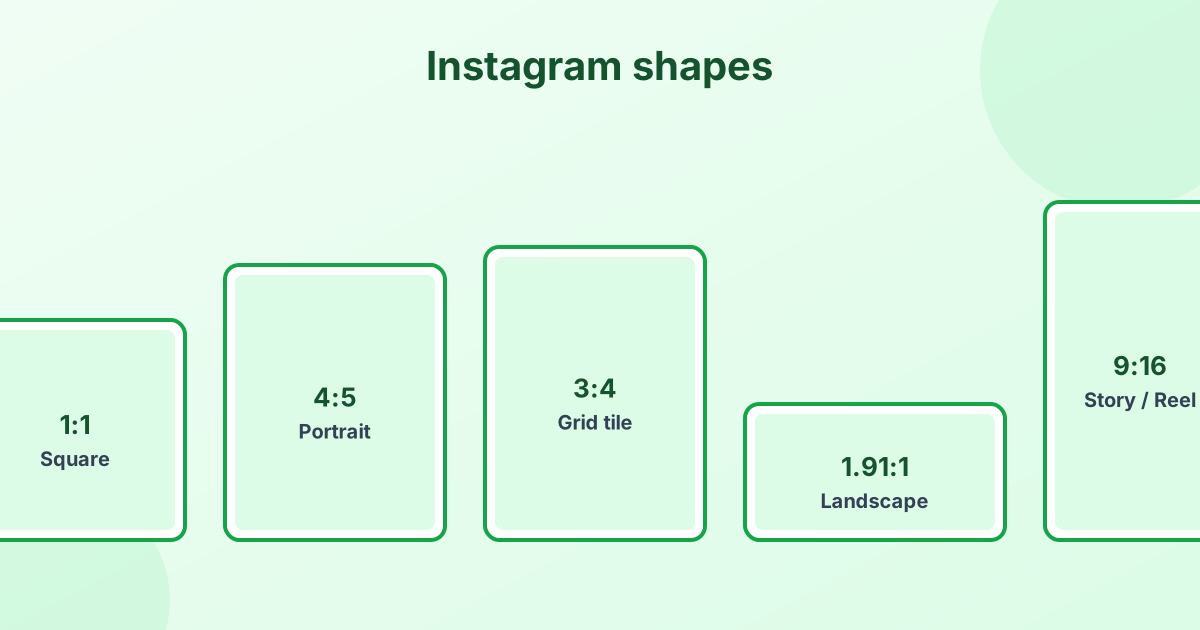
- Feed post: 1080 × 1350 px (4:5) or 1080 × 1080 px (1:1)
- Link preview (Open Graph): 1200 × 630 px
- Cover photo: 851 × 315 px on desktop. Keep key content in the center, because mobile crops the sides.
- Profile picture: at least 320 × 320 px, shown as a circle
- Event cover: 1920 × 1005 px
X (Twitter) Image Sizes
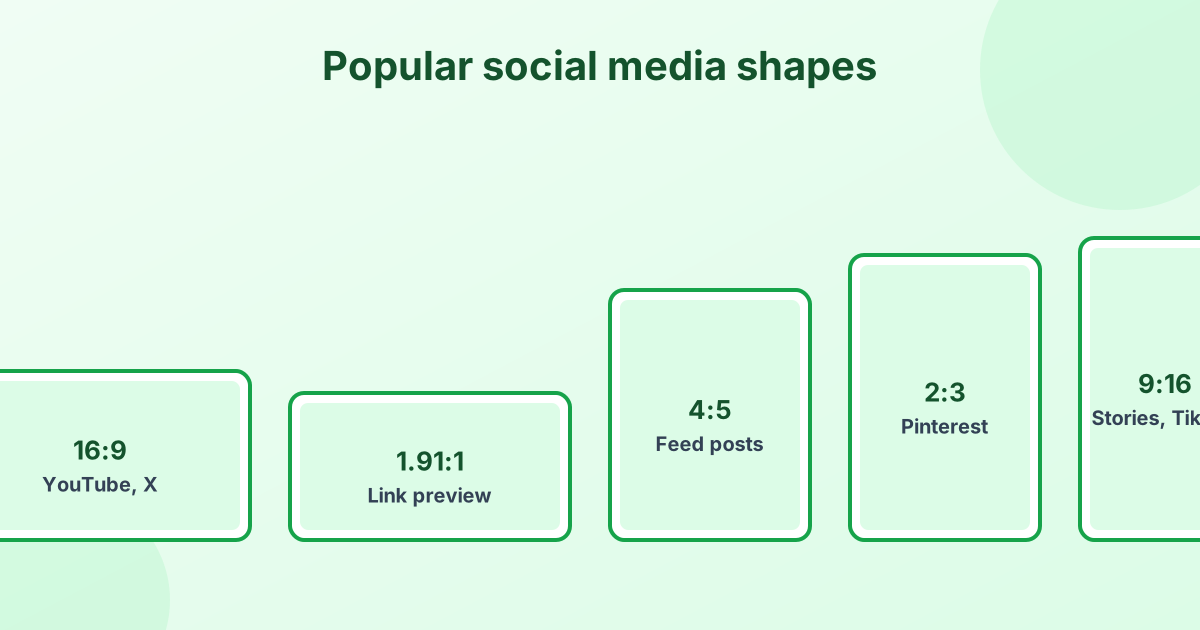
- In-feed image: 1600 × 900 px (16:9). Square 1080 × 1080 also works well.
- Header: 1500 × 500 px (3:1)
- Profile picture: 400 × 400 px, shown as a circle
LinkedIn Image Sizes
- Post image: 1200 × 627 px for landscape, or 1080 × 1080 px square. Portrait 1080 × 1350 px takes more feed space.
- Personal cover (background): 1584 × 396 px
- Company page cover: 1128 × 191 px
- Profile picture: 400 × 400 px
- Article cover: 1920 × 1080 px
YouTube Image Sizes
- Video thumbnail: 1280 × 720 px (16:9), under 2 MB
- Channel banner: 2560 × 1440 px. The safe area for text and logos is the center 1546 × 423 px.
- Profile picture: 800 × 800 px
Pinterest Image Sizes
- Standard pin: 1000 × 1500 px (2:3). Tall pins stand out in the feed.
- Square pin: 1000 × 1000 px
- Profile picture: 165 × 165 px (upload larger)
TikTok Image Sizes
- Video and photo posts: 1080 × 1920 px (9:16)
- Profile picture: 200 × 200 px minimum
Discord Image Sizes
- Profile banner (Nitro): 600 × 240 px
- Server banner: 960 × 540 px
- Server icon and avatar: 512 × 512 px upload, shown at 128 × 128 px
- Emoji: 128 × 128 px, under 256 KB
- Sticker: 320 × 320 px, under 512 KB
Making emotes and stickers? Our emote resizer creates Twitch and Discord sizes in one click.
Tips for Sharp Social Media Images
- Start large and resize down. Upscaled small images look soft.
- Match the aspect ratio before uploading, so the platform doesn't crop your subject.
- Keep text in the center. Profile pictures become circles, and covers get cropped on mobile.
- Compress smartly. Use 80–90% JPG quality. Platforms compress again, so don't over-compress.
- Use PNG for graphics with text to avoid fuzzy letters.
How to Resize Images for Social Media
Our free image resizer has presets for Instagram, YouTube, Facebook, X, LinkedIn and Pinterest. Pick a preset, choose Crop to fill, and download. To control exactly what stays in frame, use the crop tool first. For Instagram-specific advice, see our Instagram size guide.
Frequently Asked Questions
What is the best image size for social media?
1080 × 1350 px (4:5) works on Instagram, Facebook and LinkedIn feeds. Use 1080 × 1920 px for Stories, Reels and TikTok.
What size is a YouTube thumbnail?
1280 × 720 pixels, in a 16:9 ratio, under 2 MB.
What size is a Discord banner?
The profile banner is 600 × 240 px. The server banner is 960 × 540 px.
What size is a LinkedIn post image?
1200 × 627 px for landscape images or 1080 × 1080 px for square images.
What size is an X (Twitter) header?
1500 × 500 pixels.