Photo Enhancer
Make dull, soft or grainy photos look better in seconds. Auto-fix the color and contrast, sharpen details and clean up noise.
Loading tool…
- 100% free
- Unlimited use
- No sign-up
- No payment
- Files stay on your device
- No watermark
How to Enhance a Photo
- Open your photo. Auto enhance applies right away.
- Fine-tune it. Adjust Auto color, Sharpen, Reduce noise, Brightness and Color boost.
- Compare. Hold "Hold to compare" to see the original.
- Download. The full-size photo gets enhanced and saved.
What Each Control Does
| Control | What it fixes |
|---|---|
| Auto color & contrast | Dull, hazy or washed-out photos. It stretches the darkest and brightest tones to the full range. |
| Sharpen | Slightly soft or out-of-focus photos. It makes edges crisper. |
| Reduce noise / grain | Grainy night and indoor shots. It smooths flat areas but keeps edges. |
| Brightness | Photos that are too dark or too bright. |
| Color boost | Pale, flat colors. |
How to Fix a Blurry Photo
There are different kinds of blur, and they need different fixes:
- Slight softness (common on phones and zoomed shots): raise Sharpen to 40–70.
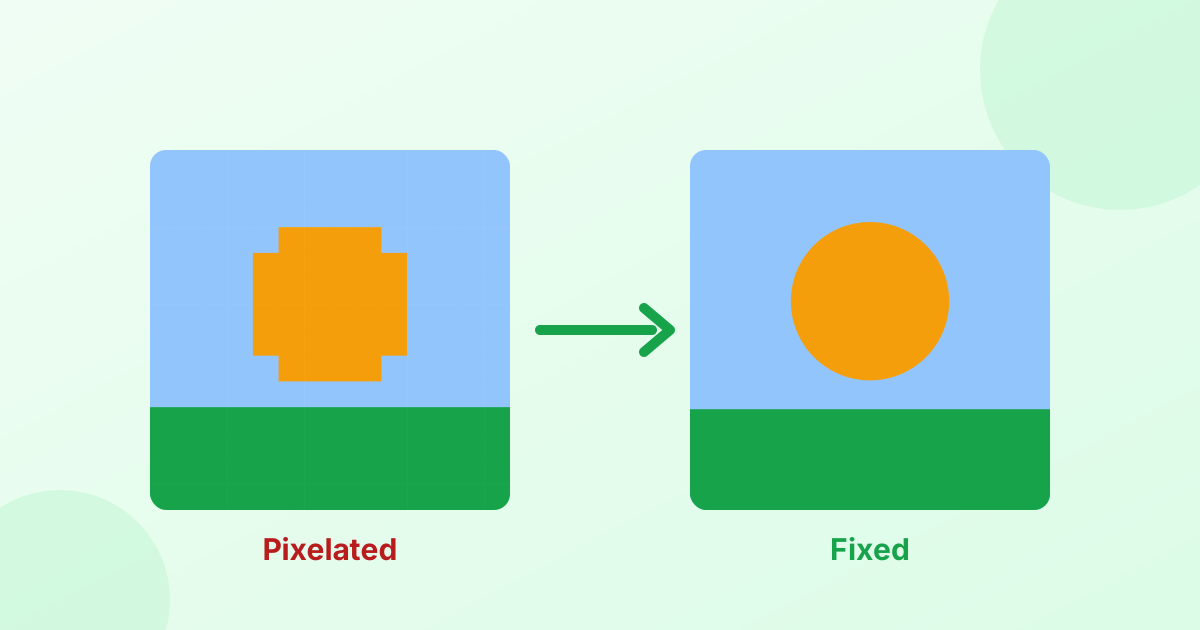
- Small image that looks blurry when enlarged: use our AI image upscaler instead. It adds real detail as it enlarges.
- Heavy motion blur or very out-of-focus shots: these can only be improved a little. No tool can fully bring back detail the camera never captured.
How to Fix a Grainy Photo
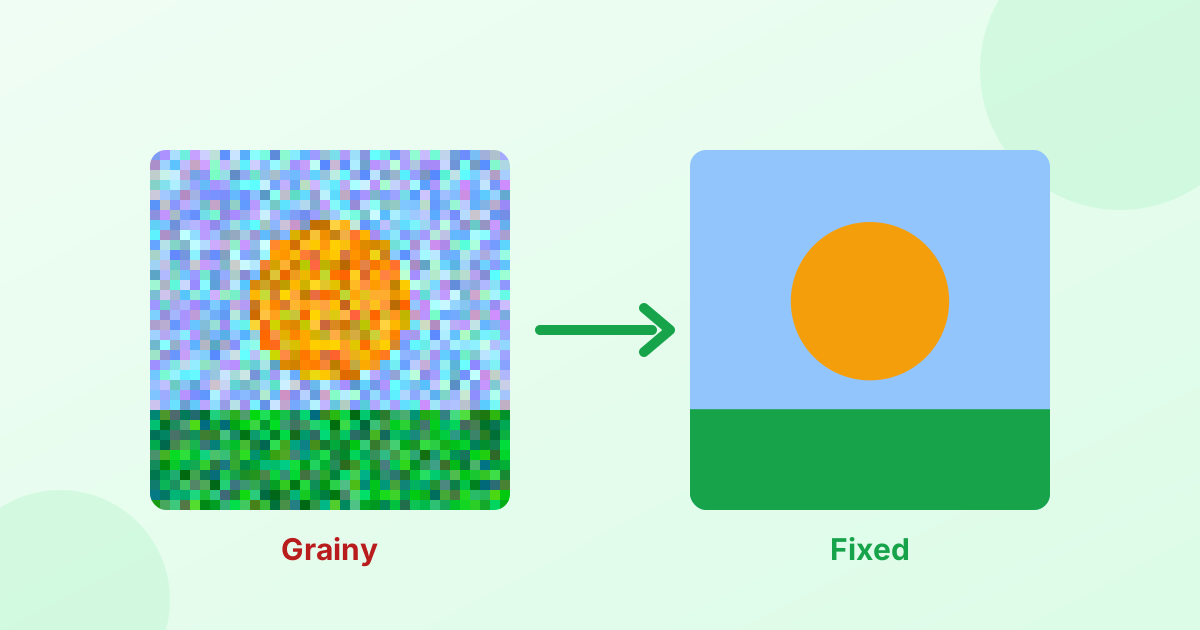
Grain (or noise) appears in photos taken in low light. Raise Reduce noise to 30–60. Then add a little Sharpen back, so the photo doesn't look too smooth. For a full guide, read How to Fix Grainy Photos.
Tips for Natural-Looking Results
- Less is more. Strong sharpening creates halos and crunchy edges.
- Denoise before you sharpen. Sharpening noise makes it worse.
- Check faces up close. Skin should still look like skin.
- Keep the original. Always save the enhanced version as a new file.
Private Photo Enhancement
Your photo is enhanced in your browser, on your device. It's never uploaded or stored. There's no account, limit or watermark.
Frequently Asked Questions
How can I improve the quality of a photo?
Open it in the enhancer above. Auto color and sharpening are applied right away. Fine-tune the sliders, then download.
How do I fix a blurry picture?
Raise the Sharpen slider for mild blur. For small, low-resolution images, use the AI upscaler.
How do I remove grain from a photo?
Raise "Reduce noise / grain", then add a little sharpening back.
Can I unblur text in a photo?
Sharpening helps with slightly soft text. Heavily blurred or pixelated text usually can't be recovered.
Is this photo enhancer free?
Yes. It's free, private and adds no watermark.