Compress JPEG Images
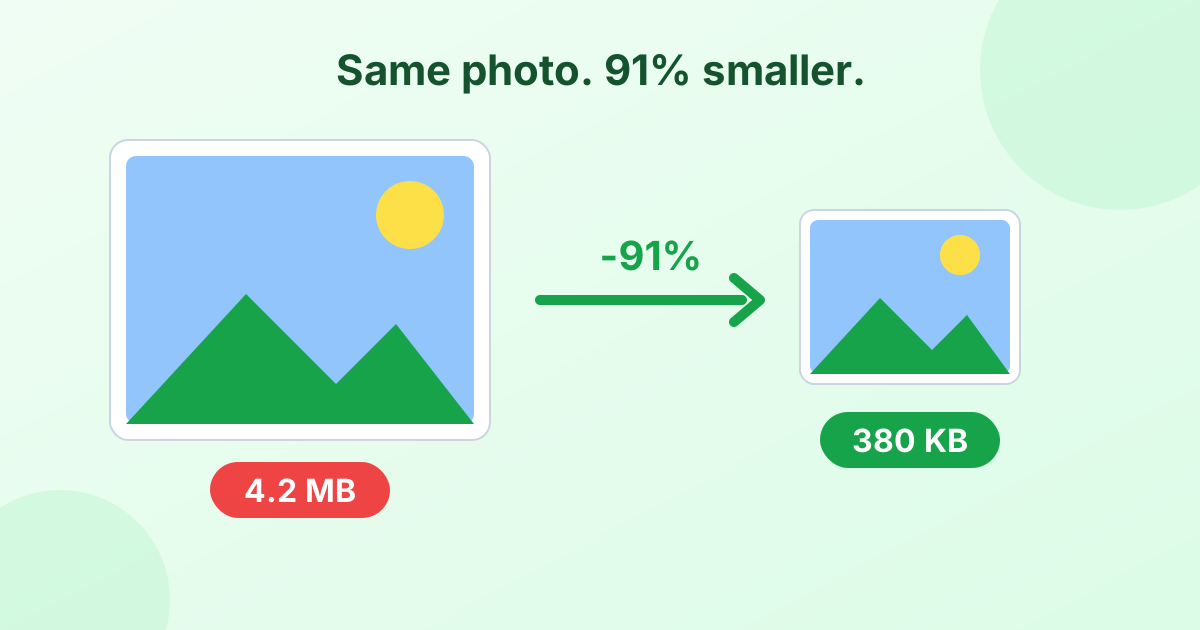
Make JPG photos smaller in seconds. Set the quality you want, compress a whole batch and download. No upload needed.
Loading tool…
- 100% free
- Unlimited use
- No sign-up
- No payment
- Files stay on your device
- No watermark
How to Compress a JPEG
- Add your JPG photos. Drag them into the box or click "Choose Images".
- See the savings. Each file compresses right away at 75% quality.
- Tune the quality. Move the slider and click Compress again to compare.
- Download. Save each photo, or all of them in one ZIP.
Picking the Right JPEG Quality
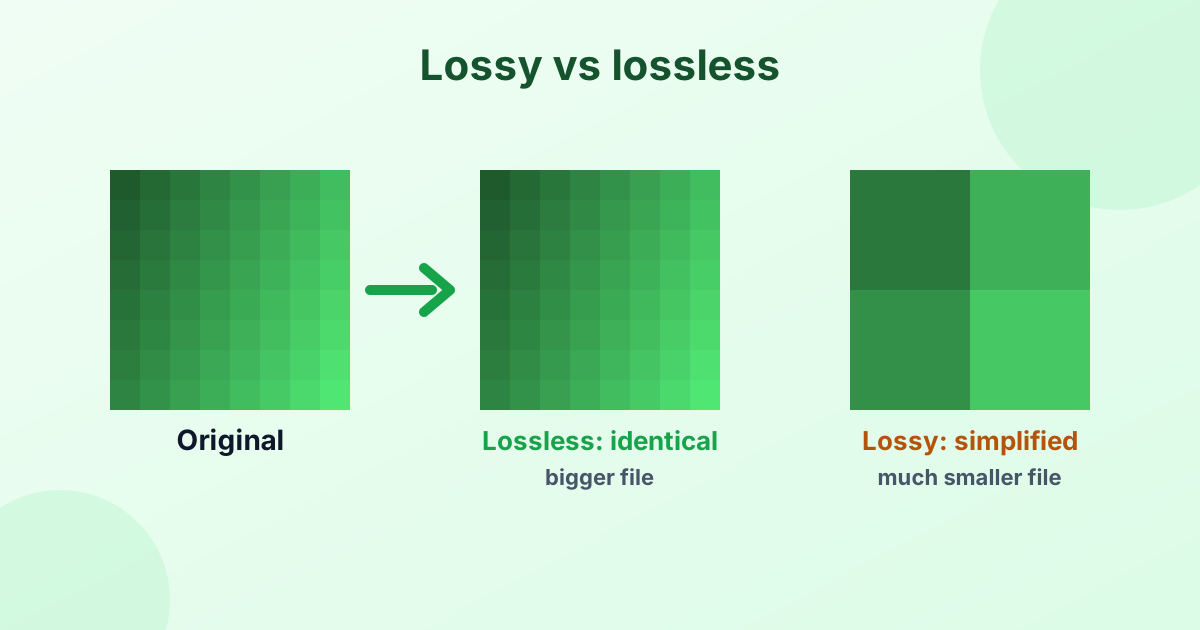
JPEG compression is lossy. It removes detail your eyes are least likely to notice. The quality setting controls how much it removes.
| Quality | Visible change | Typical file size vs original | Use it for |
|---|---|---|---|
| 90–100% | None | 60–100% | Printing, archiving |
| 75–85% | None for most people | 20–40% | Websites, email, sharing |
| 60–70% | Slight softness on zoom | 10–25% | Chat apps, thumbnails |
| Below 50% | Blocky spots, color banding | 5–15% | Tiny previews only |
Our recommendation: start at 75%. Zoom in on the result. If it looks good, try 65%. If you spot blocky areas, go up to 85%.
Make JPGs Even Smaller
Quality is only half the story. Big photos have millions of pixels. A 12 MP phone photo is 4000 × 3000 px. That's far more than most screens need.
Set Max width to 1920 px (or 1280 px for email). Your photo will shrink to a sensible size and the file will drop dramatically. Need precise control? Use our image resizer.
What Are JPEG Compression Artifacts?
Push the quality too low and you'll see artifacts. These are side effects of heavy compression:
- Blocky squares in smooth areas like skies
- Ringing or halos around text and sharp edges
- Color banding where gradients turn into steps
The fix is simple: use a higher quality setting. And avoid compressing the same JPEG again and again. Each round adds a little more damage. Always compress from the original when you can.
Hit an Exact Size Limit
If a website says "Max 200 KB", don't guess. Use our compress image to KB tool. It finds the highest quality that fits your limit automatically.
Private, Fast, Free
The JPEG compressor runs in your browser. Your photos never get uploaded, so it's quick and safe. There's no account, no limit and no watermark.
Frequently Asked Questions
How do I reduce the size of a JPEG?
Add it to the compressor above. It shrinks at 75% quality by default. Lower the quality or set a max width for an even smaller file.
What is the best quality for JPEG compression?
75–85% gives a great balance. Files get much smaller, and the change is hard to see.
Can I compress JPG without losing quality?
JPEG compression always removes some data. At 85% or higher, though, the loss is invisible to the human eye.
Does compressing a JPG change its dimensions?
No, unless you choose a max width. Width and height stay the same by default.
Can I compress JPEG photos on my phone?
Yes. The tool works in mobile browsers on iPhone and Android.