Low Quality Image Maker
Make any picture look terrible, on purpose. Add crunchy JPEG compression, pixelation and the deep-fried meme look, then download.
Loading tool…
- 100% free
- Unlimited use
- No sign-up
- No payment
- Files stay on your device
- No watermark
How to Make an Image Low Quality
- Open your image. It gets a low-quality look right away.
- Tune the damage. Lower the JPEG quality, raise "Pixelate", and re-save more times for extra crunch.
- Add deep fry (optional). Pick "Deep fried" or "Extra crispy" for blown-out colors.
- Download. Your intentionally bad image saves as a JPG.
Why Make an Image Low Quality?
It sounds strange, but people do it all the time:
- Memes. Low-quality, "deep fried" images are a whole meme style.
- Jokes and reactions. A blurry, crunchy picture can be funnier than a sharp one.
- Retro and lo-fi looks. Make art look like an old webcam or early internet image.
- Testing. Designers and developers check how sites handle bad images.
- Privacy. Lower detail hides small text and features (for real privacy, use our pixelate tool).
What Each Control Does
| Control | Effect |
|---|---|
| JPEG quality | Lower = more blocky squares and color smears |
| Pixelate (shrink) | Shrinks the image and enlarges it again, so pixels show |
| Re-save times | Saves the JPEG again and again, like a meme reposted 100 times |
| Deep fry | Pushes saturation, contrast and sharpening way too far |
| Output size | Keep the original size, or keep it tiny |
How "Deep Fried" Memes Work
A deep-fried meme looks overcooked: oversaturated colors, harsh contrast, glowing edges and heavy compression. It copies what happens when an image is edited, screenshotted and re-uploaded many times. This tool builds that effect in one step.
Want Small Files, Not Ugly Ones?
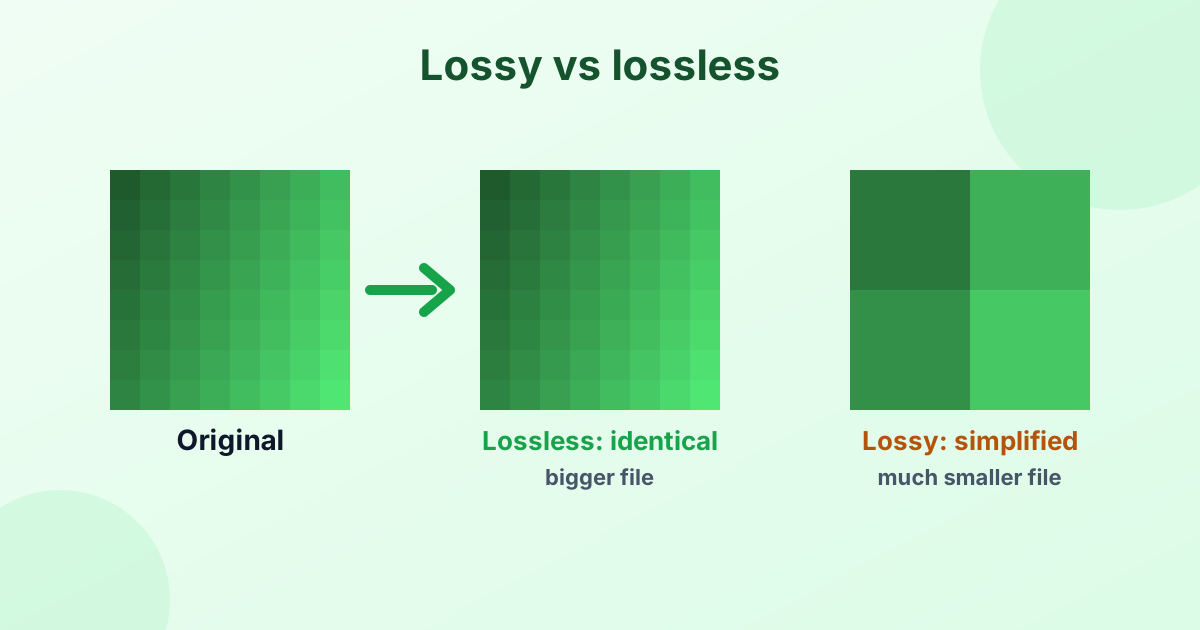
If your goal is a smaller file that still looks good, use our image compressor or JPEG compressor instead. To learn why low JPEG quality causes blocks, read Lossy vs Lossless Compression.
Frequently Asked Questions
How do I make a picture low quality?
Open it in the tool above. Lower the JPEG quality, add pixelation, and download.
How do I deep fry an image?
Choose "Deep fried" or "Extra crispy" in the Deep fry menu, add a few re-saves and download.
Can I make an image blurry instead?
Yes. Raise the Pixelate setting, or use our blur tool for a smooth blur.
Will my original image change?
No. The tool creates a new low-quality copy. Your original file stays the same.
Is it free?
Yes. It's free, private and adds no watermark.