How to Reduce Image File Size Without Losing Quality
Photos from modern phones are huge. Here's how to make an image file smaller on any device, plus the settings that keep it looking sharp.
Why Are Image Files So Big?
A modern phone camera takes photos with 12 to 48 million pixels. Each pixel stores color information. Even with compression, that adds up to 2–8 MB per photo, sometimes more.
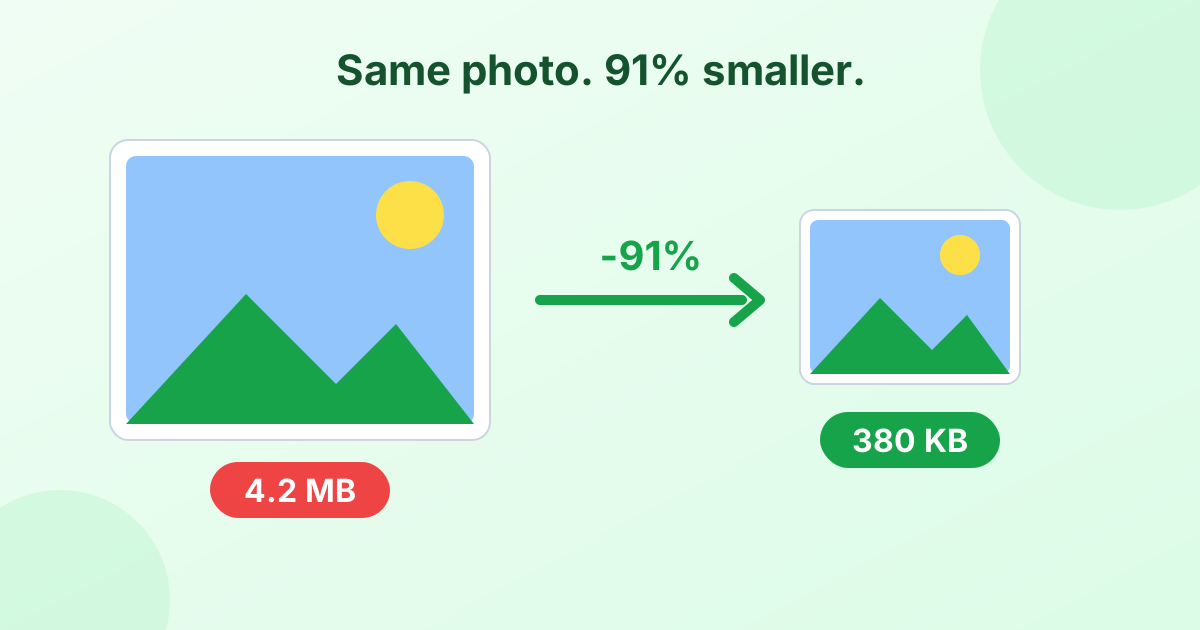
The good news: you rarely need all that. A photo shown on a laptop screen needs about 2 million pixels. An image on a website needs even fewer. That's why you can shrink most photos by 80% or more and still see no difference.
The 5 Ways to Make an Image File Smaller
1. Compress it (lower the quality)
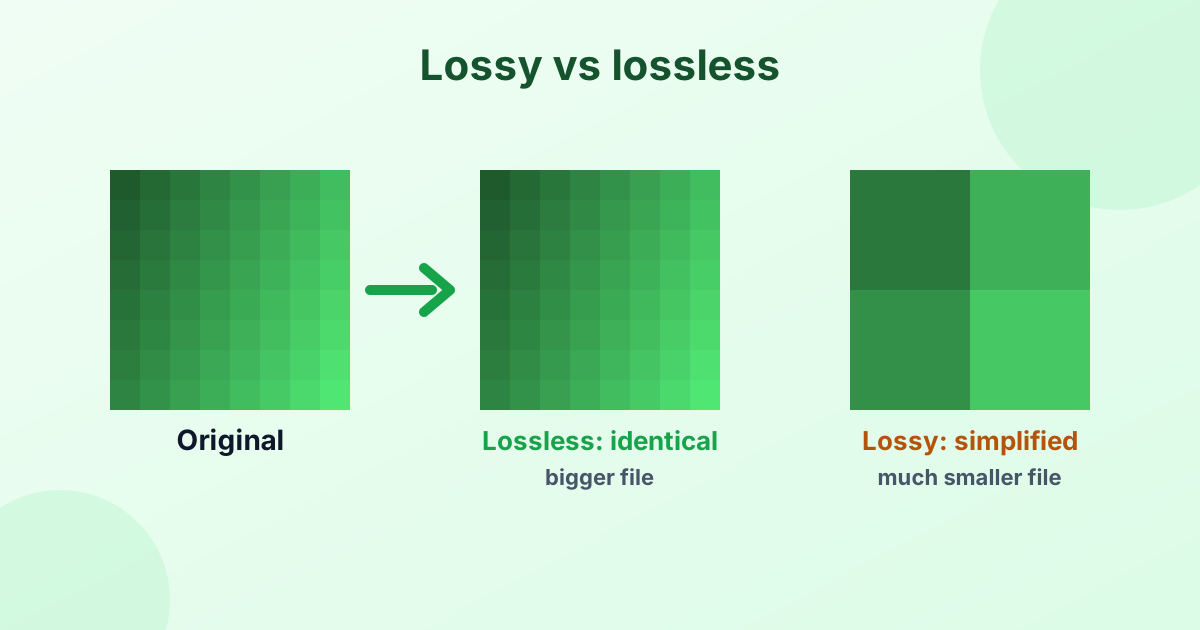
Compression throws away detail you can't easily see. For JPG and WebP, a quality of 70–85% usually looks identical to the original but is much smaller.
Use our free image compressor. Drop in your photos and it shrinks them automatically.
2. Resize it (fewer pixels)
This is often the biggest win. Shrinking a 4000 px wide photo to 1920 px removes 77% of the pixels. The file size drops along with it.
Use our image resizer, or set Max width in the compressor.
| Use | Good width |
|---|---|
| Email or chat | 1280–1600 px |
| Website or blog | 1200–2000 px |
| Social media post | 1080 px |
| Profile picture | 400–800 px |
| Printing | Keep the original |
3. Change the format
The format matters a lot:
- Photos saved as PNG are huge. Convert them to JPG or WebP to save 80–95%.
- iPhone HEIC photos are already small, but many sites don't accept them. Convert with HEIC to JPG at 80% quality.
- WebP is about 30% smaller than JPG at the same quality. Great for websites.
Unsure which to pick? Read JPG vs PNG.
4. Crop out what you don't need
Every pixel of empty background costs bytes. Crop the image to the important part. This helps a lot when you need a tiny file, like a 20 KB form photo.
5. Reduce colors (for graphics)
Screenshots, logos and diagrams use few colors. A PNG with 256 colors instead of millions can be 70% smaller. Our PNG compressor does this automatically.
How to Reduce Photo Size on iPhone
iPhone has no "compress" button, but you have options:
- Use the browser. Open our image compressor in Safari, pick photos and download the smaller versions.
- Email trick. When you email photos from the Photos app, iOS may offer Small, Medium or Large sizes.
- Camera setting. In Settings > Camera > Formats, "High Efficiency" (HEIC) already saves space for new photos.
How to Reduce Photo Size on Android
- Open our compressor in Chrome and select photos from your gallery.
- Some camera apps let you lower the photo resolution in their settings.
- Google Photos "Storage saver" backups are compressed, but your local file stays the same.
How to Reduce Image File Size on Windows
- Open the photo in Photos and click ⋯ > Resize image (Windows 11).
- Choose a preset size or set your own.
- Save the copy.
Or open it in Paint, click Resize, enter a smaller percentage, and save as JPEG.
How to Reduce Image File Size on a Mac
- Open the image in Preview.
- Choose Tools > Adjust Size and enter a smaller width.
- Choose File > Export, pick JPEG, and drag the Quality slider left.
- Preview shows the new file size before you save.
Need an Exact Size, Like 100 KB?
Forms often set strict limits. Our compress to KB tool takes the guesswork out. Type 20, 50, 100 or 200 KB and it finds the best quality that fits.
Mistakes to Avoid
- Compressing a compressed JPG again and again. Quality drops each time. Start from the original.
- Saving photos as PNG. It makes them much bigger, not better.
- Going below 50% quality. You'll see blocky patches.
- Uploading private photos to unknown sites. Use tools that work in your browser, like ours, so nothing gets uploaded.
Frequently Asked Questions
How do I make a picture file size smaller?
Compress it, resize it, or both. Our free image compressor does both in one place.
How can I reduce image size without losing quality?
Use 75–85% quality and resize to the size you actually need. The change won't be visible.
How do I make a JPEG smaller?
Lower the JPEG quality to around 75% and reduce the width to 1920 px or less. Our JPEG compressor handles both.
How do I reduce photo size on iPhone?
Use a browser-based compressor in Safari, or choose a smaller size when emailing photos from the Photos app.
What is a good file size for a website image?
Aim for under 200 KB for most images and under 500 KB for large hero images.