JPEG to JPG Converter
Change .jpeg files to .jpg with zero quality loss, or convert any other image to JPG. Drop your files below and download in seconds.
Loading tool…
- 100% free
- Unlimited use
- No sign-up
- No payment
- Files stay on your device
- No watermark
How to Convert JPEG to JPG
- Add your images. Drop JPEG files, or any other image type, into the box above.
- Get your JPGs instantly. JPEG files switch to .jpg right away. Other formats convert in a few seconds.
- Download. Save each file, or click "Download All (ZIP)".
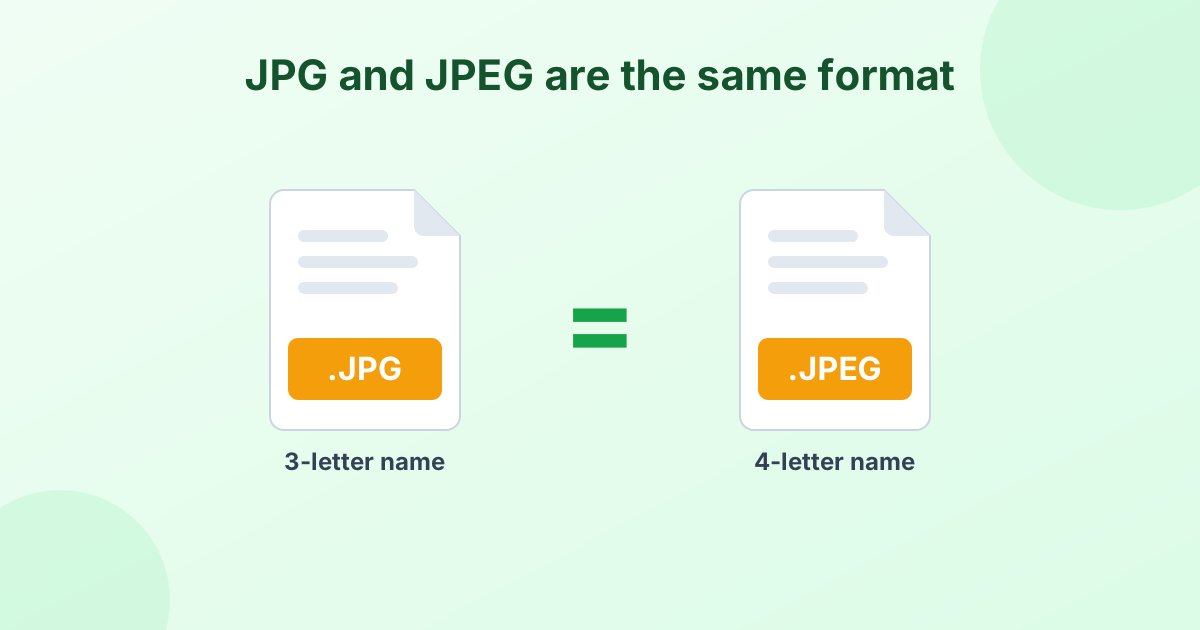
JPEG and JPG Are the Same Format
Here's the short answer most people are looking for: JPEG and JPG are exactly the same image format. Both come from the Joint Photographic Experts Group. The only difference is the length of the file extension.
Early versions of Windows only allowed three-letter extensions. So .jpeg got cut down to .jpg. Mac and Linux kept using .jpeg. Today, both names work almost everywhere. Read the full story in our JPG vs JPEG guide.
So Why Convert JPEG to JPG at All?
Because some systems are picky. You may see an error like "Only .jpg files allowed" when you:
- Upload a photo to a government, job or exam portal
- Submit an image to an online form with strict rules
- Use older software that only checks for
.jpg - Keep a photo library where all names must match
In these cases, the file only needs a new extension. And that's exactly what this tool does.
Zero Quality Loss
When you add a .jpeg file, we don't decode or re-compress it. We keep the original image data and save it with a .jpg name. That means:
- The photo looks identical, pixel for pixel
- The file size stays the same
- The conversion is instant
Other converters often re-save the image. Each re-save adds a little more blur. Ours doesn't.
Convert Any Image to JPG
This page also works as a universal "convert to JPG" tool. Drop in other formats and they'll become JPG files:
| Your file | What happens |
|---|---|
| JPEG, JFIF | Renamed to .jpg with no quality loss |
| PNG | Converted to JPG (transparent areas become white) |
| HEIC / HEIF | iPhone photo converted to JPG |
| WebP, AVIF | Web image converted to JPG |
| GIF, BMP, TIFF | Converted to JPG |
For format-specific help, see PNG to JPG, HEIC to JPG or WebP to JPG.
Change JPEG to JPG on Windows or Mac Without a Tool
You can also rename files by hand:
- Windows: Open File Explorer, click View, and turn on File name extensions. Right-click the file, choose Rename, and change
.jpegto.jpg. - Mac: Click the file, press Return, and edit the name. Confirm with "Use .jpg" when asked.
That's fine for one or two files. For a batch, or on a phone, the converter above is faster.
Frequently Asked Questions
Is JPEG the same as JPG?
Yes. They're two names for the same format. The image data inside is identical.
Does converting JPEG to JPG reduce quality?
Not with this tool. It keeps the original data and only changes the extension. There's no quality loss at all.
How do I convert an image to JPG format?
Drop your image into the converter above. JPEG files get renamed instantly. Other formats, like PNG or HEIC, get converted to JPG in a few seconds.
Why does a website reject my JPEG file?
Some upload systems only check for the .jpg extension. Converting .jpeg to .jpg usually fixes the error.
Can I convert JPEG to JPG on my phone?
Yes. Open this page in your phone's browser, tap "Choose Images", and pick your photos.
Is there a limit to how many files I can convert?
No. Convert as many images as you like, completely free.
How do I change the image format to JPG?
Add the image to the converter above. PNG, HEIC, WebP, IMG-named files and other formats are saved in JPG format automatically.