Image Compressor
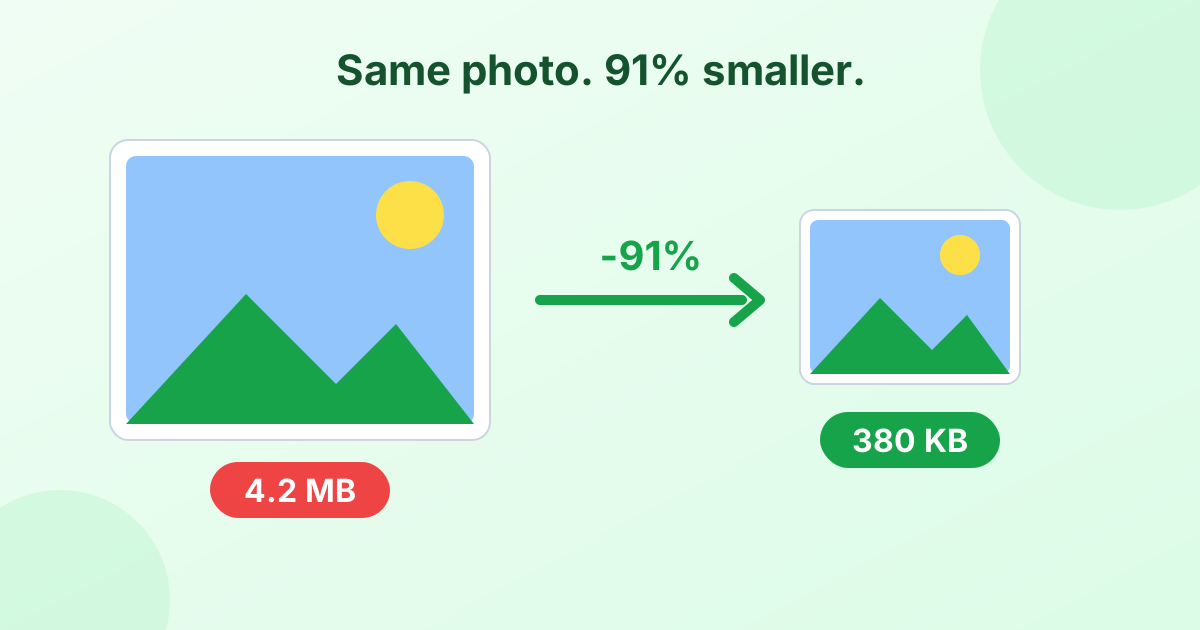
Shrink photos and graphics by up to 90% while keeping them sharp. Compress many images at once, right in your browser.
Loading tool…
- 100% free
- Unlimited use
- No sign-up
- No payment
- Files stay on your device
- No watermark
How to Compress an Image
- Add your images. Drop JPG, PNG, WebP or HEIC files into the box. Bulk works.
- Check the result. Each image compresses right away. You'll see the old size, new size and percent saved.
- Adjust if needed. Lower the quality or set a max width for smaller files, then click Compress again.
- Download. Save files one by one or all at once as a ZIP.
More Compression Tools
How Much Can You Save?
It depends on the image, but here's what you can usually expect at the default settings:
| Image type | Typical saving |
|---|---|
| Phone photo (JPG) | 50–80% |
| Phone photo (HEIC → JPG) | 30–60% |
| Screenshot (PNG) | 50–80% |
| Photo saved as PNG | 80–95% (by switching to JPG or WebP) |
| Already-optimized web image | 0–20% |
If an image is already well compressed, the tool keeps the original and tells you. You'll never get a bigger file by accident.
The Two Ways to Make an Image Smaller
1. Lower the quality. This makes the compression stronger. For photos, 70–80% quality is the sweet spot. Most people can't tell the difference from the original.
2. Reduce the dimensions. A photo from a modern phone is about 4000 pixels wide. Most screens show images under 1920 px wide. Use Max width to scale big photos down. This often saves more than quality changes.
Use both together for the smallest files. To learn more tricks, read our guide How to Reduce Image File Size.
Which Format Compresses Best?
| Format | Best for | Compression |
|---|---|---|
| WebP | Websites and blogs | Smallest files, supports transparency |
| JPG | Photos for email, forms and sharing | Small, works everywhere |
| PNG | Logos, screenshots, transparency | Larger, but we reduce colors to shrink it |
Not sure? Keep Same as original. The tool compresses each file in its own format.
Need an Exact Size?
Some forms say "image must be under 100 KB" or "between 20 KB and 50 KB". Use our compress image to KB tool. Type your limit, and it finds the best quality to fit.
Why Compress Images?
- Faster websites. Images are often the heaviest part of a page. Smaller images improve load time and SEO.
- Email attachments. Most email services cap attachments at 20–25 MB.
- Upload limits. Job portals, schools and government sites often limit uploads to 1 MB or less.
- Storage. Free up space on your phone, computer and cloud drive.
- Faster sharing. Smaller files send quicker in chat apps, especially on slow connections.
Your Images Stay Private
This image compressor works in your browser. Nothing gets uploaded. That makes it faster than server-based tools, and it keeps your photos safe.
Frequently Asked Questions
How do I compress an image without losing quality?
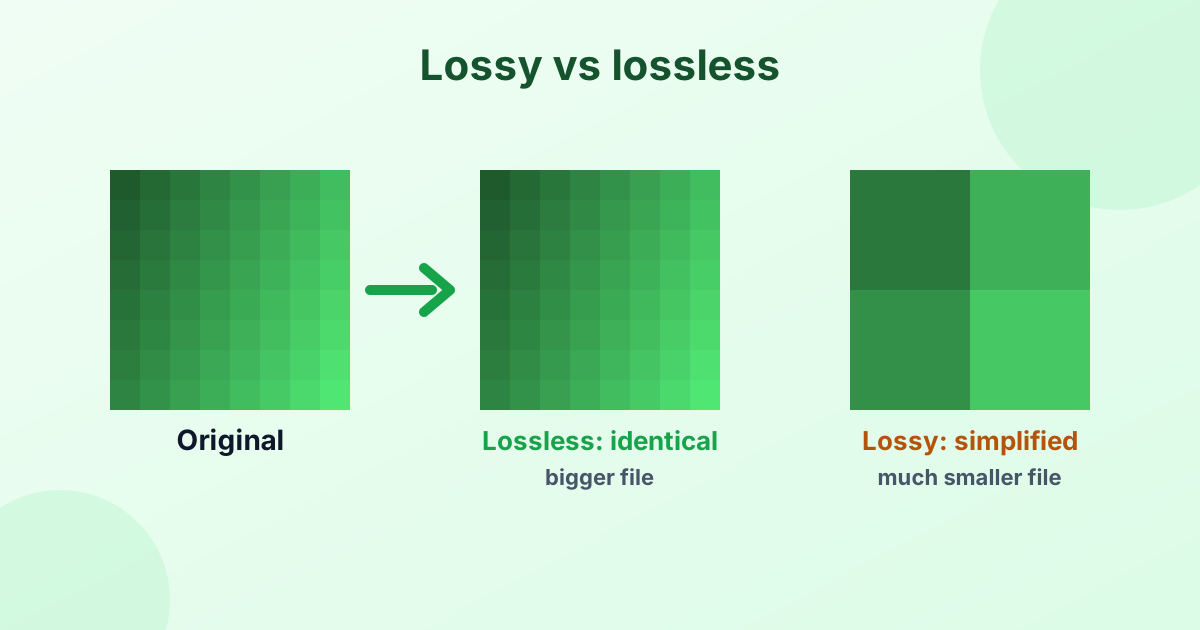
Use a quality of 75–85% for photos. The file shrinks a lot, but the change isn't visible. For graphics, use PNG with 256 colors.
Is this image compressor free?
Yes. Compress as many images as you like for free, with no sign-up and no watermark.
Can I compress many images at once?
Yes. Add them all together. When they're done, click "Download All (ZIP)".
How do I reduce the KB size of a photo?
Lower the quality or set a smaller max width. To hit an exact number, use the compress to KB tool.
Does compressing an image reduce its resolution?
Not unless you set a max width. By default, the image keeps its width and height. Only the file size changes.
Is it safe to compress private photos here?
Yes. The tool never uploads your images. Everything happens on your device.