What Is an SVG File? (Vector Images Explained)
SVG files stay sharp at any size, from a tiny icon to a giant billboard. Here's what an SVG file is, how vector images work, and when to use them.
What Is an SVG File?
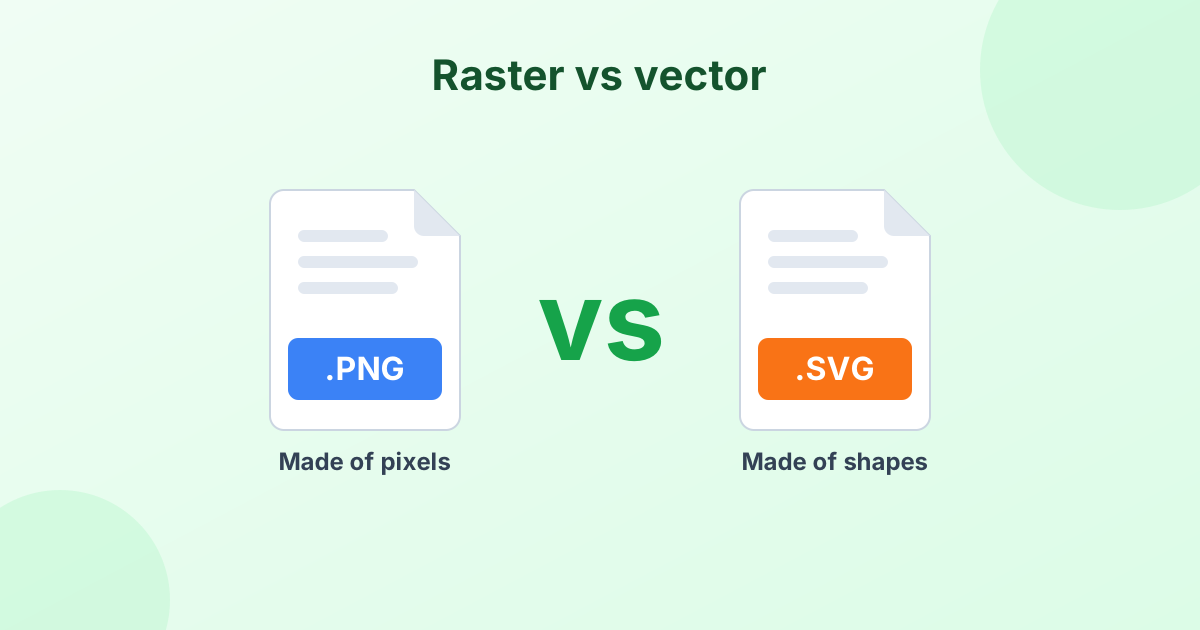
An SVG file is a vector image. SVG stands for Scalable Vector Graphics. Instead of storing pixels, an SVG stores instructions for drawing shapes, like "draw a green circle here" or "draw a curved line from this point to that one".
Because of this, an SVG can be scaled up or down to any size and still look perfectly sharp. That's why logos, icons and illustrations on websites are so often SVG files.
SVG files use the .svg extension. They're written in XML, a plain text format. You can even open one in a text editor and read the code.
What Is a Vector Image?
There are two main types of digital images:
- Raster images are made of a grid of tiny colored squares called pixels. JPG, PNG, GIF, WebP and HEIC are all raster formats.
- Vector images are made of shapes, lines and curves defined by math. SVG, AI, EPS and many PDFs are vector formats.
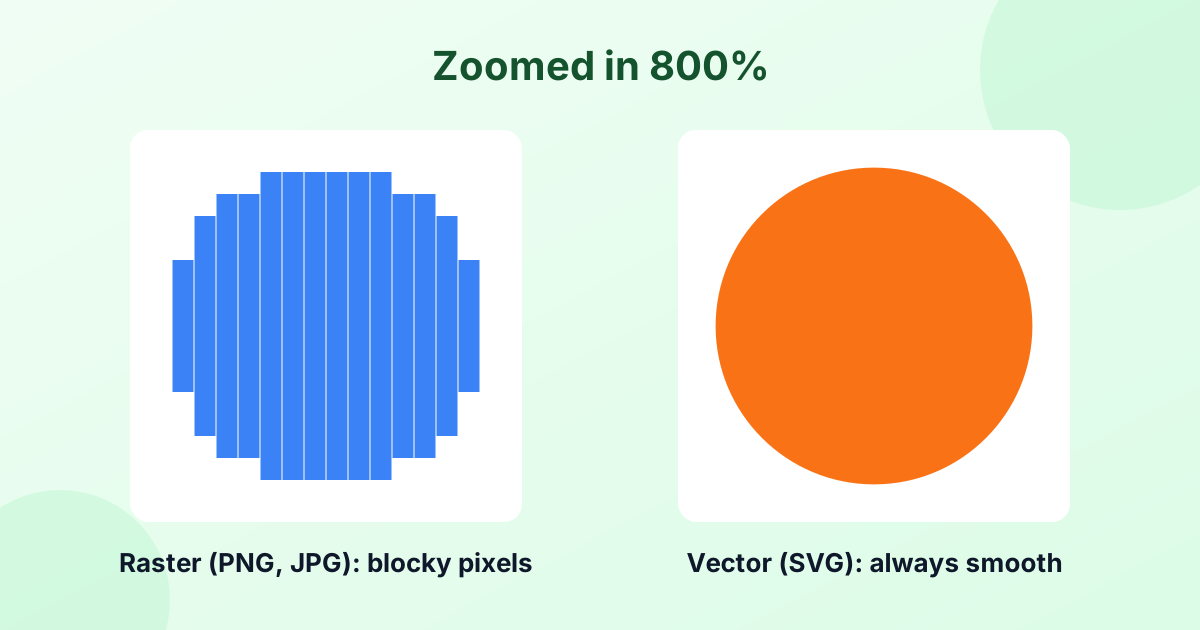
Here's the key difference. Zoom into a raster image and you'll see blocky pixels. Zoom into a vector and the edges stay smooth.
SVG vs PNG vs JPG
| SVG | PNG | JPG | |
|---|---|---|---|
| Type | Vector | Raster | Raster |
| Scales without blur | Yes | No | No |
| Best for | Logos, icons, illustrations | Graphics, screenshots | Photos |
| Transparency | Yes | Yes | No |
| Can be animated | Yes (with CSS/JS) | No | No |
| File size for simple art | Tiny | Small | Medium |
| File size for photos | Huge | Large | Small |
| Editable as text/code | Yes | No | No |
When Should You Use SVG?
SVG is the best choice for:
- Logos that appear at many different sizes
- Icons on websites and apps
- Illustrations with flat colors and clean shapes
- Charts and diagrams
- Graphics for cutting machines like Cricut and laser cutters
SVG is a poor choice for photos. A photo has millions of color changes. Describing all of them as shapes creates a huge, slow file. Use JPG or WebP for photos instead.
How to Open an SVG File
In a web browser. Chrome, Firefox, Safari and Edge all open SVG files. Just drag the file into a browser window.
In design software. Adobe Illustrator, Inkscape (free), Figma, Affinity Designer and CorelDRAW can open and edit SVG files.
In a text editor. Notepad, TextEdit or VS Code will show the SVG code.
On Windows and Mac. File Explorer and Finder can show SVG previews in many setups, but the photo apps often can't open them. A browser is the easiest viewer.
How to Convert SVG to PNG or JPG
Many places don't accept SVG files. Social networks, email clients, Microsoft Office and online stores usually want PNG or JPG. Converting is easy:
- SVG to PNG – keeps the transparent background. Set any output width for a high-res result.
- SVG to JPG – gives a smaller file with a solid background.
- PNG to ICO – turn your logo into a favicon.
Export big
Since SVG is a vector, you can export it at 2000, 4000 or even 8000 px wide with no loss of sharpness. Pick the size you need when converting.
How to Make an SVG From a PNG or JPG
You can turn a raster image into a vector by tracing it. Tracing finds the edges of colored areas and draws paths around them.
Our free PNG to SVG converter does this in your browser. It works best with simple logos, signatures, icons and line art. Detailed photos don't trace well.
In Adobe Illustrator, the same feature is called Image Trace. In Inkscape, it's Trace Bitmap.
Is a PNG a Vector File?
No. PNG is a raster format made of pixels. It's often confused with vectors because PNG supports transparency, like many logos do. But if you enlarge a PNG a lot, it gets blurry. A true vector won't.
Frequently Asked Questions
What is an SVG file used for?
SVG files are used for logos, icons, illustrations, charts and web graphics. They're also used with cutting machines like Cricut.
What is a vector image?
A vector image is made of shapes and lines defined by math, not pixels. It can be resized to any size without losing quality.
How do I open an SVG file?
Open it in any web browser, or in design software like Illustrator, Inkscape or Figma.
How do I convert SVG to PNG?
Use our free SVG to PNG converter. Drop the file in, choose a width and download.
Can I make an SVG from a photo?
You can, but the result looks like a painting and the file gets large. Tracing works much better for logos and simple art.
Is SVG better than PNG?
For logos and icons, usually yes. For photos and screenshots, PNG or JPG is better.