WebP to PDF Converter
Turn WebP images, plus AVIF, GIF, SVG and BMP files, into a PDF document. Combine as many as you like and download.
Loading tool…
- 100% free
- Unlimited use
- No sign-up
- No payment
- Files stay on your device
- No watermark
How to Convert WebP to PDF
- Add your WebP images. Drag them in or click "Choose Images". AVIF, GIF, SVG and BMP work too.
- Arrange the pages. Use the arrows to set the order.
- Pick a page size. A4, US Letter, Legal, or "Same as image".
- Click "Convert to PDF". Your PDF downloads instantly.
Why Put WebP Images in a PDF?
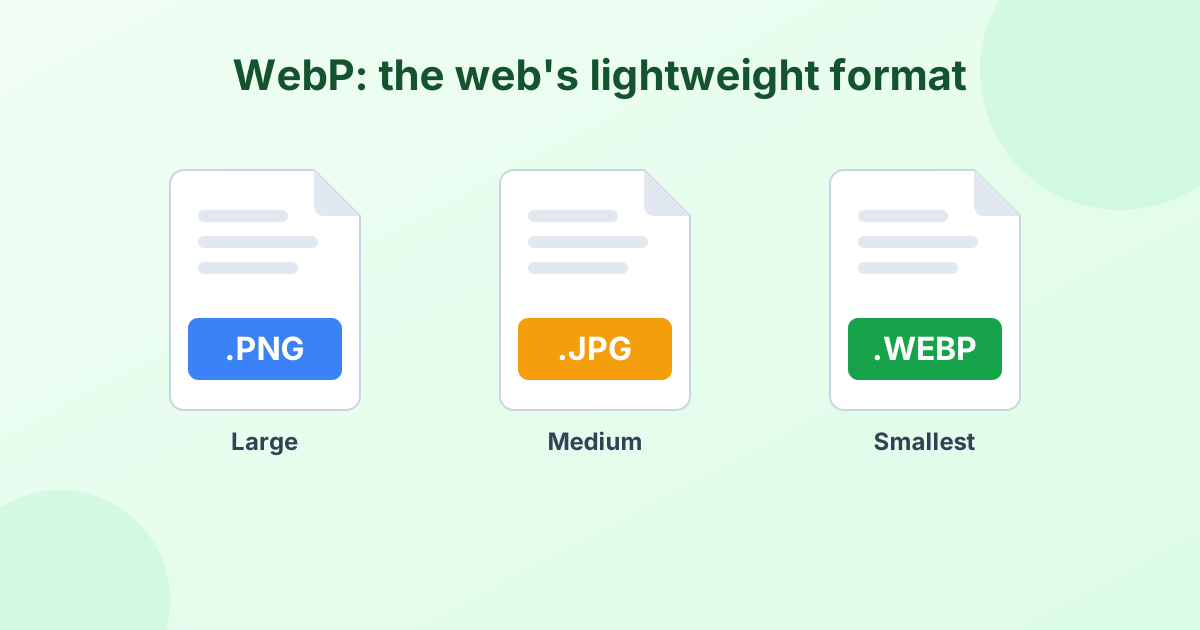
WebP is the image format many websites use. When you save pictures from the web, you often end up with .webp files. They look fine in a browser, but they're awkward to share, print or submit.
A PDF solves that. It opens on every device, keeps pages in order and prints cleanly. It's useful for:
- Saving product images or recipes from websites
- Collecting web graphics into one reference document
- Printing images that your printer software won't open
- Sending several web images as a single attachment
Other Formats This Tool Handles
| Format | What it is |
|---|---|
| WebP | Google's web image format |
| AVIF | The newest, most efficient web format |
| GIF | Animated or simple images (first frame is used) |
| SVG | Vector graphics, rendered sharp |
| BMP | Old Windows bitmap images |
Learn more about the web's favorite format in What is a WebP file?
Just Need a Normal Image?
If you only want to open or share a WebP picture, a PDF might be overkill. Convert it to a regular image instead with WebP to JPG or WebP to PNG.
Frequently Asked Questions
How do I convert WebP to PDF?
Drop your WebP files into the converter above, set the order and click "Convert to PDF".
Can I convert AVIF or SVG to PDF here?
Yes. The tool accepts WebP, AVIF, GIF, SVG, BMP, JPG, PNG and HEIC.
Does an animated WebP or GIF stay animated?
No. PDF pages are still, so the first frame of the animation is used.
Is the conversion free and private?
Yes. It's free, and the PDF is created in your browser without uploading your images.