RAW to JPG Converter (CR2, NEF, ARW, DNG)
Turn camera RAW files into JPGs you can share anywhere. Works with Canon CR2 and CR3, Nikon NEF, Sony ARW, DNG, Fujifilm RAF and more.
Loading tool…
- 100% free
- Unlimited use
- No sign-up
- No payment
- Files stay on your device
- No watermark
How to Convert RAW to JPG
- Add your RAW files. Click "Choose RAW Files" or drag them into the box. Add a whole shoot at once.
- Wait a few seconds. Each RAW photo becomes a full-size JPG automatically.
- Download. Save them one by one, or all at once as a ZIP.
Supported RAW Formats
| Camera brand | RAW extension |
|---|---|
| Canon | .CR2, .CR3 |
| Nikon | .NEF, .NRW |
| Sony | .ARW, .SRF, .SR2 |
| Adobe / many phones and cameras | .DNG |
| Fujifilm | .RAF |
| Olympus / OM System | .ORF |
| Panasonic / Lumix | .RW2 |
| Pentax | .PEF |
| Samsung | .SRW |
| Leica, Hasselblad, Kodak, Minolta | .RWL, .3FR, .KDC, .MRW |
How This RAW Converter Works
Every RAW file stores the sensor data plus a JPEG preview that the camera creates when you take the photo. On most cameras, that preview is full size. It's the same image you see on the camera's screen, with the camera's color, white balance and picture style already applied.
This tool finds the largest preview inside your RAW file and saves it as a JPG. It also reads the orientation, so portrait shots come out the right way up. Because there's no heavy processing, it's fast, even with dozens of files.
About some DNG files
Some phones and apps save DNG files with only a small preview inside. If your JPG comes out smaller than expected, the full image has to be processed in a RAW editor like Lightroom, darktable or RawTherapee.
Why Convert RAW to JPG?
RAW files are perfect for editing, but they're awkward for everything else:
- They're huge. A RAW file is often 20–60 MB. A JPG is 3–8 MB.
- Few apps open them. Phones, websites, email and social media can't show RAW files.
- Every brand is different. Even some editing apps need updates to read new camera models.
- Clients and friends can't open them. JPG works on every device.
RAW vs JPG: What's the Difference?
| RAW | JPG | |
|---|---|---|
| What it stores | Unprocessed sensor data | A finished, compressed photo |
| File size | Very large | Small |
| Editing flexibility | Huge (exposure, white balance, highlights) | Limited |
| Color depth | 12–14 bit | 8 bit |
| Opens everywhere | No | Yes |
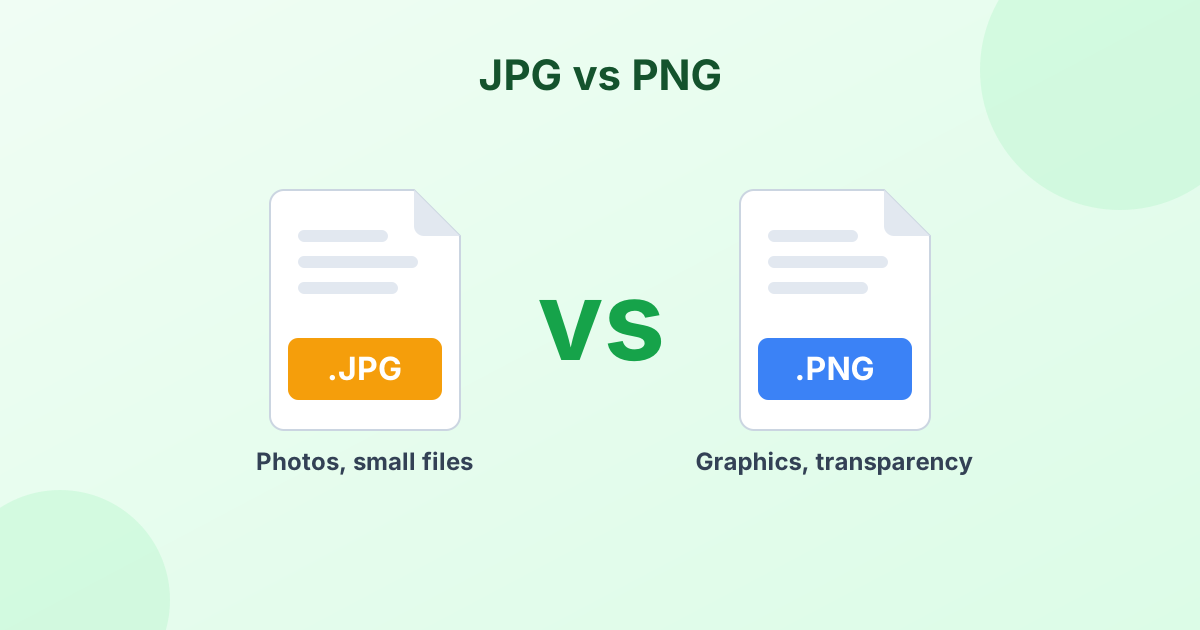
| Best for | Serious editing | Sharing, printing, uploading |
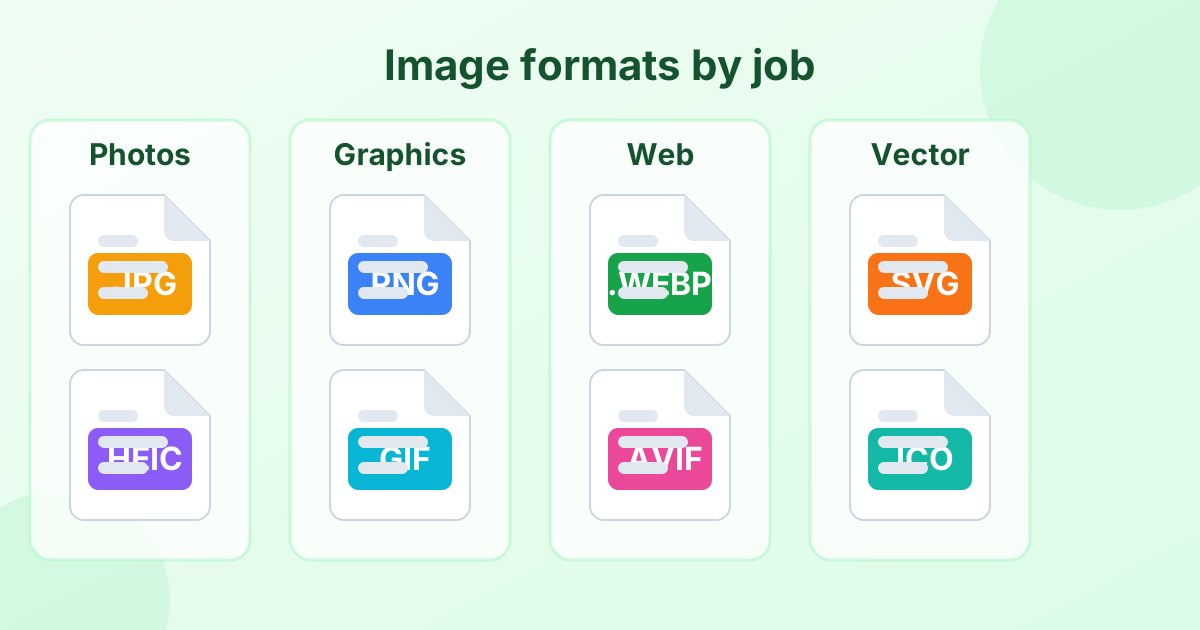
Shoot RAW when you plan to edit. Share JPG. Many photographers shoot RAW + JPG for exactly this reason. Learn more about formats in our image file formats guide.
After Converting
- Need smaller files for the web? Use our JPEG compressor.
- Need a specific size? Use the image resizer.
- Want a quick color boost? Try the photo enhancer.
Private and Free
Your RAW files never leave your computer. The conversion runs in your browser. It's free, with no limits and no watermark.
Frequently Asked Questions
How do I convert CR2 to JPG?
Drop your CR2 files into the converter above. They turn into JPGs automatically. Click Download or Download All (ZIP).
Can I convert DNG to JPG?
Yes. Most DNG files contain a full-size preview, which the tool saves as JPG. A few phone DNGs only have a small preview.
Does it work with Sony ARW and Nikon NEF?
Yes. ARW, NEF, CR3, RAF, ORF, RW2 and other common RAW formats are supported.
Will the JPG look the same as on my camera?
Yes. It uses the camera's own JPEG preview, so colors and picture style match what you saw on the camera's screen.
Can I edit exposure or white balance here?
No. For full RAW editing, use a RAW editor. This tool is for fast, accurate conversion to JPG.
Is it safe to convert my photos here?
Yes. Nothing is uploaded. Everything happens on your device.