BMP to JPG Converter
Change bulky BMP bitmap images into small JPG or PNG files. Need it the other way? You can convert JPG and PNG to BMP too.
Loading tool…
- 100% free
- Unlimited use
- No sign-up
- No payment
- Files stay on your device
- No watermark
How to Convert BMP to JPG
- Add your BMP files. Drag them into the box or click the button.
- Choose JPG, PNG or BMP. Use the Convert to menu to pick the output.
- Download. Save your files one by one or as a ZIP.
Why Convert BMP Files?
BMP (bitmap) is one of the oldest image formats. It came with early versions of Windows. A BMP file stores every pixel with no compression at all. The image looks fine, but the file is enormous.
A 1920 × 1080 BMP is about 6 MB. The same image as a JPG is often under 500 KB. That's 12 times smaller.
Convert BMP to JPG or PNG when you need to:
- Email or upload the image
- Use it on a website
- Save disk space
- Open it on a phone
BMP to JPG or BMP to PNG?
| Choose | When the image is… |
|---|---|
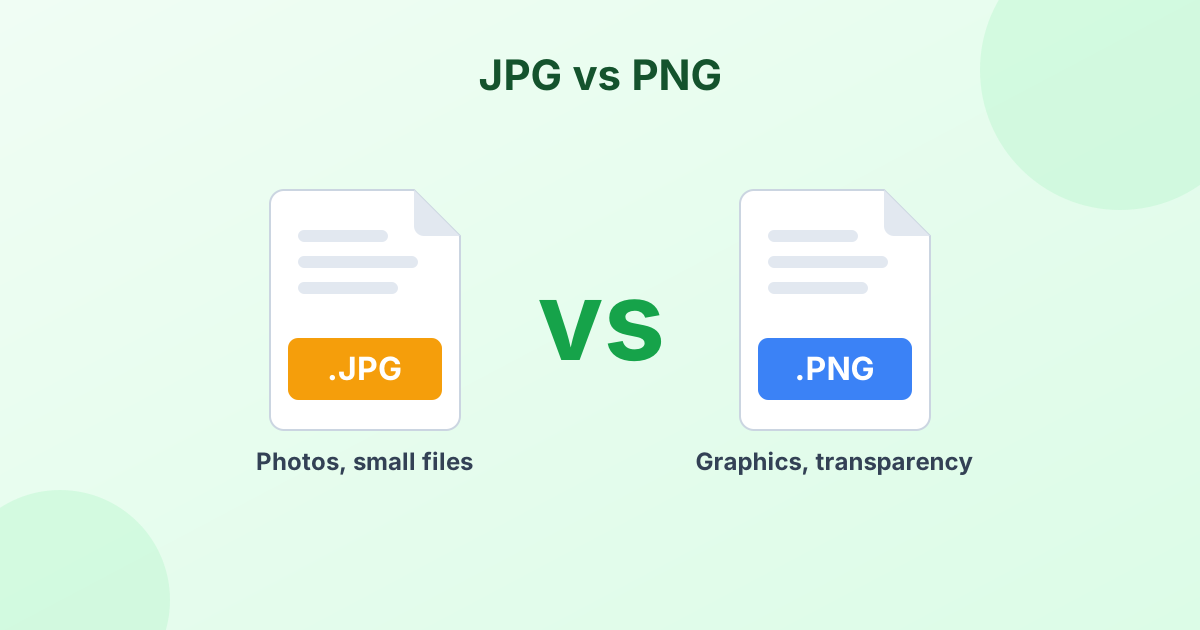
| JPG | A photo or a picture with lots of colors |
| PNG | A screenshot, diagram, icon or anything with text |
Both are far smaller than BMP. PNG keeps every pixel exactly. JPG gives the smallest size.
Convert JPG or PNG to BMP
Some older software, embedded devices and printers only accept bitmap files. This tool can create them too. Pick BMP from the Convert to menu, then add your JPG or PNG files.
The tool saves standard 24-bit BMP files. These open in Paint, older Windows programs and most hardware that needs bitmaps. BMP doesn't support transparency, so clear areas turn white.
What Does BMP Stand For?
BMP is short for "bitmap". A bitmap is a grid of pixels, where each pixel has its own color value. Strictly speaking, JPG and PNG are bitmaps too. But "BMP" usually means the uncompressed Windows .bmp file type.
Fast and Private
There's no upload. Your BMP files get converted inside your browser and never leave your device. It's free, unlimited and needs no sign-up.
Frequently Asked Questions
How do I convert a BMP to JPG?
Drop the BMP into the converter above. It changes to JPG automatically. Click Download to save.
How do I convert JPG to BMP?
Pick BMP in the Convert to menu, add your JPG files, and click Convert. Then download your bitmap images.
Why is a BMP file so big?
BMP stores every pixel without compression. JPG and PNG use compression to make files much smaller.
Does BMP to PNG lose quality?
No. PNG is lossless, so the image stays exactly the same.
Can I convert PNG to BMP?
Yes. Choose BMP as the output format and add your PNG files. Transparent areas become white.