JPG to PNG Converter
Turn JPG and JPEG photos into lossless PNG files. Drop your images below. The PNG converter works right in your browser.
Loading tool…
- 100% free
- Unlimited use
- No sign-up
- No payment
- Files stay on your device
- No watermark
How to Convert JPG to PNG
- Select your JPG files. Click the button or drag photos into the box. Bulk works too.
- Wait a moment. Every image turns into a PNG on its own.
- Download your PNGs. Save them one by one, or get them all as a ZIP.
Why Convert JPG to PNG?
JPG is great for sharing photos. PNG is better when you plan to work on an image. Here's when converting makes sense:
- You'll edit the image many times. Every time you save a JPG, it loses a bit more quality. PNG doesn't.
- You want a transparent background. Convert to PNG first, then use our background remover.
- The image has text or sharp lines. PNG keeps edges clean and crisp.
- A website or app asks for PNG. Many design tools, print shops and stores require it.
Will Converting JPG to PNG Improve Quality?
This is a common question, so let's be clear. No, it won't make the photo look better. The JPG already lost some detail when it was first saved. Converting to PNG can't bring that detail back.
What PNG does is stop further loss. From now on, you can edit and save the file as often as you like. The image won't degrade.
If you want a sharper, larger picture, try our image upscaler instead.
JPG vs PNG in One Table
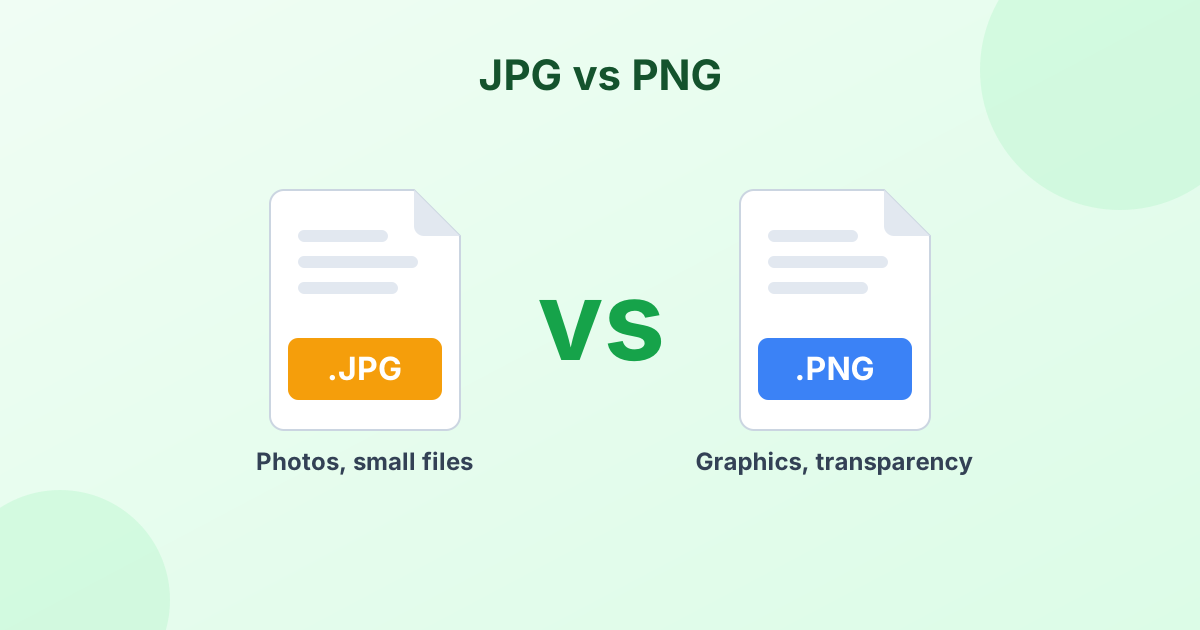
| JPG | PNG | |
|---|---|---|
| Compression | Lossy | Lossless |
| Transparency | No | Yes |
| Best for | Photos | Graphics, logos, screenshots |
| File size | Small | Larger |
| Quality after many saves | Drops | Stays the same |
For the full comparison, read JPG vs PNG: Which Should You Use?
How to Make a JPG Background Transparent
Converting alone won't remove the background. A JPG has a solid background baked in. Here's the two-step method:
- Convert your JPG to PNG with the tool above.
- Open our transparent background maker to erase the background.
You'll end up with a clean PNG cutout you can place on any color or design.
Fast, Free and Private
The converter runs in your browser. Your photos never get uploaded to a server, so nothing can leak. It's also free with no limits and no watermark.
Frequently Asked Questions
How do I convert JPG to PNG for free?
Drop your JPG files into the tool above. They turn into PNG files automatically. Click Download to save them.
Can I convert JPEG to PNG here?
Yes. JPEG and JPG are the same format. The tool accepts both extensions, plus JFIF files.
Does JPG to PNG make a transparent background?
No. The PNG keeps the same background as the JPG. Use our background remover afterward to make it transparent.
Why is the PNG file bigger than the JPG?
PNG stores every pixel without lossy compression. That keeps quality perfect but makes the file larger.
Can I convert JPG to PNG on iPhone or Android?
Yes. The converter works in any modern mobile browser. Tap the button to choose photos from your gallery.
How do I convert an image to PNG?
Drop any image into the converter above. JPG, WebP, HEIC, BMP and GIF files all convert to PNG.