How to Make a GIF (On Any Device)
GIFs are the quickest way to share a funny moment or a short how-to. Here's how to make one from a video or a set of photos, on a computer or straight from your phone.
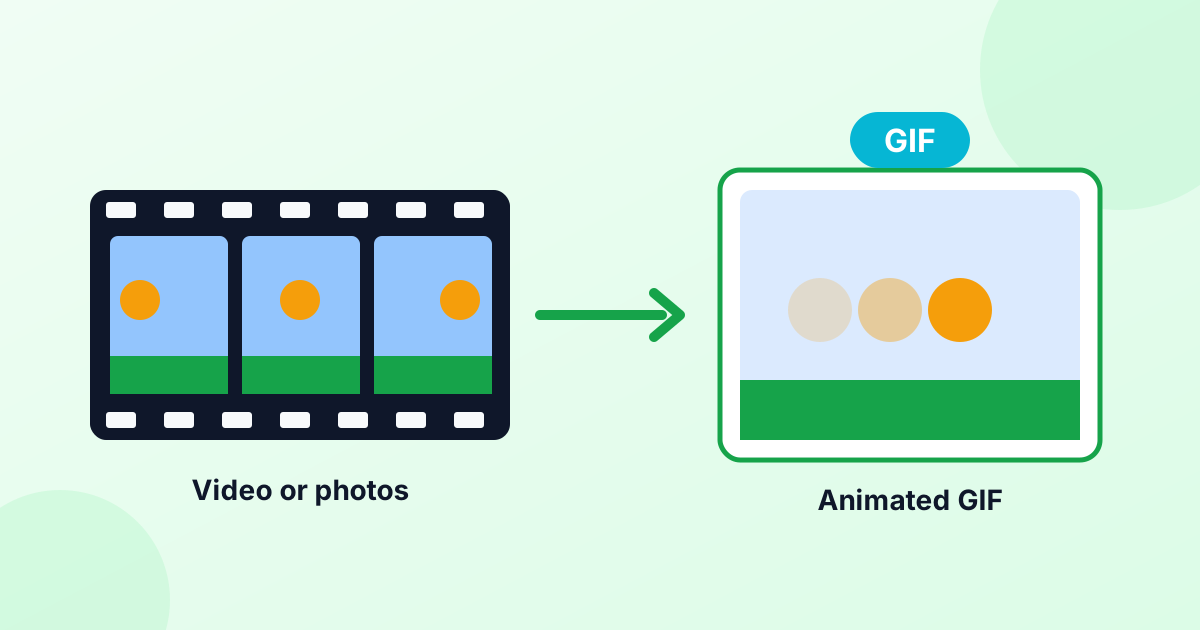
The Quickest Way to Make a GIF
You don't need special software. A free browser tool works on any phone or computer:
- From a video: open our video to GIF converter, pick the part of the clip you want, and click Convert.
- From photos: open our GIF maker, add your pictures, set the speed, and click Make GIF.
Both tools run in your browser, so your videos and photos aren't uploaded. There's no watermark either.
How to Turn a Video Into a GIF
- Open the video to GIF converter.
- Choose your video (MP4, MOV or WebM).
- Play it and click Set start = now where the GIF should begin.
- Play on and click Set end = now. Keep it short, ideally 2–6 seconds.
- Choose 10 fps and 480 px width for a good balance of smoothness and size.
- Click Convert to GIF and download it.
Tips for great video GIFs
- Pick one moment. A GIF should show one action or reaction.
- Crop to the action. Use our GIF cropper afterward to remove distractions.
- Loop it cleanly. Choose a start and end that look similar, so the loop feels seamless.
- Watch the size. If it's too big for a chat app, run it through our GIF compressor.
How to Make a GIF From Photos
- Open our GIF maker.
- Add two or more photos.
- Use the arrows to put them in order.
- Pick a speed. 0.5 s suits slideshows. 0.1 s suits quick animations.
- Click Make GIF.
This works well for before-and-after shots, product spins, simple stop-motion and step-by-step screenshots.
How to Make a GIF on iPhone
Method 1: Use a browser tool
Open our video to GIF converter or GIF maker in Safari. Tap the button to pick a video or photos from your library. When the GIF is ready, tap Download and save it.
Method 2: The Shortcuts app
The free Shortcuts app from Apple has a ready-made action for GIFs:
- Open Shortcuts and tap the Gallery tab.
- Search for "GIF" and add a shortcut like "Make GIF" or "Video to GIF".
- Run it, pick a video or Live Photo, and save the result.
Method 3: Live Photos with Loop or Bounce
- Take a Live Photo (the round icon at the top of the Camera app).
- Open it in Photos and tap the Live label.
- Choose Loop or Bounce.
This makes an animated loop on your iPhone. To share it as a true GIF file with any app, convert it using a shortcut or our video to GIF converter.
How to Make a GIF on Android
- Many Samsung and Google Pixel camera and gallery apps have a built-in GIF option. Look for "Create GIF" or "Animated GIF" in the gallery's menu.
- Gboard, Google's keyboard, can turn short selfie clips into GIF stickers.
- Or use our browser tools in Chrome, which work the same on every Android phone.
How to Save a GIF on iPhone
Found a GIF online you want to keep?
- Press and hold the GIF in Safari or Messages.
- Tap Save to Photos (or Add to Photos).
- Open Photos > Albums > Animated to find it. GIFs play there automatically.
How to Turn a GIF Into a Video
Instagram and TikTok don't accept GIF uploads. Convert your GIF with our GIF to MP4 converter. The video is usually much smaller and plays everywhere. For short GIFs, use the Repeat option to make the clip a few seconds long.
Can You Make a GIF Your Wallpaper?
Not directly. Phones don't play GIF files as wallpapers. On iPhone, recent iOS versions support Live Photo lock screens instead, so you'd need to convert the GIF to a Live Photo with an app first. Many Android phones support "live wallpapers" through third-party apps that accept GIFs.
How to Make a GIF Smaller
GIFs grow quickly. Keep them light by:
- Using fewer frames (8–12 fps)
- Keeping them short (under 6 seconds)
- Using a smaller width (320–480 px)
- Reducing colors with our GIF compressor
- Resizing with our GIF resizer
Frequently Asked Questions
How do I make a GIF for free?
Use a free browser tool like our GIF maker or video to GIF converter. No app, account or watermark needed.
How do I make a GIF from a video on iPhone?
Open our video to GIF converter in Safari, choose the video from your library, pick the start and end, and convert.
How do I turn a video into a GIF?
Choose the clip in a video to GIF converter, select a short section, set the frame rate and convert.
How long should a GIF be?
2 to 6 seconds is ideal. Longer GIFs get very large.
Why is my GIF so big?
Every frame is a full image, and GIF compression is old and simple. Reduce the frame rate, size and colors to shrink it.