JFIF to PNG Converter
Convert .jfif images into PNG files for editing, design and lossless saving. Drop your files below to get started.
Loading tool…
- 100% free
- Unlimited use
- No sign-up
- No payment
- Files stay on your device
- No watermark
How to Convert JFIF to PNG
- Select your JFIF images. Click the button or drag files into the box.
- Wait a second. Each image converts to PNG automatically.
- Save your PNG files. Download them one at a time or together as a ZIP.
Why Turn a JFIF Into a PNG?
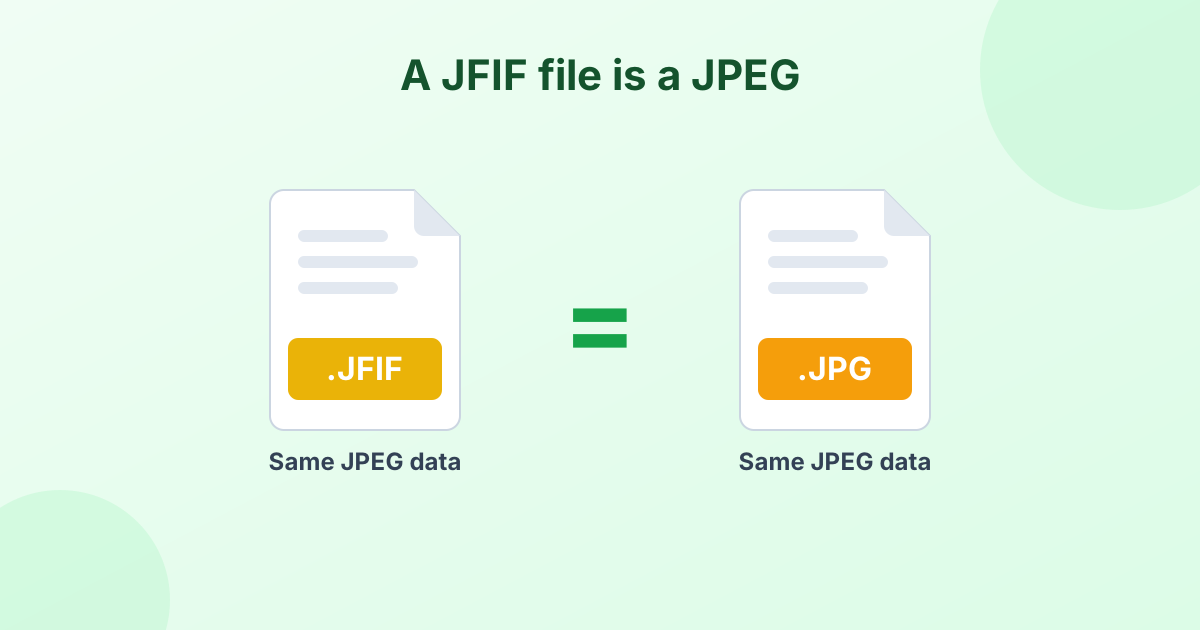
A JFIF file is simply a JPEG photo with a less common extension. If you only need a file that uploads correctly, our JFIF to JPG converter is faster and keeps the file small.
PNG is the better pick when you want to:
- Edit the image repeatedly. PNG is lossless. Saving it again never adds blur or artifacts.
- Cut out the background. PNG supports transparency. Once converted, try our background remover.
- Add text or graphics. Sharp lines and lettering stay crisp in PNG.
- Meet a "PNG only" requirement. Some design tools, print shops and websites ask for PNG.
What Changes in the Conversion?
| JFIF (JPEG) | PNG | |
|---|---|---|
| Compression | Lossy | Lossless |
| Transparency | No | Yes |
| Typical file size | Small | 3–6 times larger |
| Image quality | Unchanged | Unchanged |
The picture itself stays the same. Same pixels, same width, same height. The PNG file is just larger, because it stores every pixel without compression loss.
Keep PNG files small
If your PNG ends up too big, our PNG compressor can trim 50–80% off the file size.
Where Do JFIF Files Come From?
Windows browsers often save JPEG images with a .jfif extension. That's due to a registry setting, not a problem with the image. Our guide What is a JFIF file? explains the cause and how to stop it.
Private, Fast, Free
Every conversion happens in your browser. Your images don't get uploaded or stored anywhere. There's no account to create, no daily limit and no watermark.
Frequently Asked Questions
How do I convert JFIF to PNG?
Drop your JFIF files into the converter above. They turn into PNG files on their own. Then click Download.
Is JFIF to PNG lossless?
Yes. The conversion adds no extra quality loss. The PNG looks exactly like the JFIF image.
Why is the PNG bigger than my JFIF file?
JFIF uses lossy JPEG compression, which makes files small. PNG keeps every pixel, so the same image takes more space.
Can I convert JFIF to PNG on my phone?
Yes. The tool works in Safari, Chrome and other mobile browsers on iPhone and Android.
Will the PNG have a transparent background?
Only if you remove the background. JFIF files can't hold transparency, so the PNG starts out with the same solid background. Use our background remover next to make it transparent.