AVIF to JPG Converter
Change AVIF images into JPG files that open everywhere. Drop your .avif files below. They convert in your browser in seconds.
Loading tool…
- 100% free
- Unlimited use
- No sign-up
- No payment
- Files stay on your device
- No watermark
How to Convert AVIF to JPG
- Add your AVIF images. Click "Choose AVIF Files" or drag them in. Add one or many.
- Let it convert. Each file becomes a JPG on its own. Change the quality slider if you want a smaller file.
- Download your JPGs. Save them separately or as a single ZIP file.
What Is AVIF, and Why Convert It?
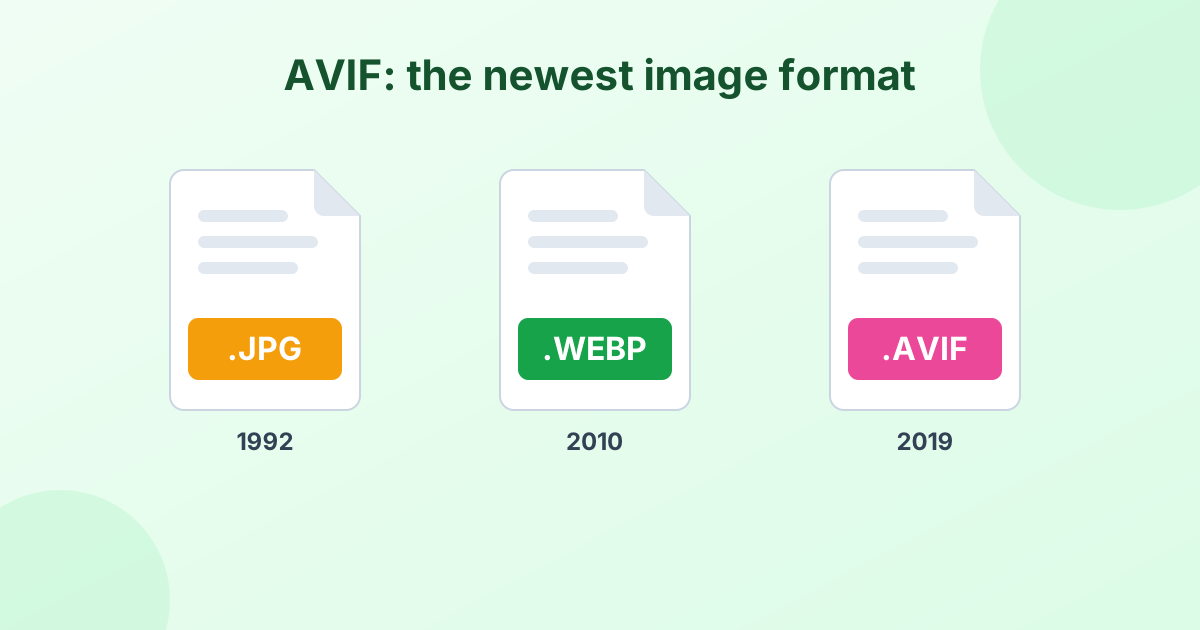
AVIF is one of the newest image formats on the web. It comes from the same group that built the AV1 video codec. It squeezes photos into very small files while keeping them sharp. Many big websites now serve AVIF images to speed up their pages.
That's great for websites. It's less great for you when you save one of those images. AVIF support outside of modern browsers is still limited. You may find that:
- Windows Photos or older image viewers can't open it
- Photoshop, Word or Canva won't import it
- Upload forms reject the
.aviffile type - Your printer software doesn't recognize it
Converting AVIF to JPG solves every one of those problems. JPG has worked everywhere for over 30 years. Learn more in our guide: What is an AVIF file?
AVIF vs JPG
| AVIF | JPG | |
|---|---|---|
| Released | 2019 | 1992 |
| File size for same quality | About 50% smaller | Baseline |
| Transparency | Yes | No |
| HDR and wide color | Yes | No |
| Opens in most apps | No | Yes |
| Accepted by upload forms | Rarely | Almost always |
AVIF to JPG or AVIF to PNG?
Choose JPG for photos you want to share, upload or print. The files stay small.
Choose AVIF to PNG if the image has a transparent background or sharp text. PNG keeps transparency and edges perfectly, but the file is bigger.
Quality Tips
Your JPG keeps the same width and height as the AVIF image. For quality, the default 92% looks identical to the source. Want to save space? 80–85% still looks great for web uploads.
Transparent parts of an AVIF turn white in the JPG, since JPG can't store transparency. Use the Background color picker to choose a different fill.
Safe and Private
This AVIF converter doesn't upload anything. Your browser does all the work, so your images never touch our servers. It's fast and private by design.
Browser support
Converting AVIF needs a browser that can read AVIF. The latest versions of Chrome, Edge, Firefox, Opera and Safari (16.4+) all work. If you see an error, update your browser and try again.
Frequently Asked Questions
How do I convert AVIF to JPG for free?
Drag your AVIF files into the converter above. They become JPG files automatically. Click Download to save. It's free with no limits.
Can I convert AVIF to JPEG?
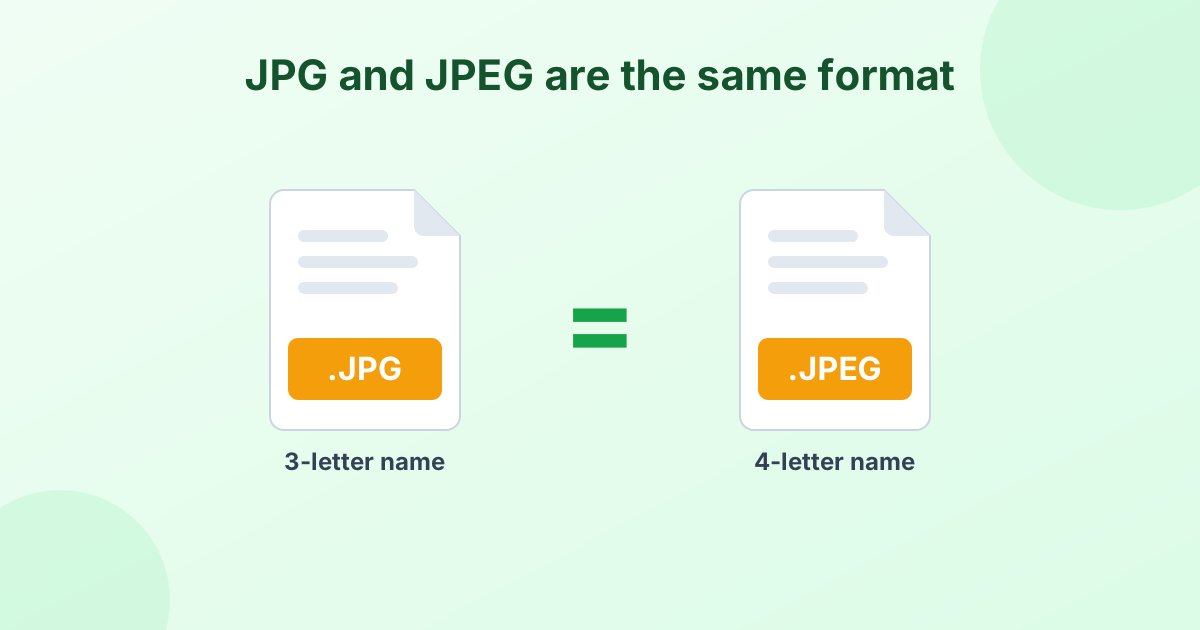
Yes. JPG and JPEG are the same format, just with a different file extension. Your converted file works anywhere a JPEG is needed.
Why can't I open AVIF files on Windows?
Windows needs the "AV1 Video Extension" from the Microsoft Store to show AVIF images. Converting to JPG is often quicker than installing extra software.
Does converting AVIF to JPG reduce quality?
Very slightly, because JPG is lossy. At 90% or higher, you won't see any difference. The pixel size stays the same.
Can I bulk convert AVIF files?
Yes. Select as many AVIF files as you need. Then download them all at once as a ZIP file.