TIFF to JPG Converter
Turn large TIF and TIFF files into small JPG or PNG images. Perfect for scans, faxes and camera files. Drop your files below.
Loading tool…
- 100% free
- Unlimited use
- No sign-up
- No payment
- Files stay on your device
- No watermark
How to Convert TIFF to JPG
- Add your TIFF files. Click "Choose TIFF Files" or drop
.tifand.tifffiles into the box. - Pick JPG or PNG. JPG makes small files. PNG keeps every pixel.
- Download. Save each image or the whole batch as a ZIP.
Why Convert TIFF Files?
TIFF (Tagged Image File Format, or TIF) is a high-quality format used by scanners, fax software, cameras and printing companies. It stores images with little or no compression. That's great for archives. It's not great for everyday use.
TIFF files are often huge. A single scan can be 20–100 MB. And many apps, websites and phones can't open them. Converting to JPG fixes both problems.
| TIFF | JPG | |
|---|---|---|
| Typical size of a scan | 20–100 MB | 1–3 MB |
| Opens on phones | Rarely | Always |
| Accepted by websites | Rarely | Almost always |
| Supports layers and pages | Yes | No |
| Best for | Archiving, printing | Sharing, uploading |
TIFF to JPG or TIFF to PNG?
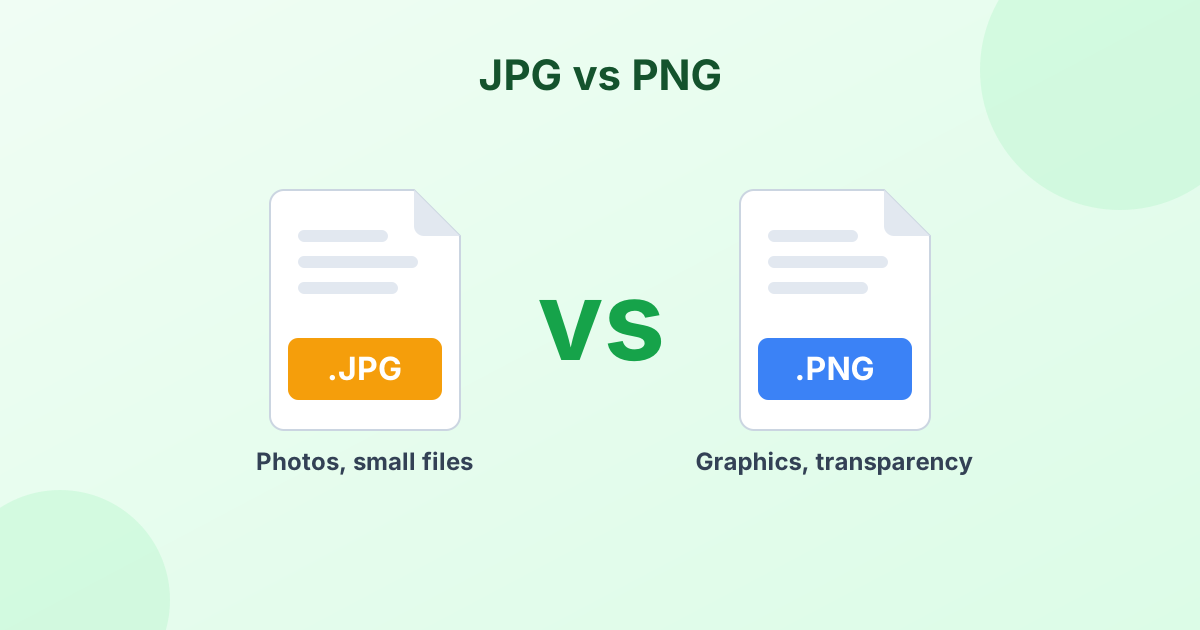
Pick JPG for photos and scanned pictures. You'll get the smallest files.
Pick PNG for scanned documents with text, line drawings or anything with sharp edges. PNG keeps text crisp and doesn't add compression artifacts.
Need to keep multiple scanned pages together? Try our TIFF to PDF converter instead.
What About Multi-Page TIFF Files?
Some TIFF files hold several pages, like a faxed document. This converter saves the first page as an image. For multi-page documents, a PDF is usually the better format.
Tif vs Tiff: Is There a Difference?
No. .tif and .tiff are the same format. The three-letter version dates back to old Windows systems that only allowed short extensions. It's the same story as JPG vs JPEG.
Your Scans Stay Private
Scanned files often contain private information like IDs, contracts or medical records. This converter never uploads them. Every file gets processed in your browser and stays on your device.
Pull the text out of a scan
Have a scanned page with text? After converting, use our image to text tool to copy the words out of it.
Frequently Asked Questions
How do I convert TIFF to JPG for free?
Drop your TIFF files into the converter above. They convert to JPG on their own. Click Download to save.
Can I convert TIF to PNG?
Yes. Choose PNG from the Convert to menu. PNG is a great choice for scanned documents with text.
Why are TIFF files so large?
TIFF often stores images without compression, or with lossless compression. That keeps every detail but takes a lot of space.
Does converting TIFF to JPG lose quality?
Slightly, because JPG is lossy. At 90% quality or higher, you won't notice it. Choose PNG if you need zero loss.
Does it work with multi-page TIFF files?
It converts the first page. For multi-page files, our TIFF to PDF tool keeps the pages together.