Compress PNG Images
Shrink PNG files by up to 80% and keep the transparent background. Smart color reduction makes them tiny with no visible change.
Loading tool…
- 100% free
- Unlimited use
- No sign-up
- No payment
- Files stay on your device
- No watermark
How to Compress a PNG
- Add your PNG files. Drag them into the box or click "Choose Images".
- Let it compress. Each PNG gets optimized with 256 colors by default.
- Want it smaller? Choose fewer colors or a smaller max width, then click Compress again.
- Download. Save your files, or get them all as a ZIP.
How PNG Compression Works
PNG is a lossless format. That's why PNG files are often big. Our compressor uses color quantization. That's a fancy name for a simple idea:
- A normal PNG can use over 16 million colors.
- Most graphics and screenshots only need a few hundred.
- The tool picks the best 256 (or fewer) colors for your image.
- It saves a much smaller "indexed" PNG.
The result looks the same to the eye, but the file is often 60–80% smaller. Transparency is kept, including soft edges.
Choosing the Number of Colors
| Colors | Best for | Size |
|---|---|---|
| 256 | Screenshots, logos with gradients, UI graphics | Small, top quality |
| 128 | Icons, flat illustrations | Smaller |
| 64 | Simple logos, diagrams | Very small |
| 32 | Flat icons, simple shapes | Tiny, may show banding |
Start with 256. If it looks perfect, try 128. Go back up if you spot banding (visible steps in smooth gradients).
When PNG Isn't the Right Format
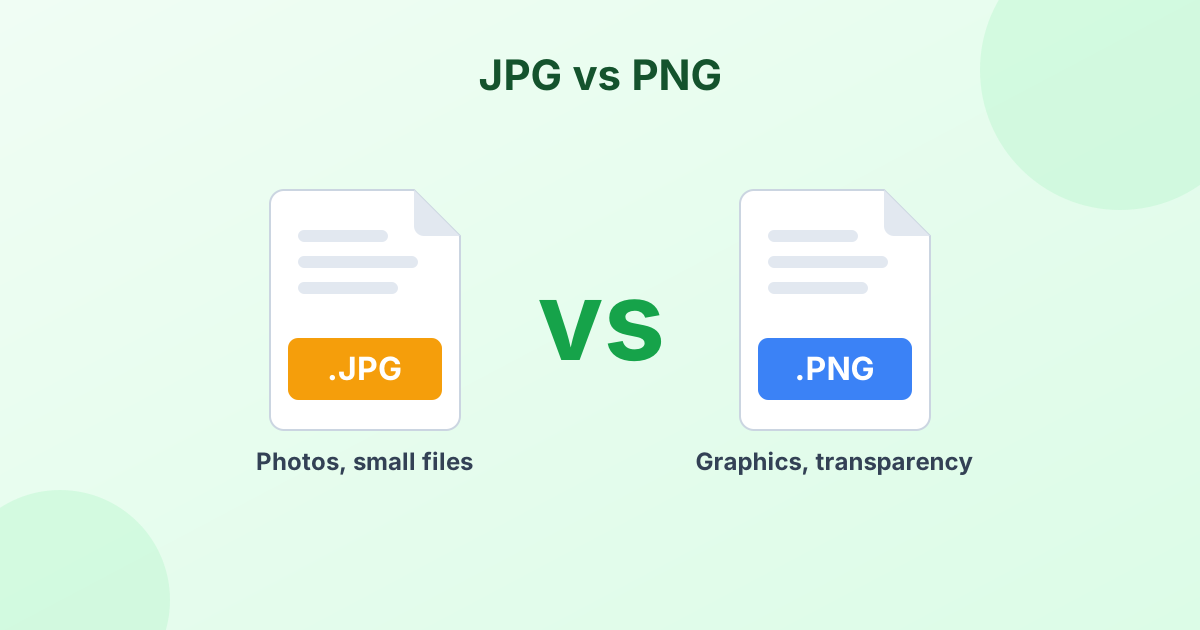
PNG compression works best for graphics. For photos, PNG stays big no matter what. A photo saved as PNG can be 5–10 times larger than a JPG of the same picture.
If your PNG is a photo:
- Need transparency? Convert to WebP with our PNG to WebP converter.
- No transparency needed? Convert to JPG with our PNG to JPG converter.
Read JPG vs PNG to learn when each format fits best.
Shrink Dimensions Too
A large PNG with 4000 × 3000 pixels will stay heavy even after color reduction. Set Max width to a smaller value, like 1920 or 1280 px, to cut the size further. Or use our image resizer for exact dimensions.
Safe and Private
Your PNG files never leave your device. The compression happens inside your browser using the open-source UPNG.js library.
Frequently Asked Questions
How do I reduce the size of a PNG file?
Add it to the compressor above. It reduces the colors to 256, which usually shrinks the file by 60–80% with no visible change.
Does PNG compression keep transparency?
Yes. Transparent and semi-transparent pixels stay intact.
Is PNG compression lossless?
Our method is "lossy" in colors but keeps every pixel's position. In practice, the image looks the same for most graphics and screenshots.
Why is my PNG still large after compression?
It's probably a photo. Photos have too many colors for PNG to shrink well. Convert it to JPG or WebP instead.
Is this PNG compressor free?
Yes. It's free with no limits, no sign-up and no watermark.