Inches to Pixels Converter
Find the exact pixel size you need for a print or design. Enter inches, centimeters or millimeters plus the DPI, and get the pixels.
Loading tool…
- 100% free
- Unlimited use
- No sign-up
- No payment
- Files stay on your device
- No watermark
How to Convert Inches to Pixels
The formula is simple:
pixels = inches × DPI
For example, a 4-inch-wide print at 300 DPI needs 4 × 300 = 1200 pixels.
Using centimeters? Divide by 2.54 first: pixels = cm ÷ 2.54 × DPI. The calculator above handles that for you.
Common Sizes in Pixels (at 300 DPI)
| Size | Pixels at 300 DPI | Pixels at 96 DPI |
|---|---|---|
| 1 inch | 300 px | 96 px |
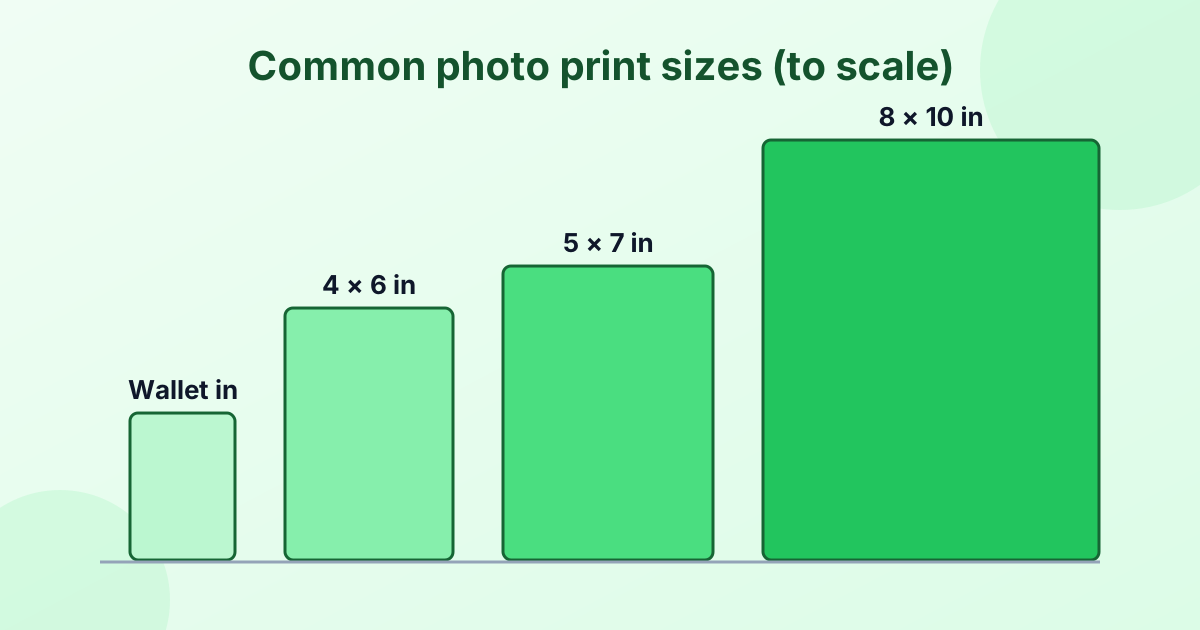
| 2 × 2 in (passport) | 600 × 600 px | 192 × 192 px |
| 3.5 × 5 in | 1050 × 1500 px | 336 × 480 px |
| 4 × 6 in | 1200 × 1800 px | 384 × 576 px |
| 5 × 7 in | 1500 × 2100 px | 480 × 672 px |
| 8 × 10 in | 2400 × 3000 px | 768 × 960 px |
| 8.5 × 11 in (Letter) | 2550 × 3300 px | 816 × 1056 px |
| A4 (21 × 29.7 cm) | 2480 × 3508 px | 794 × 1123 px |
| 11 × 14 in | 3300 × 4200 px | 1056 × 1344 px |
More print sizes are in our photo sizes guide.
Why the DPI Matters
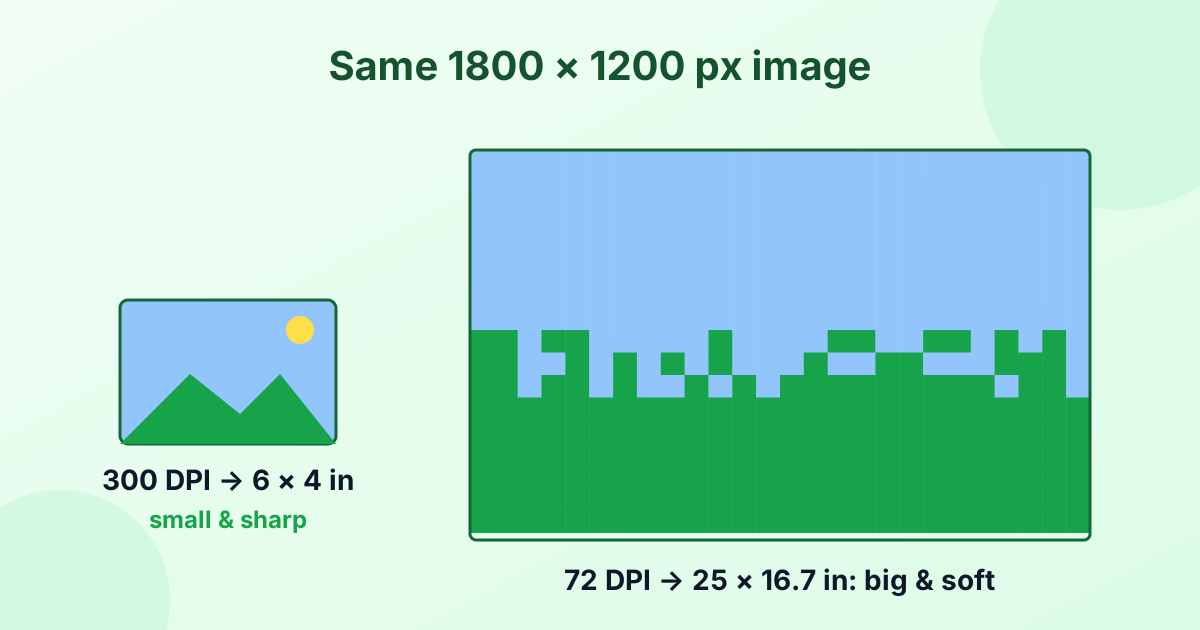
DPI decides how many pixels go into each inch:
- 300 DPI is the standard for sharp prints. Use it for photos, flyers and anything held in hand.
- 150 DPI works for large posters seen from a few feet away.
- 96 DPI is how web browsers and CSS define an inch on screen.
- 72 DPI is a common old default in image files.
If you're designing for print, always start with 300 DPI. You can read more in What is DPI?
Make Your Image the Right Size
Once you know the pixels you need:
- Use our image resizer to set the exact width and height.
- Use the DPI changer to set the file to 300 DPI, so print software shows the right size.
Frequently Asked Questions
How many pixels are in an inch?
At 300 DPI, 1 inch is 300 pixels. At 96 DPI, it's 96 pixels.
What is 8.5 x 11 in pixels?
At 300 DPI, it's 2550 × 3300 pixels. At 96 DPI, it's 816 × 1056 pixels.
How many pixels is 2 × 2 inches?
At 300 DPI, a 2 × 2 inch photo is 600 × 600 pixels.
How do I convert cm to pixels?
Divide the centimeters by 2.54 to get inches, then multiply by the DPI. Choose "Centimeters" in the calculator to do it automatically.
What DPI should I use for a print?
Use 300 DPI for sharp, professional-looking prints.