What Is a HEIC File? (And How to Open One Anywhere)
You copied photos from your iPhone and they all end in .heic. Your PC won't open them. Here's what HEIC is, why Apple uses it, and the fastest ways to open or convert it.
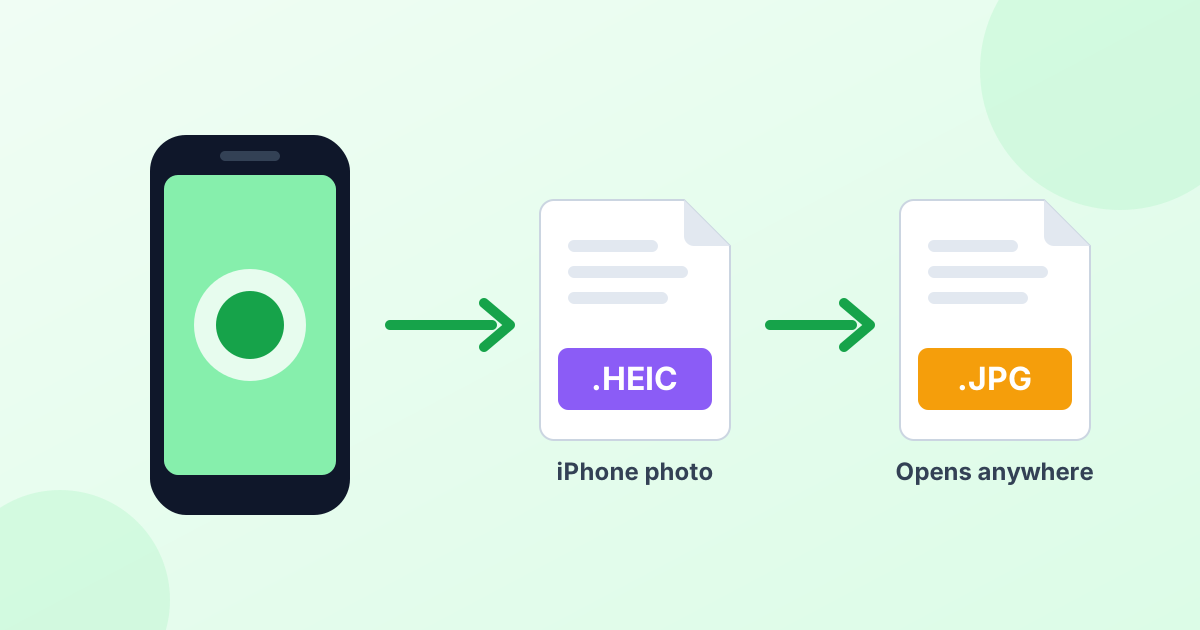
What Is a HEIC File?
A HEIC file is a photo saved in the High Efficiency Image Container format. It's the default photo format on iPhones and iPads since iOS 11, released in 2017.
HEIC is Apple's version of a newer standard called HEIF (High Efficiency Image File Format). The technology inside comes from HEVC, the same compression used for 4K video. That's why HEIC photos are so small for their quality.
In plain words: a HEIC file is a high-quality photo that takes up about half the space of a JPG.
Why Does My iPhone Save Photos as HEIC?
Apple switched to HEIC to save storage. Modern iPhone cameras take 12 to 48 megapixel photos. If those were all JPGs, your phone and iCloud would fill up twice as fast.
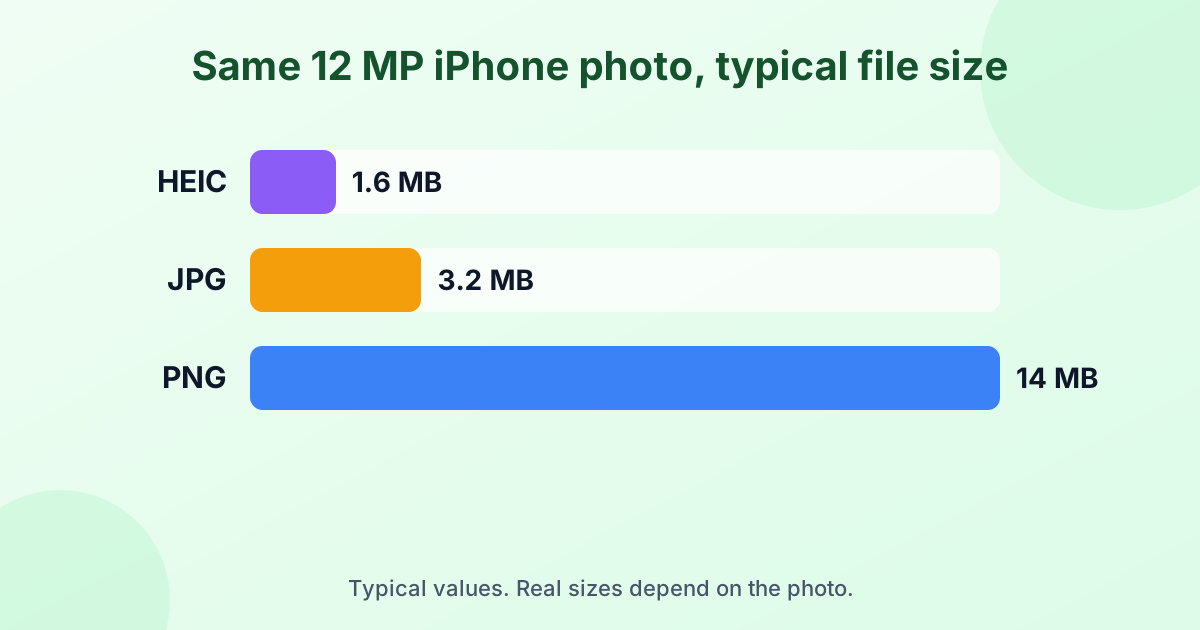
HEIC brings a few other perks too:
- Better quality at the same size. Less blur and fewer blocky spots than JPG.
- 16-bit color support. Smoother gradients in skies and skin tones.
- Transparency. Unlike JPG, HEIC can store see-through areas.
- Live Photos and bursts. One HEIC container can hold several images plus edits.
HEIC vs JPG: What's the Difference?
| HEIC | JPG | |
|---|---|---|
| File size | About 50% smaller | Larger |
| Image quality | Better at the same size | Good |
| Color depth | Up to 16-bit | 8-bit |
| Transparency | Yes | No |
| Works on Windows | Needs an extension | Yes |
| Works on websites and forms | Rarely | Almost always |
HEIC wins on quality and size. JPG wins on compatibility. That's the whole trade-off. For a deeper look at photo formats, see our JPG vs PNG guide.
How to Open a HEIC File
On a Mac
Good news: Macs open HEIC files natively. Double-click the file, and it opens in Preview or Photos. Nothing extra needed.
On Windows 10 and Windows 11
Windows can't open HEIC photos out of the box. You have three options:
- Install "HEIF Image Extensions" from the Microsoft Store. You may also need "HEVC Video Extensions", which can cost a small fee.
- Use a third-party viewer like CopyTrans HEIC for Windows, which adds HEIC support to Windows Photo Viewer.
- Convert the photo to JPG online. Drop it into our free HEIC to JPG converter. No install, no fee, and your photos never get uploaded.
Option 3 is the fastest if you just need to view or share a few pictures.
On Android
Most Android phones from 2019 onward (Android 10 and later) can open HEIC files in Google Photos. Older phones may show an error. If that happens, convert the photo to JPG first.
On iPhone and iPad
They open HEIC natively in the Photos app. No action needed.
In a Web Browser
Safari can display HEIC images. Chrome, Edge and Firefox cannot. That's why so many websites reject HEIC uploads.
How to Convert HEIC to JPG
The easiest way is an online converter that runs in your browser:
- Open our HEIC to JPG converter.
- Drop in your HEIC photos. Add as many as you like.
- Download the JPGs one by one or as a ZIP file.
Need lossless quality or a transparent background? Use HEIC to PNG instead. Need one document with many photos? Try HEIC to PDF.
Mac shortcut
On a Mac, open the photo in Preview, choose File > Export, and pick JPEG. You can also select several photos in Preview and export them all at once.
How to Stop Your iPhone From Taking HEIC Photos
Prefer JPG from the start? You can change the camera setting:
- Open Settings.
- Tap Camera, then Formats.
- Choose Most Compatible.
Your iPhone will now save new photos as JPG. Keep in mind they'll take up roughly twice the space.
There's a middle ground too. Go to Settings > Photos and, under "Transfer to Mac or PC", choose Automatic. Your iPhone keeps HEIC on the phone but sends JPGs when you copy photos to a computer by cable.
Is HEIC Better Than JPG?
From a technical view, yes. HEIC gives better quality in smaller files. For storing photos on Apple devices, it's the smarter choice.
For sharing, though, JPG is still king. Every phone, computer, printer and website understands it. So many people keep HEIC on their iPhone and convert to JPG only when they need to share or upload.
Are HEIC Files Safe?
Yes. HEIC is just an image format, like JPG or PNG. It can't run code or carry viruses on its own. Like any photo, though, it may hold metadata such as the date, phone model and GPS location. Check your sharing settings if location privacy matters to you.
Frequently Asked Questions
What does HEIC stand for?
HEIC stands for High Efficiency Image Container. It's Apple's name for photos saved in the HEIF format.
What's the difference between HEIC and HEIF?
HEIF is the general file format standard. HEIC is a HEIF file that uses HEVC compression, which is what iPhones produce. For everyday use, they're the same thing.
How do I open a HEIC file on Windows 11?
Install "HEIF Image Extensions" from the Microsoft Store, or convert the photo to JPG with a free online converter. Converting is quicker if you only need a few photos.
Can I change HEIC to JPG for free?
Yes. Our HEIC to JPG converter is free, has no limits and works on any device.
Does converting HEIC to JPG lose quality?
Very little. At 90% JPG quality or higher, the difference is invisible. Your photo also keeps its full resolution.
Why won't websites accept my HEIC photo?
Most browsers and upload systems don't support HEIC yet. Convert the photo to JPG and the upload will work.
Helpful Guides
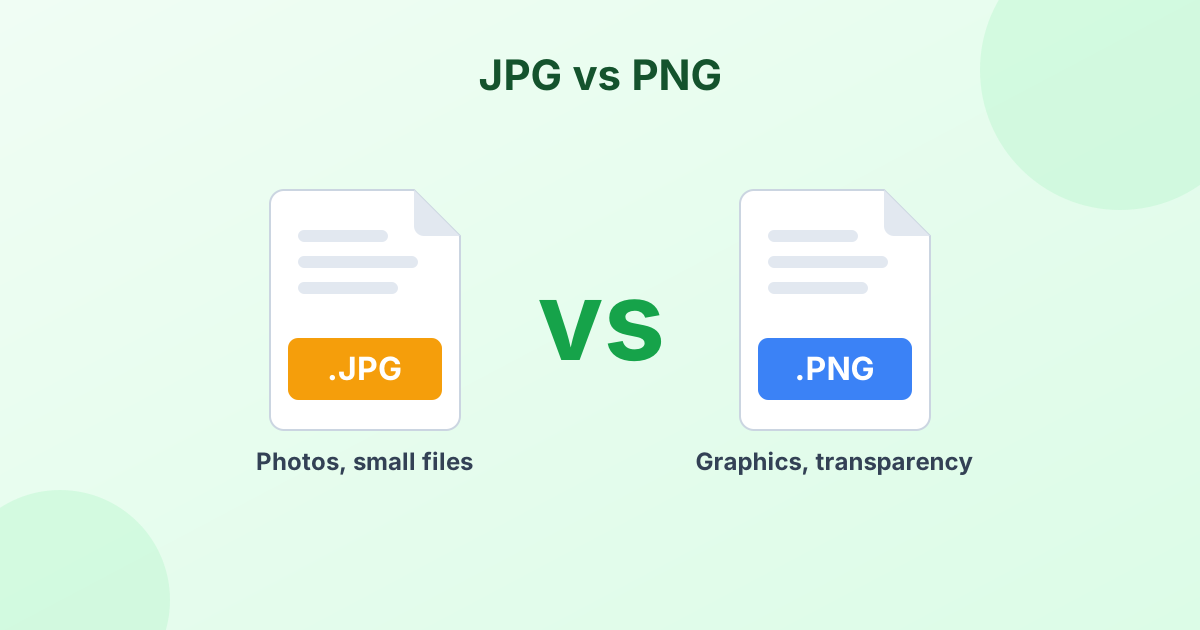 JPG vs PNG: Which Format Should You Use?The real difference between JPG and PNG, and when to pick each one.
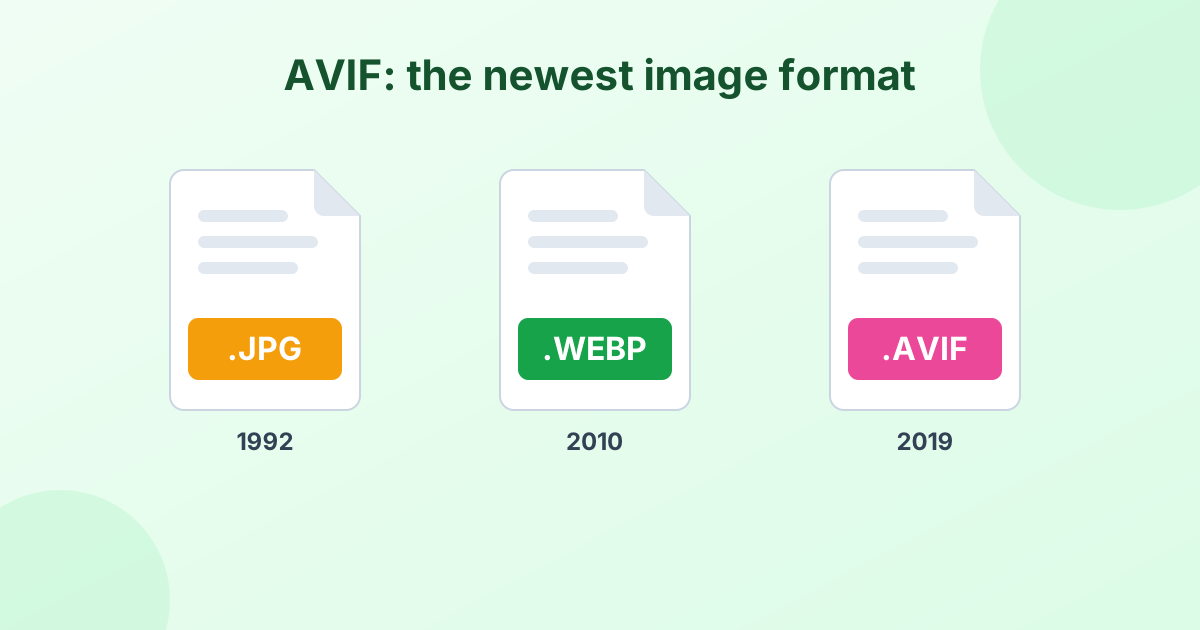 What Is an AVIF File? A Simple GuideThe newest image format explained, plus how to open and convert it.
 Image File Formats Explained (A Simple Guide)Every common image format in one place, and when to use each.