JPG vs PNG: Which Format Should You Use?
JPG and PNG are the two most common image formats. They look alike on screen, but they work very differently. Here's how to pick the right one every time.
JPG vs PNG: The Short Answer
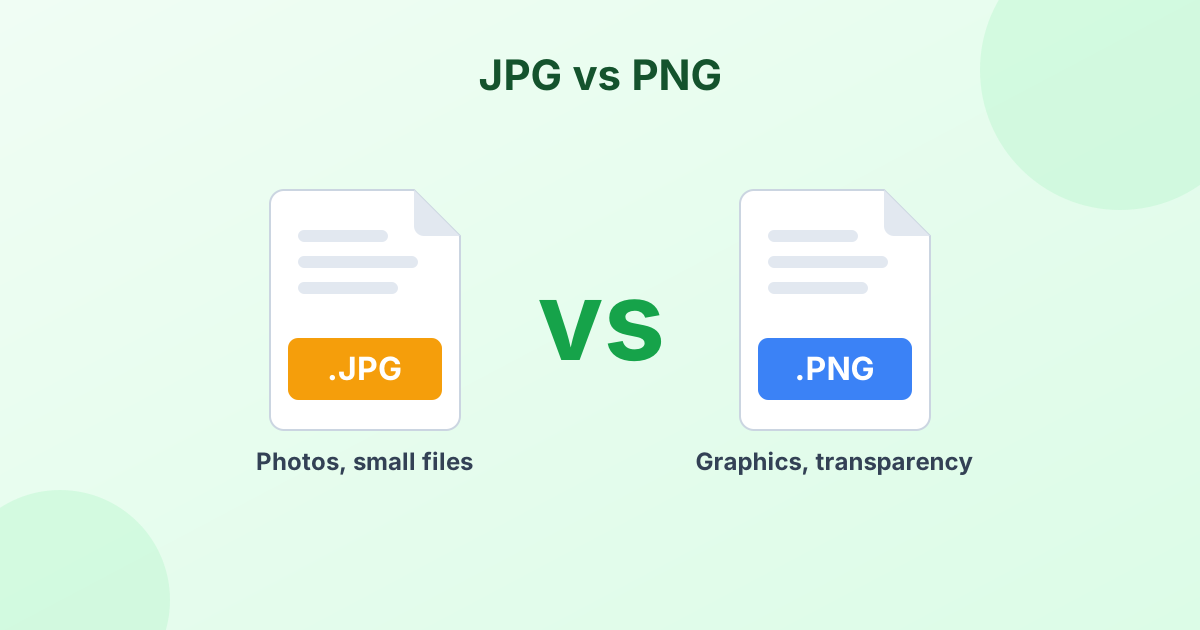
- Use JPG for photos. It makes small files that look great.
- Use PNG for graphics. Logos, screenshots, text and anything that needs a transparent background.
That rule covers 90% of cases. The rest of this guide explains why, so you can handle the other 10% with confidence.
What Is a JPG?
JPG (also called JPEG) is a photo format from 1992. It uses lossy compression. That means it throws away small details that your eyes barely notice. In return, files get much smaller.
JPG is the standard for cameras, phones, websites and email. Almost every device and app supports it.
What Is a PNG?
PNG (Portable Network Graphics) appeared in 1996. It uses lossless compression. Every single pixel stays exactly as it was. Nothing gets thrown away.
PNG also supports transparency. Parts of the image can be fully or partly see-through. That's why logos and icons are often PNGs.
Side-by-Side Comparison
| JPG | PNG | |
|---|---|---|
| Compression | Lossy | Lossless |
| Best for | Photos, realistic images | Logos, text, screenshots, icons |
| File size for photos | Small | 3–10 times larger |
| File size for flat graphics | Medium (with fuzzy edges) | Small and sharp |
| Transparency | No | Yes |
| Quality after many re-saves | Gets worse | Stays the same |
| Animation | No | No |
| Supported everywhere | Yes | Yes |
Which Has Better Quality: JPG or PNG?
PNG has perfect quality. It never loses data. JPG loses a little each time you save it.
But here's the catch. For photos, a high-quality JPG (85–95%) looks the same as a PNG to the human eye. And it's often 5 to 10 times smaller. So "better quality" doesn't always mean "better choice".
Where PNG truly looks better is with sharp edges. Text, lines, charts and logos get blurry halos in JPG. PNG keeps them crisp.
When to Use JPG
- Photos from your phone or camera
- Pictures for email, chat and social media
- Images for job, school or government forms
- Product photos and blog images
- Any time file size matters
When to Use PNG
- Logos and icons
- Screenshots with text
- Charts, diagrams and infographics
- Images with a transparent background
- Graphics you'll edit and re-save many times
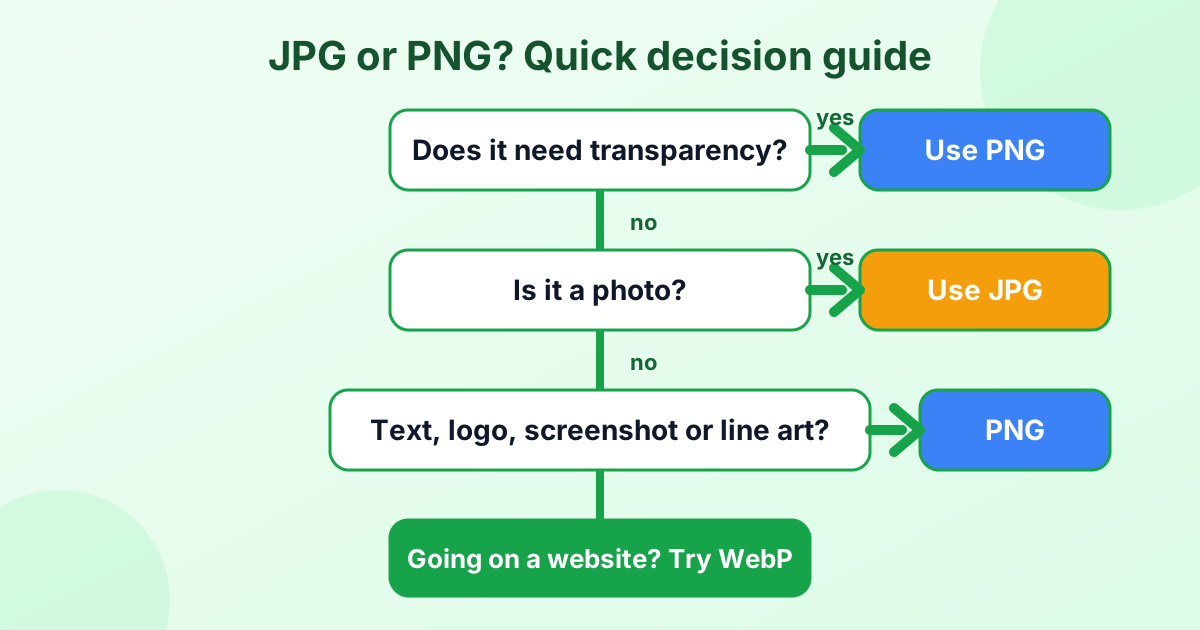
A Quick Decision Guide
What About WebP?
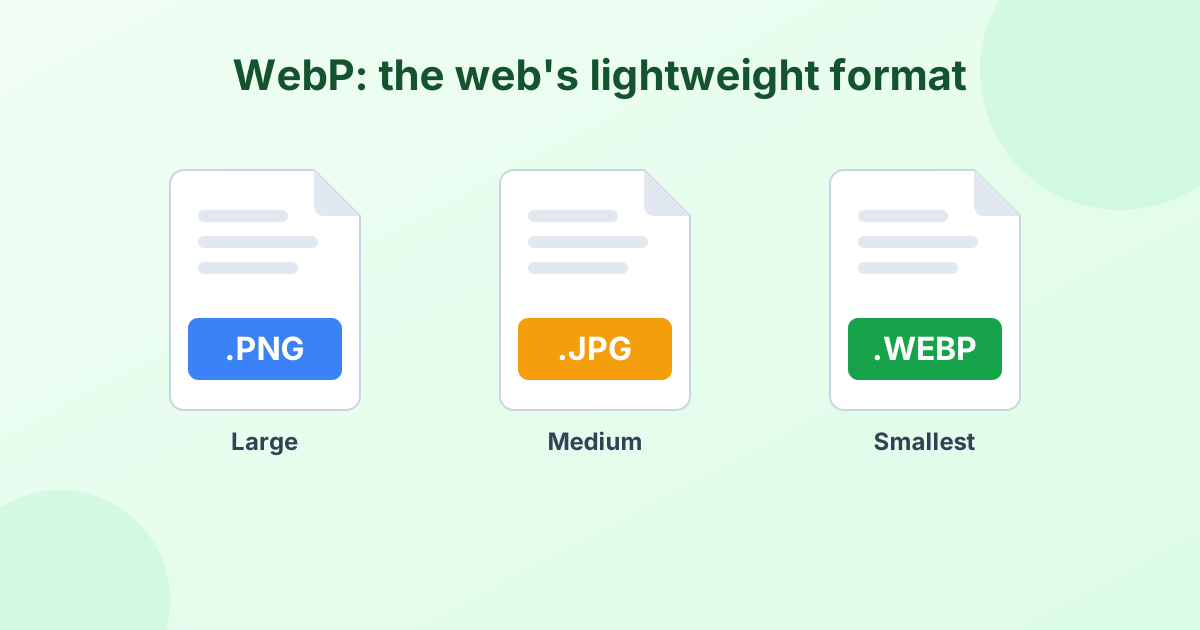
WebP is a newer format by Google. It does the job of both JPG and PNG, with smaller files. It supports lossy and lossless compression, plus transparency.
For websites, WebP is often the best pick. For printing, editing and sharing outside the browser, JPG and PNG are still safer. Read What is a WebP file? to learn more, or convert your images with our PNG to WebP converter.
Common Mistakes to Avoid
Saving photos as PNG. Your 2 MB photo becomes a 15 MB PNG with no visible benefit. Use JPG.
Saving logos as JPG. The edges get fuzzy and the background turns white. Use PNG.
Converting JPG to PNG to "improve quality". It doesn't work. Lost detail can't come back. PNG only stops further loss.
Re-saving the same JPG over and over. Each save adds artifacts. Keep a master copy in PNG if you'll edit often.
How to Convert Between JPG and PNG
You can switch formats in seconds with our free tools:
- PNG to JPG converter – shrink big PNG photos
- JPG to PNG converter – get a lossless copy for editing
- PNG compressor – make PNGs smaller without changing format
- JPEG compressor – make JPGs smaller still
All of them run in your browser, so your images are never uploaded.
Frequently Asked Questions
Is PNG or JPG better?
Neither is better overall. JPG is better for photos. PNG is better for graphics, text and transparency.
Is PNG higher quality than JPG?
PNG is lossless, so it keeps perfect quality. A high-quality JPG looks the same for photos, though, at a much smaller size.
Why are PNG files so big?
PNG stores every pixel without throwing data away. Photos have millions of slightly different colors, so PNG photos get large.
Does converting PNG to JPG reduce quality?
Slightly. At 90% quality or more, you won't see it. Transparent areas become a solid color, since JPG has no transparency.
Which is better for websites, JPG or PNG?
WebP is usually best. If you can't use WebP, use JPG for photos and PNG for logos and graphics.
What is a PNG file used for?
PNG files are used for logos, icons, screenshots, web graphics and any image that needs a transparent background.
Helpful Guides
 JPG vs JPEG: What's the Difference?Is JPG the same as JPEG? The short answer and the history behind it.
 What Is a WebP File? (And How to Open or Convert It)Why so many images save as .webp, and how to open or convert them.
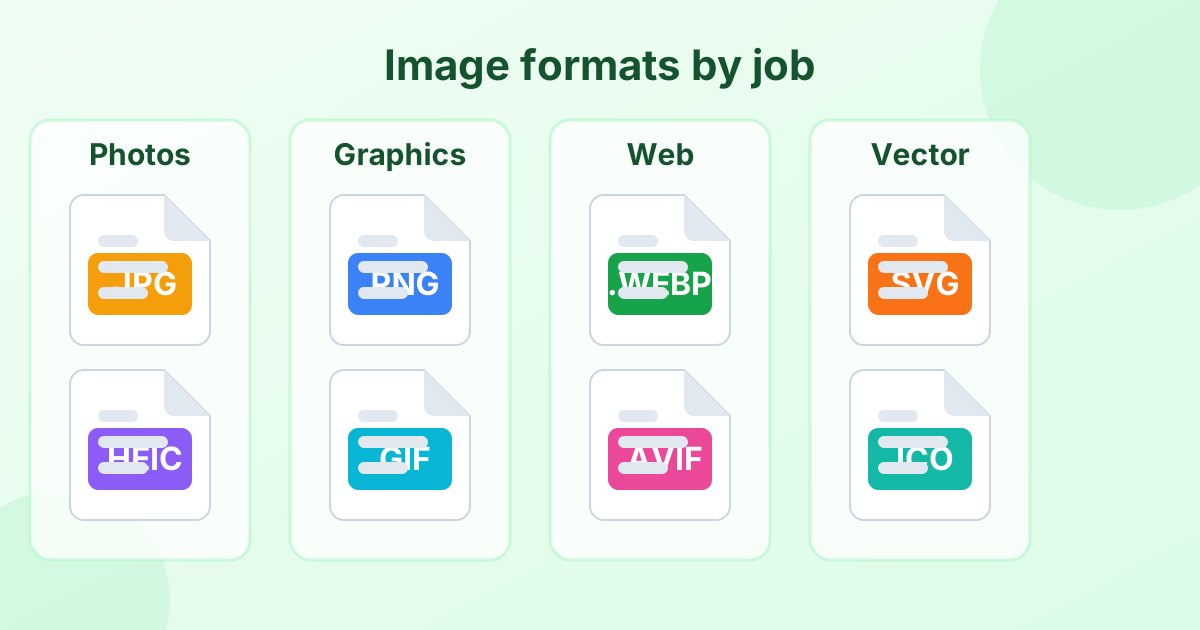 Image File Formats Explained (A Simple Guide)Every common image format in one place, and when to use each.
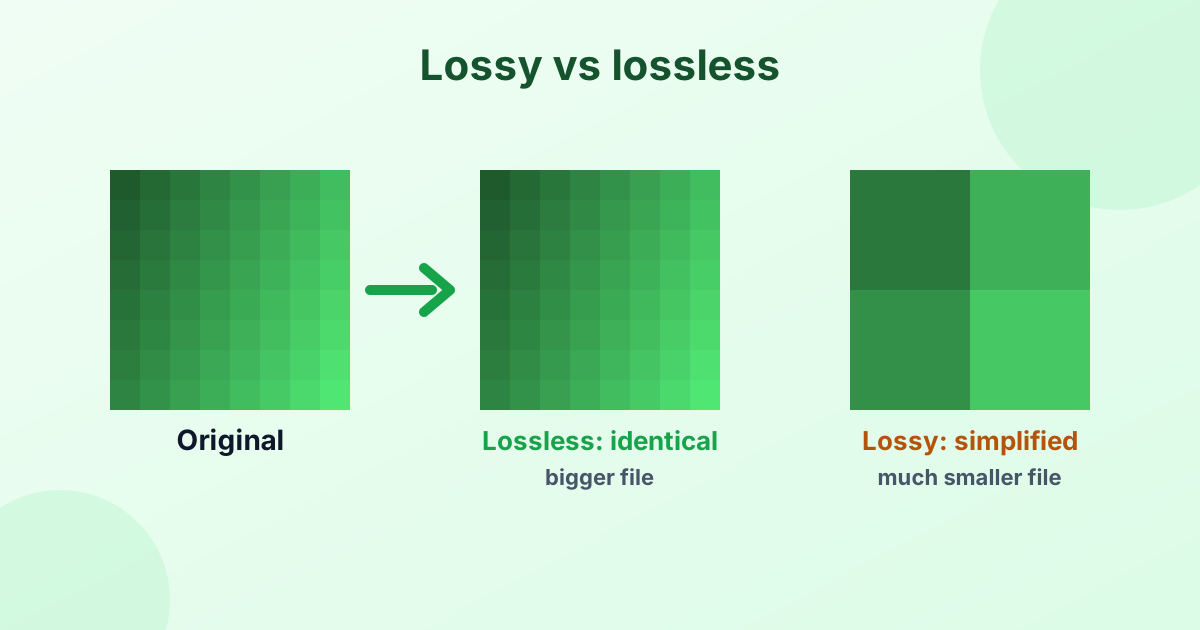 Lossy vs Lossless Compression (Explained Simply)How lossy and lossless compression work, and which to choose.