JFIF to JPG Converter
Turn .jfif files into .jpg files that every app accepts. The conversion is instant and lossless. Drop your files below.
Loading tool…
- 100% free
- Unlimited use
- No sign-up
- No payment
- Files stay on your device
- No watermark
How to Convert JFIF to JPG
- Add your JFIF files. Click "Choose JFIF Files" or drag them into the box.
- Done already. Each file becomes a JPG instantly.
- Download. Save them one by one or as a single ZIP file.
Zero Quality Loss. Here's Why.
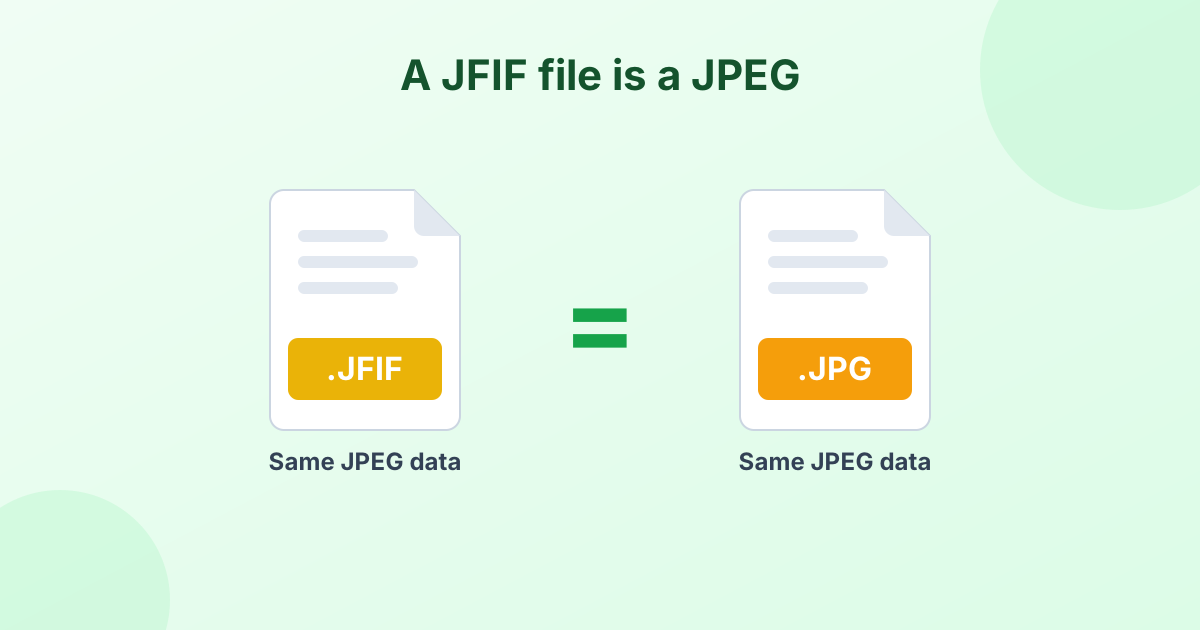
A JFIF file is already a JPEG image inside. "JFIF" stands for JPEG File Interchange Format. It's the standard wrapper most JPEG photos use. The only difference is the .jfif ending on the file name.
So our converter doesn't re-compress your image at all. It keeps the original data and saves it with a .jpg extension. The result:
- No quality loss. Not even a tiny bit.
- Same file size. Byte for byte, the image data is identical.
- Instant results. There's nothing to re-encode, so it's done in a blink.
Most other converters decode and re-save the photo. That adds a small loss every time. We skip that step.
Why Do I Have JFIF Files?
You usually get JFIF files by accident. The most common causes:
- Saving images from Chrome or Edge on Windows. A Windows registry setting makes the browser name JPEG files
.jfif. - Downloading from certain websites or messaging apps. Some servers label JPEGs as JFIF.
- Older cameras and scanners. A few devices save in this naming style.
The image is fine. The trouble is the file name. Many upload forms only accept .jpg or .jpeg, so they reject .jfif files. Converting the extension fixes that. Read more in What is a JFIF file?
JFIF vs JPG vs JPEG
| Extension | What it is | Same image data? |
|---|---|---|
.jfif | JPEG with the JFIF wrapper | Yes |
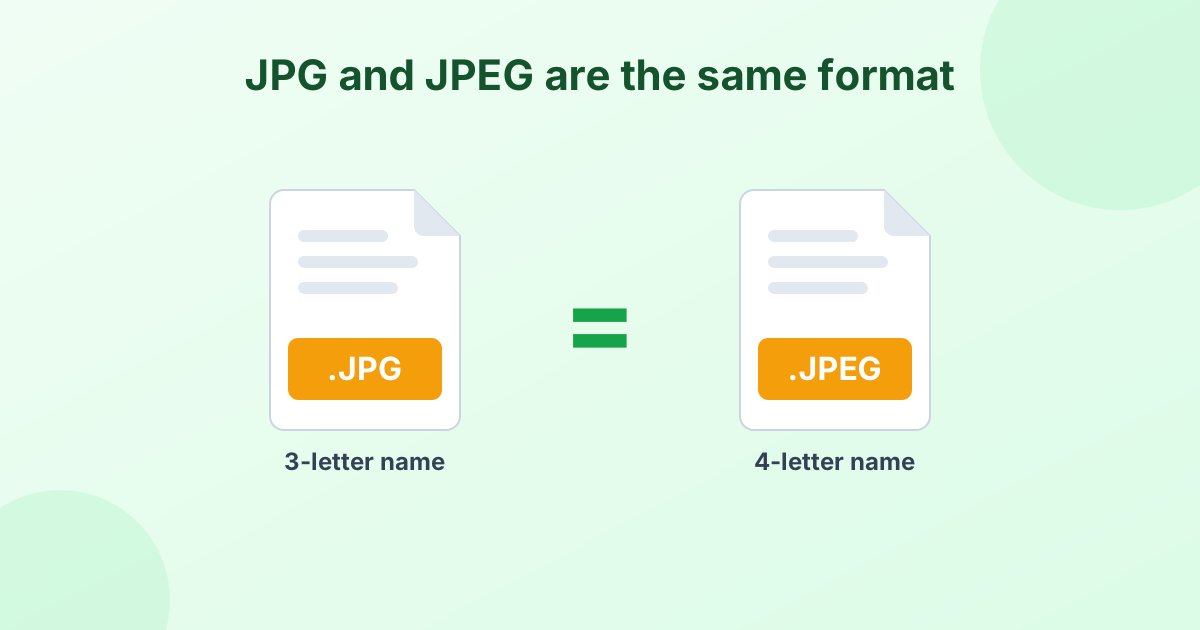
.jpg | JPEG (short 3-letter name) | Yes |
.jpeg | JPEG (full 4-letter name) | Yes |
All three are the same format. Only the label changes. See our JPG vs JPEG guide for the history behind the names.
Stop Windows Saving Images as JFIF
Want to fix the root cause? Windows stores the default extension for JPEG in the registry. Changing the value HKEY_CLASSES_ROOT\MIME\Database\Content Type\image/jpeg → Extension from .jfif to .jpg makes browsers save new images as JPG.
Editing the registry can be risky, though. If you're not comfortable with that, just use this converter whenever you need a .jpg file.
Need a PNG Instead?
If you plan to edit the image or need a format that's lossless, try our JFIF to PNG converter. Or pick "PNG" from the Convert to menu above.
Frequently Asked Questions
Is JFIF the same as JPG?
Yes. JFIF is the standard JPEG file format. The .jfif and .jpg extensions hold the same kind of image data.
Will converting JFIF to JPG reduce quality?
No. This tool keeps your original image data and only changes the extension. There's zero quality loss.
Can I just rename .jfif to .jpg?
Yes, renaming works on most computers. Our converter does the same thing safely, in bulk, and on phones where renaming is harder.
How do I convert JFIF to JPEG?
Use this tool. JPEG and JPG are the same format. Your converted file works wherever a JPEG is required.
Is this JFIF converter free?
Yes. It's free, works without sign-up, and never uploads your files.