Free Online Image Converter
Change any photo into JPG, PNG, WebP, GIF, BMP or ICO. Drop your files below, pick a format and download. It's free and private.
Loading tool…
- 100% free
- Unlimited use
- No sign-up
- No payment
- Files stay on your device
- No watermark
How to Convert an Image
- Upload your images. Drag photos into the box or click "Choose Images". Add as many as you need.
- Pick the output format. Choose JPG, PNG, WebP, GIF, BMP, ICO or SVG from the "Convert to" menu.
- Download the result. Save each file, or click "Download All (ZIP)" to grab everything at once.
Our image converter works out what your file is by itself. You don't need to tell it whether a photo is HEIC, WebP or AVIF. Just drop it in.
Every Format Converter in One Place
Need a specific conversion? These pages come preset for the job and explain the details of each format.
Which Image Format Should You Choose?
Each format has a job it does best. Use this quick guide when you aren't sure.
| Format | Best for | Transparency | File size |
|---|---|---|---|
| JPG | Photos, email, uploads, printing | No | Small |
| PNG | Logos, screenshots, graphics with text | Yes | Large |
| WebP | Websites and blogs | Yes | Very small |
| GIF | Simple animations, memes | Yes (basic) | Medium |
| ICO | Website favicons, Windows icons | Yes | Tiny |
| BMP | Old software that needs raw pixels | No | Very large |
| SVG | Logos and icons that must scale | Yes | Tiny (for simple art) |
Here's the simple rule. Pick JPG for photos. Pick PNG for anything with sharp edges, text or a see-through background. Pick WebP when the image goes on a website.
Still torn between two? Our JPG vs PNG guide breaks it down with real examples.
Input Formats We Support
You can convert from almost any image type:
- HEIC and HEIF – photos from iPhones and iPads
- JPG, JPEG and JFIF – the most common photo files
- PNG – screenshots and graphics
- WebP and AVIF – modern web images you save from websites
- SVG – vector logos and icons
- GIF – animations (the first frame gets converted)
- TIFF – scans and print files
- BMP and ICO – older Windows formats
- PSD – Photoshop files saved with "Maximize Compatibility"
Why Use This Free Image Converter?
It's private. Most converters upload your photos to their servers. Ours doesn't. Every file gets converted inside your own browser, so nobody else ever sees it.
It's fast. There's no upload and no download queue. Small files convert almost instantly.
It handles batches. Convert 1 file or 200 at the same time. Then download them all in a single ZIP.
It's free with no catch. You won't find sign-ups, daily limits or watermarks here.
Tips for Better Results
- Keep quality at 85–92% for JPG and WebP. You get a much smaller file with no visible change.
- Use PNG when you need a transparent background. JPG fills see-through areas with a solid color. You can choose that color with the "Background" picker.
- Shrink big files after converting. Use our image compressor to cut the size, or the image resizer to change the dimensions.
- Need a PDF instead? Use the image to PDF converter to put photos into one document.
Frequently Asked Questions
Is this image converter really free?
Yes. You can convert as many images as you like for free. There's no account, no limit and no watermark.
Do you store my images?
No. Your images never get uploaded. The converter runs in your browser, so your files stay on your device.
Can I convert multiple images at once?
Yes. Select or drop many files together. Each one gets converted, and you can download them all as one ZIP file.
What's the best format to convert photos to?
JPG is the best choice for most photos. It's small and opens everywhere. Use PNG if you need transparency, or WebP for websites.
Can I convert images on my phone?
Yes. The converter works in mobile browsers on iPhone and Android. Tap "Choose Images" to pick photos from your gallery.
Why is my PNG file bigger than the JPG?
PNG uses lossless compression. It keeps every pixel exactly, which makes photos much larger. For photos, JPG or WebP will give you a far smaller file.
Helpful Guides
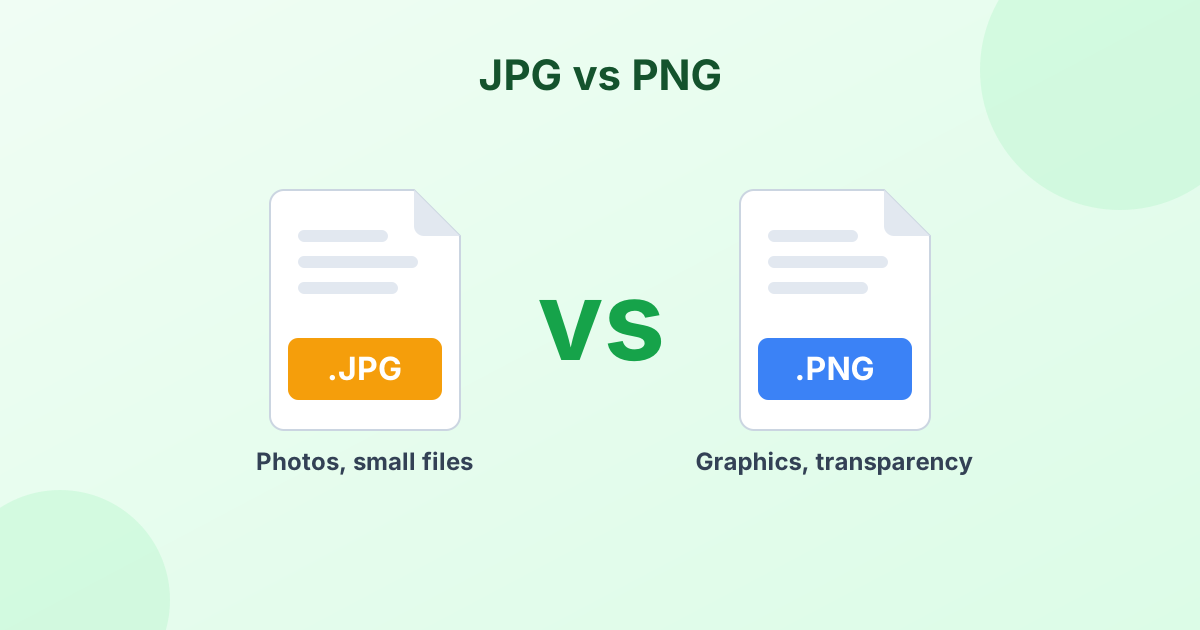 JPG vs PNG: Which Format Should You Use?The real difference between JPG and PNG, and when to pick each one.
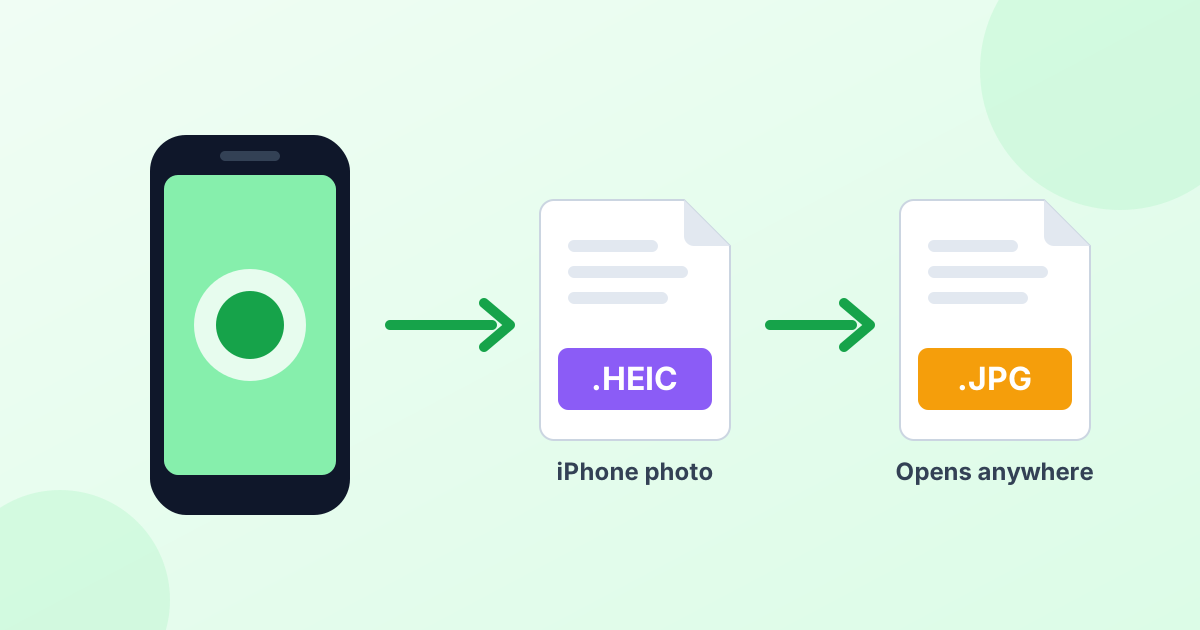 What Is a HEIC File? (And How to Open One Anywhere)Why your iPhone saves HEIC photos, and how to open them on any device.
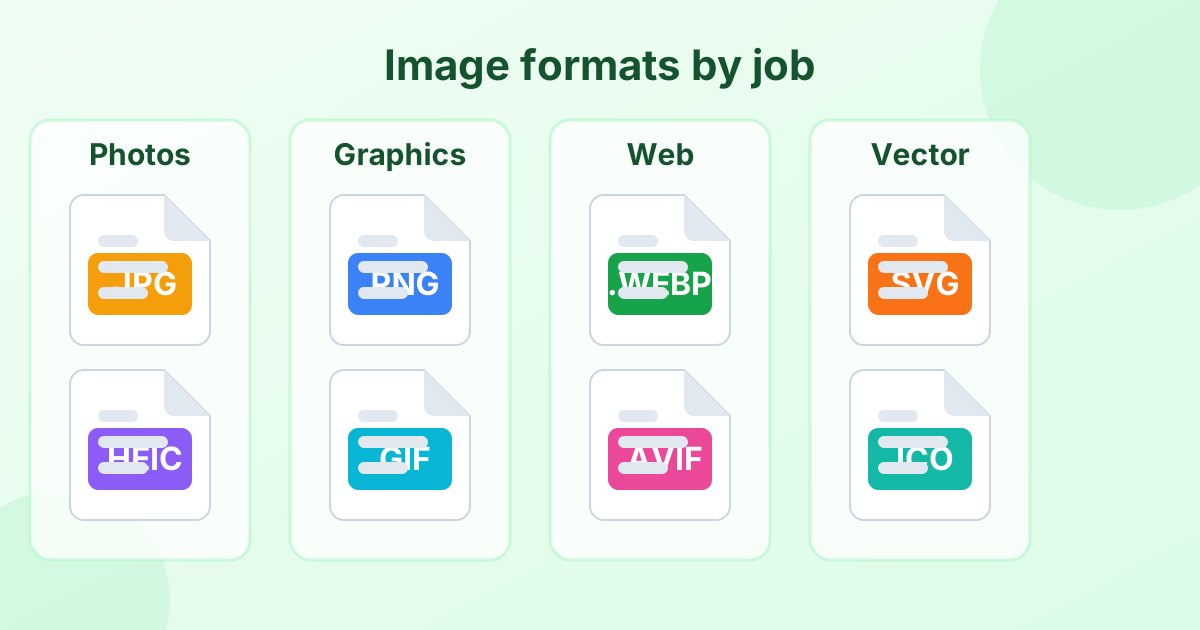 Image File Formats Explained (A Simple Guide)Every common image format in one place, and when to use each.