JPG to Word Converter (Image to DOCX)
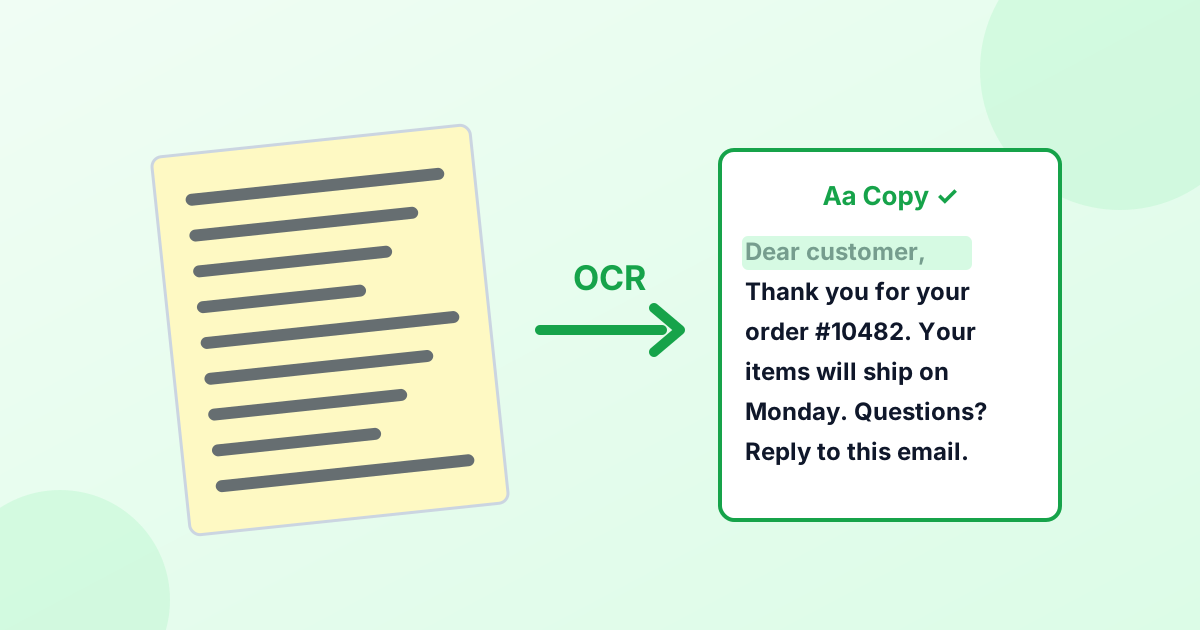
Turn a photo, screenshot or scanned page into an editable Word document. The OCR engine reads the text and saves it as a .docx file you can open in Word or Google Docs.
Loading tool…
- 100% free
- Unlimited use
- No sign-up
- No payment
- Files stay on your device
- No watermark
How to Convert an Image to Word
- Add your image. JPG, PNG, WebP or HEIC. You can also paste a screenshot with Ctrl+V.
- Choose the language of the text in the image.
- Click "Convert to Word". The text appears in a box where you can fix any mistakes.
- Click "Download Word (.docx)". Open it in Microsoft Word, Google Docs, LibreOffice or Pages.
What You Get
The tool creates a real .docx file with one paragraph per line of text. It's plain, editable text, ready for you to format, edit, translate or copy.
It doesn't recreate the original layout, like columns, tables, fonts and images. Most people want the words, not the design, and plain text is much easier to edit.
Great For
- Typing up printed documents without retyping them
- Editing old letters and forms you only have on paper
- Turning screenshots into documents for notes and reports
- Students copying text from book pages and slides
- Office work: invoices, receipts and memos you need to edit
Tips for Accurate Results
| Do this | Why |
|---|---|
| Take the photo straight on, in good light | Tilted and shadowed text is harder to read |
| Crop to just the text | Less clutter, fewer mistakes |
| Use the highest resolution you have | Small letters need enough pixels |
| Pick the correct language | Accents and special letters are recognized properly |
| Check the text box before downloading | Fix any small OCR mistakes in seconds |
Have a PDF Instead?
Turn the PDF pages into images first with our PDF to PNG converter at 300 DPI. Then convert each page here.
Image to Text or Image to Word?
Use this page when you want a Word file. If you just need to copy the text or save it as a .txt file, use our image to text converter. Both use the same engine. Curious how it works? Read What is OCR?
Private and Free
Your image stays on your device. Text recognition and the Word file are both created in your browser. There's no upload, no sign-up and no watermark.
Frequently Asked Questions
How do I convert a JPG to Word?
Add the JPG above, pick the language and click "Convert to Word". Then download the .docx file.
Can I convert a picture to an editable Word document?
Yes. The text in the picture becomes editable text in the Word file.
Does it keep the original formatting?
No. You get clean, editable text. Tables, columns and fonts aren't recreated.
Can it read handwriting?
It works best with printed text. Neat handwriting sometimes works, but results vary.
Will the .docx open in Google Docs?
Yes. Upload it to Google Drive and open it with Google Docs. It also opens in Word, LibreOffice and Pages.
Is this JPG to Word converter free?
Yes. It's free, with no limits and no upload.