What Is a WebP File? (And How to Open or Convert It)
You right-click an image to save it, and it comes out as .webp. Your editor won't open it. Here's what WebP is, why websites love it, and how to work with it.
What Is a WebP File?
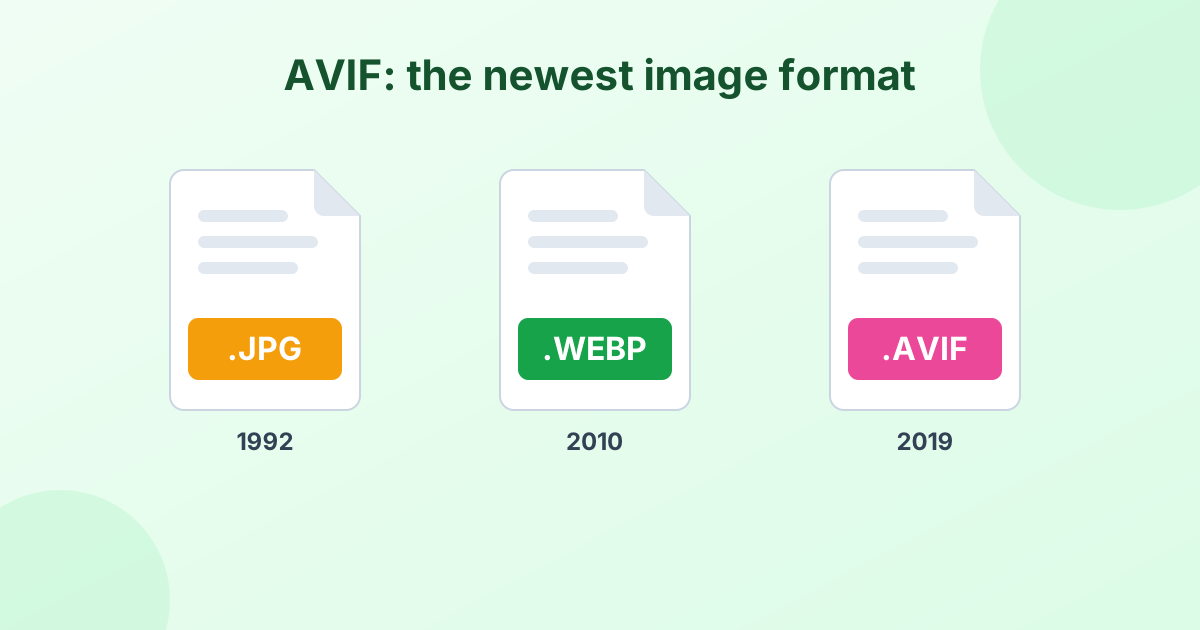
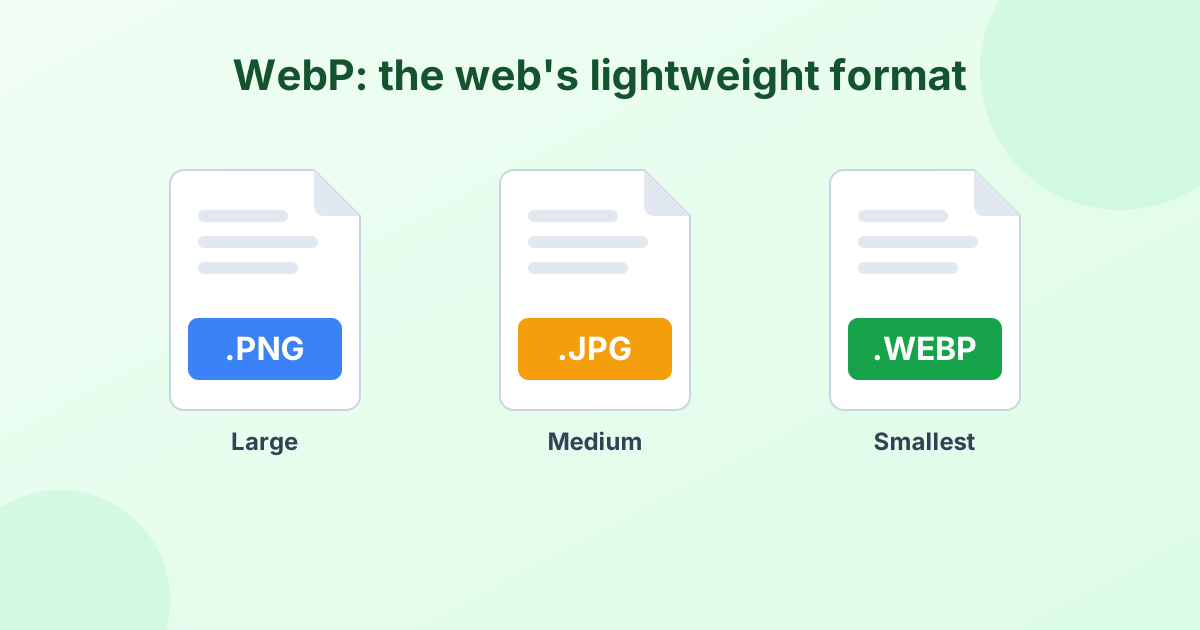
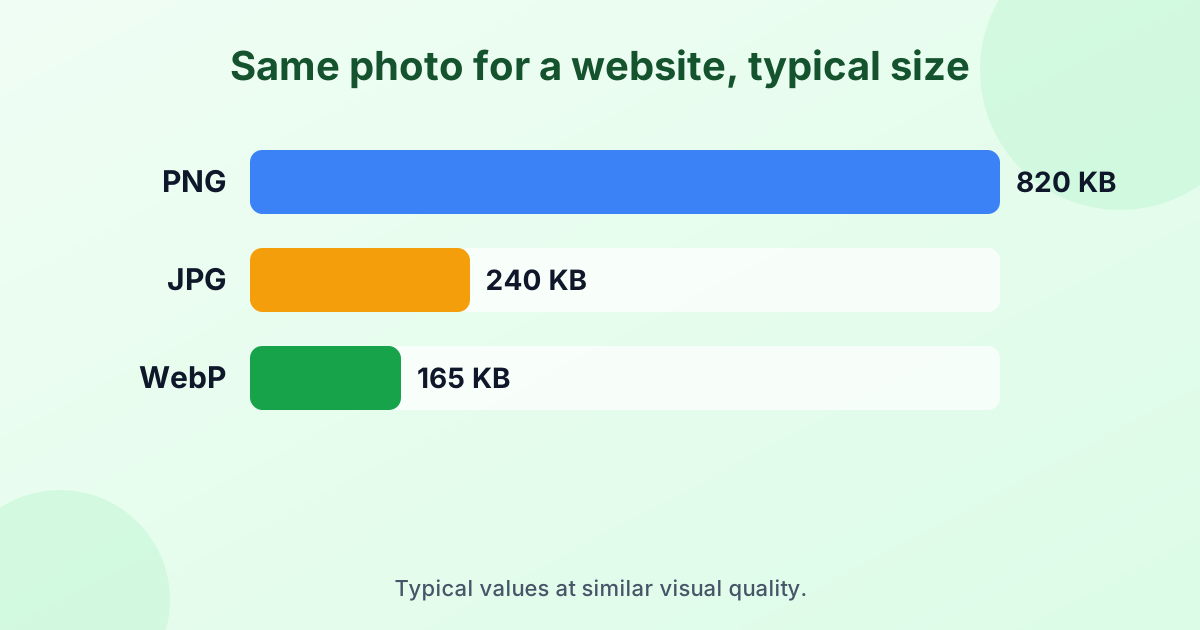
A WebP file is an image saved in Google's WebP format. Google released it in 2010 to make websites faster. WebP images look just like JPGs or PNGs, but they're much smaller.
The file extension is .webp. You'll find WebP images all over the web, on news sites, online stores, blogs and social networks.
Why Do Websites Use WebP?
Speed. Images are usually the heaviest part of a web page. Smaller images mean faster loading, less data use on phones and better search rankings.
WebP can do the job of several formats at once:
| Feature | WebP | JPG | PNG | GIF |
|---|---|---|---|---|
| Lossy compression | Yes | Yes | No | No |
| Lossless compression | Yes | No | Yes | Yes |
| Transparency | Yes | No | Yes | Basic |
| Animation | Yes | No | No | Yes |
| Typical size | Smallest | Small | Large | Large |
Why Do Images Save as WebP?
When you save an image from a website, you get the exact file the site served. If the site uses WebP, so does your download. That's why Chrome, Edge and other browsers so often save .webp files.
It's not a setting on your computer. It's the website's choice.
How to Open a WebP File
In a web browser
Every modern browser opens WebP. Drag the file into Chrome, Edge, Firefox or Safari, and it displays right away.
On Windows
Windows 10 and 11 can show WebP in the Photos app on most systems. If yours can't, install the free "WebP Image Extensions" from the Microsoft Store.
On a Mac
macOS Big Sur (11) and later open WebP in Preview. Older versions need a converter.
On phones
Android and iPhone (iOS 14+) both support WebP in their photo apps and browsers.
In editing apps
Support varies. Newer versions of Photoshop, GIMP and Canva open WebP. Older versions of Photoshop, Microsoft Office and many other apps don't. That's when converting helps most.
How to Convert WebP to JPG or PNG
The fastest fix is a free online converter:
- WebP to JPG – best for photos and uploads. Small files.
- WebP to PNG – best for logos, icons and anything with transparency.
- WebP to GIF – keeps animated WebP images moving.
Our converters work in your browser. Your images aren't uploaded anywhere.
Convert many at once
Saved a whole gallery? Drop all the WebP files into the converter together. Then click "Download All (ZIP)" to get them in one go.
Should You Use WebP on Your Website?
Yes, in most cases. WebP is supported by over 97% of browsers in use today. It can cut your image weight by a third or more. That helps page speed, Core Web Vitals and SEO.
Here's a simple workflow:
- Resize images to the size they'll actually show, using our image resizer.
- Convert them with our PNG to WebP converter at 80–85% quality.
- Keep the original JPG or PNG files as backups.
Is WebP Better Than PNG and JPG?
For the web, usually yes. WebP gives smaller files at the same visual quality.
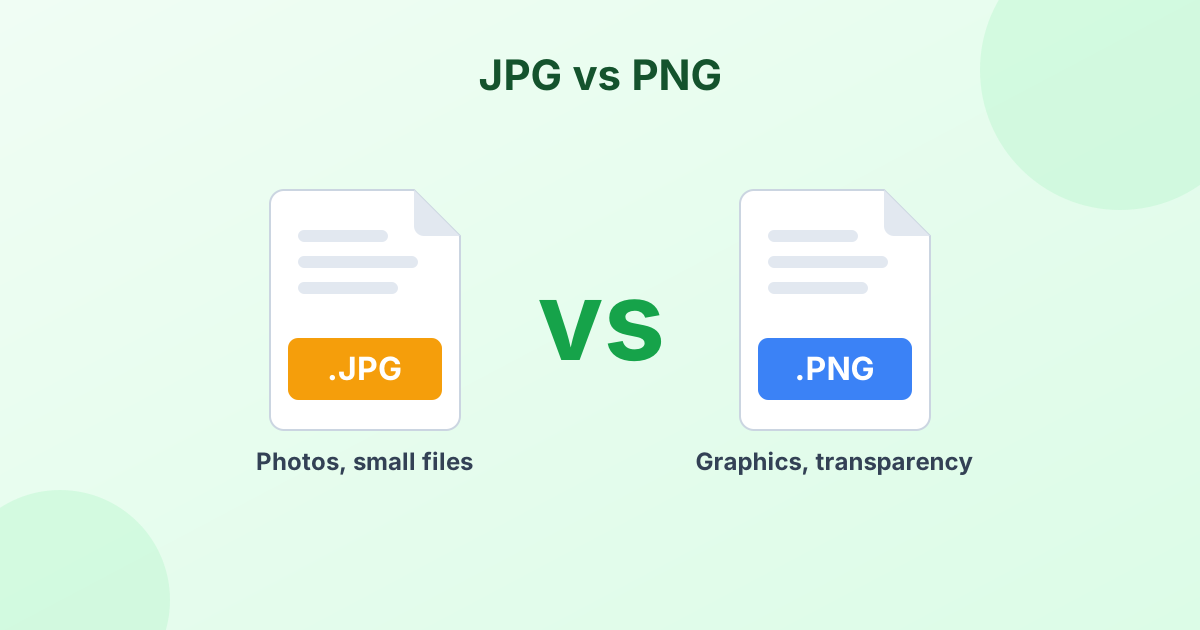
Outside the web, not always. Some print shops, older apps and upload forms still don't accept WebP. For those, JPG and PNG remain the safe choice. Our JPG vs PNG guide helps you choose between them.
There's also an even newer format, AVIF, which can be smaller still. Learn about it in What is an AVIF file?
Frequently Asked Questions
What is a WebP file?
A WebP file is an image in Google's WebP format. It's designed to be smaller than JPG and PNG while looking the same.
How do I open a WebP file?
Open it in any modern web browser. On Windows and Mac, the built-in photo viewers support it on recent versions. Or convert it to JPG or PNG.
Why do my downloaded images save as WebP?
The website you saved from serves its images as WebP. Your browser saves the same file the site uses.
Is WebP lossless?
It can be. WebP supports both lossy and lossless compression. Most websites use lossy WebP for photos.
Can Photoshop open WebP files?
Photoshop 23.2 (2022) and newer open WebP natively. Older versions need a plugin, or you can convert the file to PNG first.
Is WebP safe?
Yes. It's a standard image format, just like JPG and PNG.