PNG to WebP Converter
Shrink PNG and JPG images by converting them to WebP. Transparency stays, file size drops. Perfect for faster websites.
Loading tool…
- 100% free
- Unlimited use
- No sign-up
- No payment
- Files stay on your device
- No watermark
How to Convert PNG to WebP
- Add your PNG or JPG images. Drag them into the box or click the button.
- Pick the quality. 80–90% is the sweet spot for websites. Use 100% for near-lossless results.
- Download your WebP files. One by one or in a ZIP.
Why Convert Images to WebP?
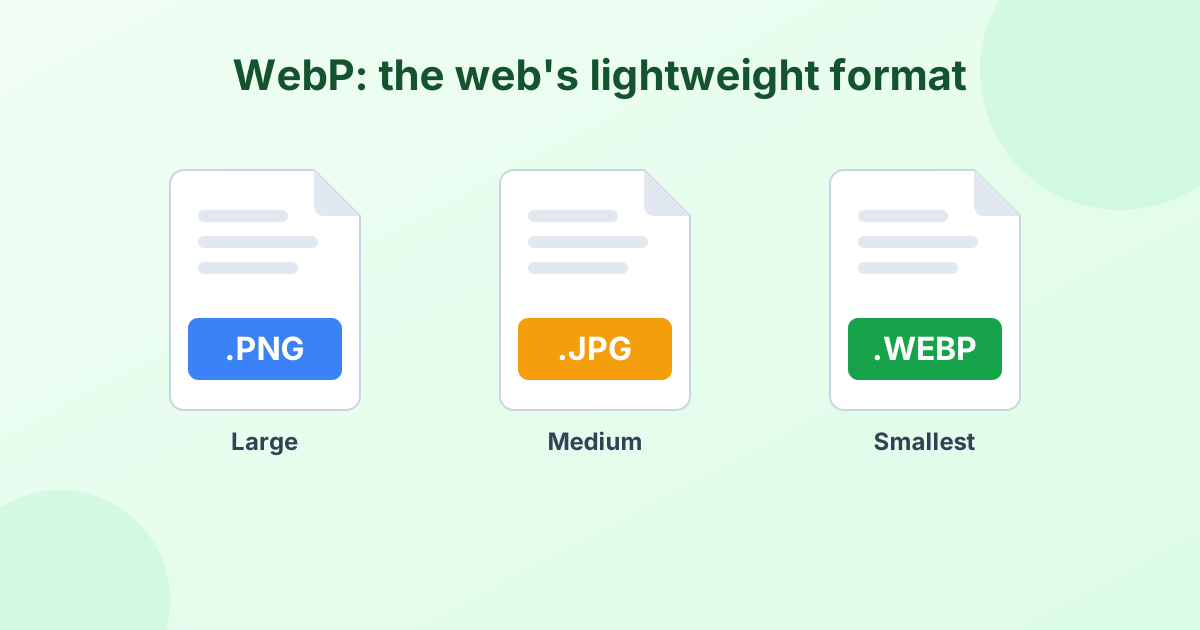
WebP is Google's modern image format. It makes images much lighter without making them look worse. That matters for anyone who runs a website, blog or online store.
- Faster pages. Smaller images load quicker, especially on phones.
- Better SEO. Google uses page speed and Core Web Vitals as ranking signals.
- Lower hosting costs. Less data to store and serve.
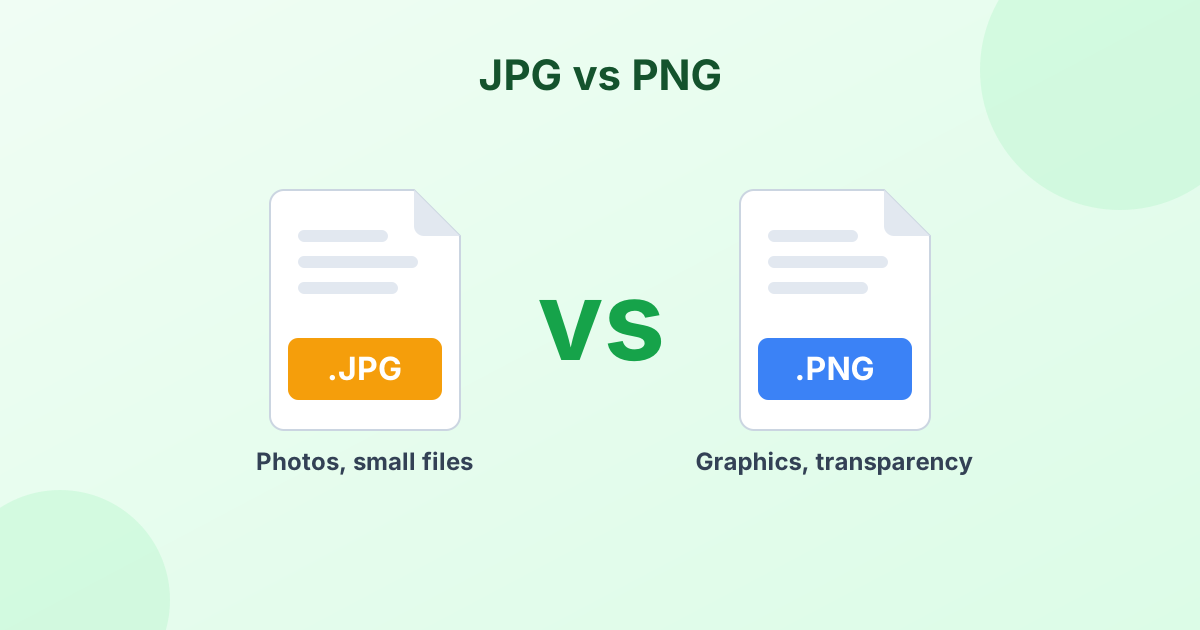
- Transparency included. Unlike JPG, WebP keeps clear backgrounds.
How Much Smaller Is WebP?
Results depend on the image, but here are typical savings:
| Original | Converted to WebP (85%) | Typical saving |
|---|---|---|
| PNG photo | WebP | 70–90% smaller |
| PNG logo with transparency | WebP | 40–70% smaller |
| JPG photo | WebP | 25–35% smaller |
Try it with your own files. The tool shows the old and new size next to every image.
Is WebP Supported Everywhere?
On the web, yes. All modern browsers support WebP. That includes Chrome, Safari, Firefox, Edge and Opera, on both desktop and mobile. More than 97% of internet users can see WebP images.
Outside the browser, support is still growing. Some older desktop apps can't open WebP. So use WebP for your website, and keep a PNG or JPG copy for print or editing. Learn more in What is a WebP file?
Tips for WebP on Your Website
- Resize first. Don't upload a 4000 px wide image for a 800 px slot. Use our image resizer before converting.
- Use 80–85% quality for photos. You'll rarely see a difference from the original.
- Use 100% for logos and graphics with sharp edges or text.
- Keep your originals. Store the PNG or JPG master files in case you need them later.
Private Conversion in Your Browser
Your images are never uploaded. The PNG to WebP conversion happens right on your device. That makes it fast, secure and free of limits.
Frequently Asked Questions
How do I convert PNG to WebP?
Drop your PNG files into the converter above. They change to WebP automatically. Click Download or Download All (ZIP).
Can I convert JPG to WebP too?
Yes. The tool accepts JPG, JPEG, PNG and most other image types. They all convert to WebP.
Does PNG to WebP keep transparency?
Yes. WebP supports transparent backgrounds, so clear areas stay clear.
Is WebP better than PNG?
For websites, usually yes. WebP files are much smaller at the same visual quality. For editing or printing, PNG is still the safer choice.
Why is every PNG I download a WebP?
Many websites now serve WebP to save bandwidth. When you save an image, you get their WebP version. Use our WebP to PNG converter to switch it back.