WebP to PNG Converter
Turn WebP images into PNG files that open in any app. Transparency stays intact. Drop your files below to start.
Loading tool…
- 100% free
- Unlimited use
- No sign-up
- No payment
- Files stay on your device
- No watermark
How to Convert WebP to PNG
- Add your WebP images. Drag them into the box or click "Choose WEBP Files". Bulk uploads work too.
- Wait a moment. The tool converts each WebP to PNG on its own.
- Download your PNG files. Save them one by one or all at once in a ZIP.
Why Convert WebP to PNG?
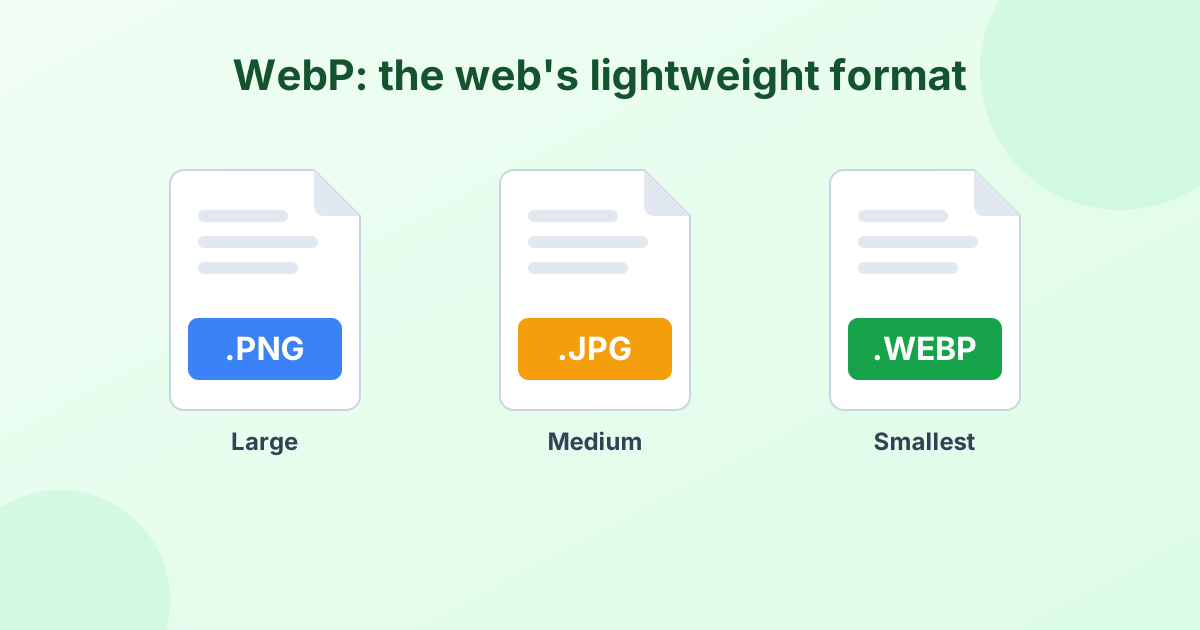
WebP is Google's image format for the web. Websites love it because the files are tiny. But when you save a WebP image to your computer, trouble starts.
You might find that:
- Your photo viewer or editor won't open it
- A website or form rejects the upload
- Older versions of Photoshop, Word or PowerPoint show an error
- You can't print it from your usual app
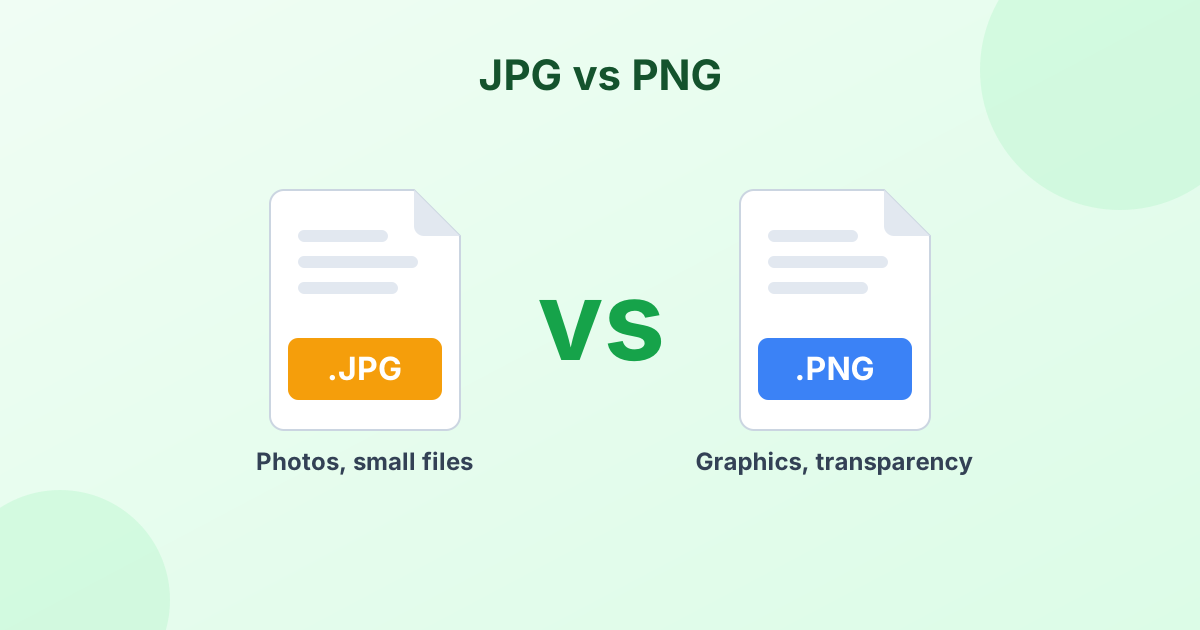
PNG fixes all of that. It's supported by every program, every operating system and every browser. And unlike JPG, PNG keeps transparent backgrounds. So logos, stickers and icons still look right after the conversion.
WebP vs PNG at a Glance
| WebP | PNG | |
|---|---|---|
| Made by | Google (2010) | PNG Group (1996) |
| Compression | Lossy or lossless | Lossless only |
| Transparency | Yes | Yes |
| Animation | Yes | No (APNG aside) |
| File size | Small | Larger |
| Works in old software | Often not | Yes |
Want more detail? Read our full guide: What is a WebP file?
Does WebP to PNG Lose Quality?
No. PNG is lossless, so the conversion adds no extra loss at all. Your PNG will look exactly like the WebP image. Same colors, same sharpness, same size in pixels.
Your file will likely get bigger, though. That's normal. PNG saves every pixel without throwing data away. If size matters, try converting WebP to JPG instead, or squeeze the PNG with our PNG compressor.
Bulk Convert WebP to PNG
Got a folder full of WebP files? Select them all at once. The converter handles each file in turn. When they're done, click Download All (ZIP) to save everything in a single file. There's no cap on file count.
Private by Design
Your images never leave your device. The whole WebP to PNG conversion happens inside your browser. We don't upload, store or look at your files. That makes this tool safe for client work, personal photos and private documents.
How to Save a WebP Image as PNG in Chrome
Chrome often saves pictures from websites as WebP. Here's the fastest way around it:
- Right-click the image and choose Save image as.
- Save the WebP file to your computer.
- Drop that file into the converter above.
- Download your new PNG.
Frequently Asked Questions
Is this WebP to PNG converter free?
Yes, completely. Convert as many WebP files as you want. No sign-up, no limits and no watermarks.
Will my transparent background stay transparent?
Yes. PNG supports transparency, so see-through areas in your WebP image stay see-through in the PNG.
Can I convert animated WebP to PNG?
The tool saves the first frame of an animated WebP as a PNG. To keep the animation, use our WebP to GIF converter.
Why is the PNG larger than the WebP file?
WebP compresses images more tightly. PNG keeps every pixel without loss, so the file grows. The image quality stays the same.
Do I need to install anything?
No. The converter runs in your web browser on Windows, Mac, Linux, iPhone and Android.